
Jan
Open-source desktop app to run LLMs locally — private, offline, and customizable
| What is it | Open-source desktop app to run LLMs locally — private, offline, and customizable |
|---|---|
| Pricing | Paid |
| Platform | Desktop Application |
| API | Yes |
| Best for | Chatting with AI models without internet or cloud dependency, Running large language models on personal hardware for sensitive data tasks |
| Domain registered | 2017 |
Data updated Sept. 19, 2026
What does Jan do?
Jan is a free, open-source desktop application that lets you run large language models directly on your own computer. Think of it as a private ChatGPT replacement — no cloud servers, no data leaving your machine, and no subscription fees. You download the app, pick a model from their built-in catalog or HuggingFace, and start chatting immediately. Everything runs offline, so you can use it on a plane, in a basement, or anywhere without an internet connection.
Getting started is straightforward. After installing Jan (available for Mac, Windows, and Linux), you browse available models right inside the app — from tiny 1B parameter models that run on laptops to larger ones that need more horsepower. Jan supports multiple inference engines like llama.cpp and MLX, and you can connect to remote providers like Nebius or HuggingFace if you want extra flexibility. The interface is clean and minimal, designed to feel more like a friendly chat app than a developer tool. Recent versions also include web search and MCP (Model Context Protocol) support, letting the AI fetch real-time information when needed.
Jan is ideal for privacy-conscious users, developers who want to experiment with open-source models without API costs, and anyone who wants a reliable AI assistant that works offline. It's also a great choice for teams that need to keep sensitive data on-premises. With over 4 million downloads and 43,000+ GitHub stars, Jan has become a go-to tool for local AI — simple enough for non-technical users, flexible enough for power users.
Key features
What makes it stand outWho is Jan for?
Who benefits most from this toolTrust & presence
Alternatives in Chat & Assistants
 Jan
Verified
Chat & Assistants
Jan
Verified
Chat & Assistants
Open-source desktop app to run AI models locally — chat privately without API fees or internet
 LLMChat
Verified
Chat & Assistants
LLMChat
Verified
Chat & Assistants
Open-source, privacy-focused desktop app for AI chat, research, and agentic workflows using your own API keys.
 LumiChats Offline(free)
Verified
Chat & Assistants
LumiChats Offline(free)
Verified
Chat & Assistants
Free, offline AI chatbot that runs locally on your computer — no internet or account required.
 Private LLM
Chat & Assistants
Private LLM
Chat & Assistants
Offline AI chatbot for Apple devices — runs locally on iPhone, iPad, and Mac with no internet or subscriptions required
 PyGPT
Verified
Chat & Assistants
PyGPT
Verified
Chat & Assistants
Open-source desktop AI assistant — chat, analyze files, generate images/video, and automate tasks using multiple AI models.
 msgmate.io
Verified
Chat & Assistants
msgmate.io
Verified
Chat & Assistants
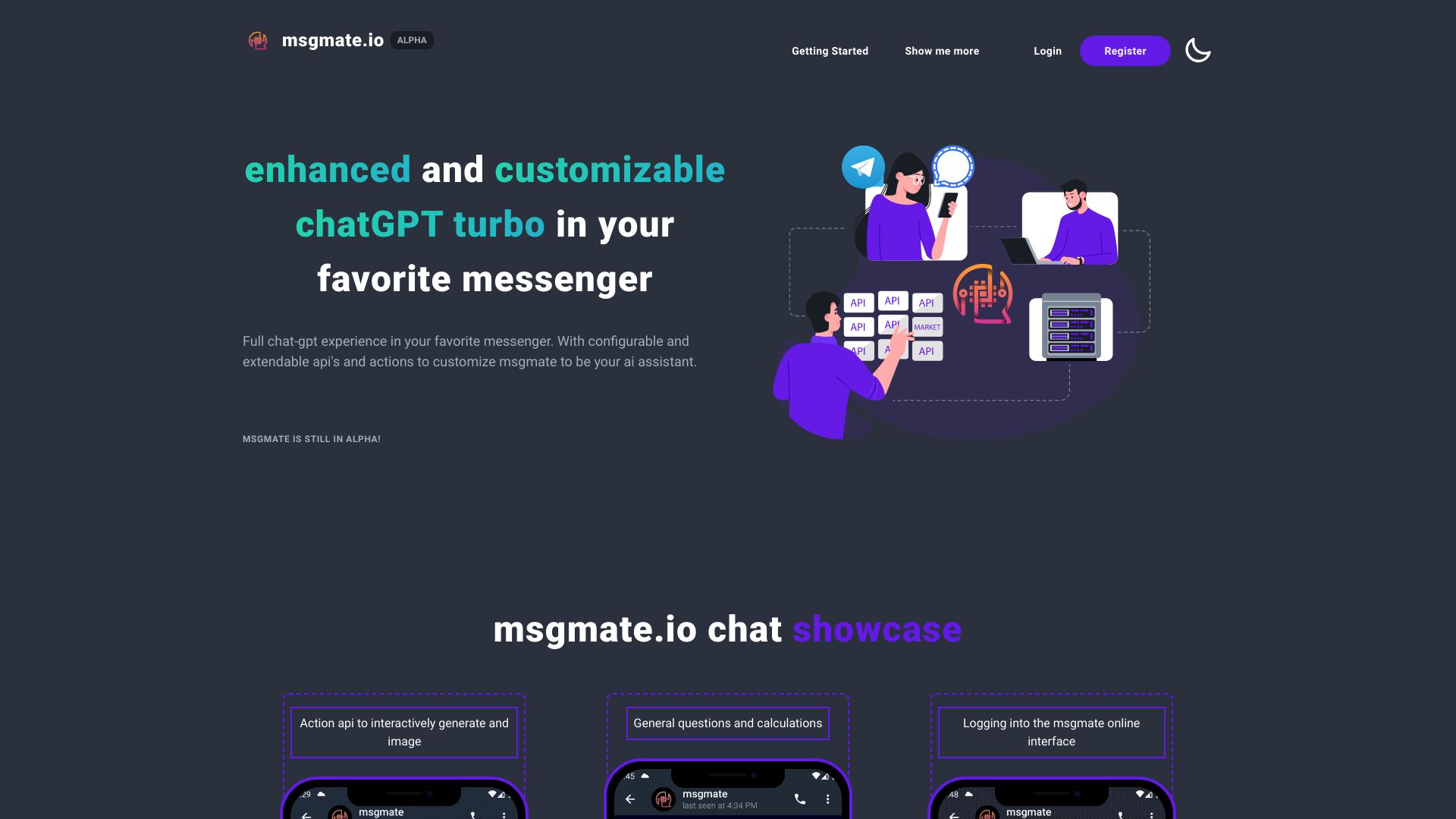
AI chat platform that lets you interact with multiple AI models through a single unified interface
 LlamaChat
Verified
Chat & Assistants
LlamaChat
Verified
Chat & Assistants
Mac app for chatting with open-source LLaMA, Alpaca, and GPT4All models locally — no cloud required.
 Grengin
Verified
Chat & Assistants
Grengin
Verified
Chat & Assistants
Self-hosted AI workspace for teams — deploy in your cloud, bring your own API keys, govern usage and costs.
Similar tools
 LM Studio
Verified
Chatbot
LM Studio
Verified
Chatbot
🤖 • Run LLMs on your laptop, entirely offline 📚 • Chat with your local documents 👾 • Use models through the in-app Chat UI or an OpenAI compatible local server
 Sanctum AI
Verified
Models
Sanctum AI
Verified
Models
Run powerful AI models locally on your computer — your data stays private and never leaves your device.
 LocalBot AI
Verified
Customer Service
LocalBot AI
Verified
Customer Service
AI front desk that answers calls, texts, and DMs, then books appointments and follows up automatically — 24/7 in multiple languages.
 AnythingLLM
Verified
AI Workspace
AnythingLLM
Verified
AI Workspace
Desktop AI workspace — chat with your documents, use AI agents, and run models locally with full privacy.
 Ava PLS
Verified
LLM
Ava PLS
Verified
LLM
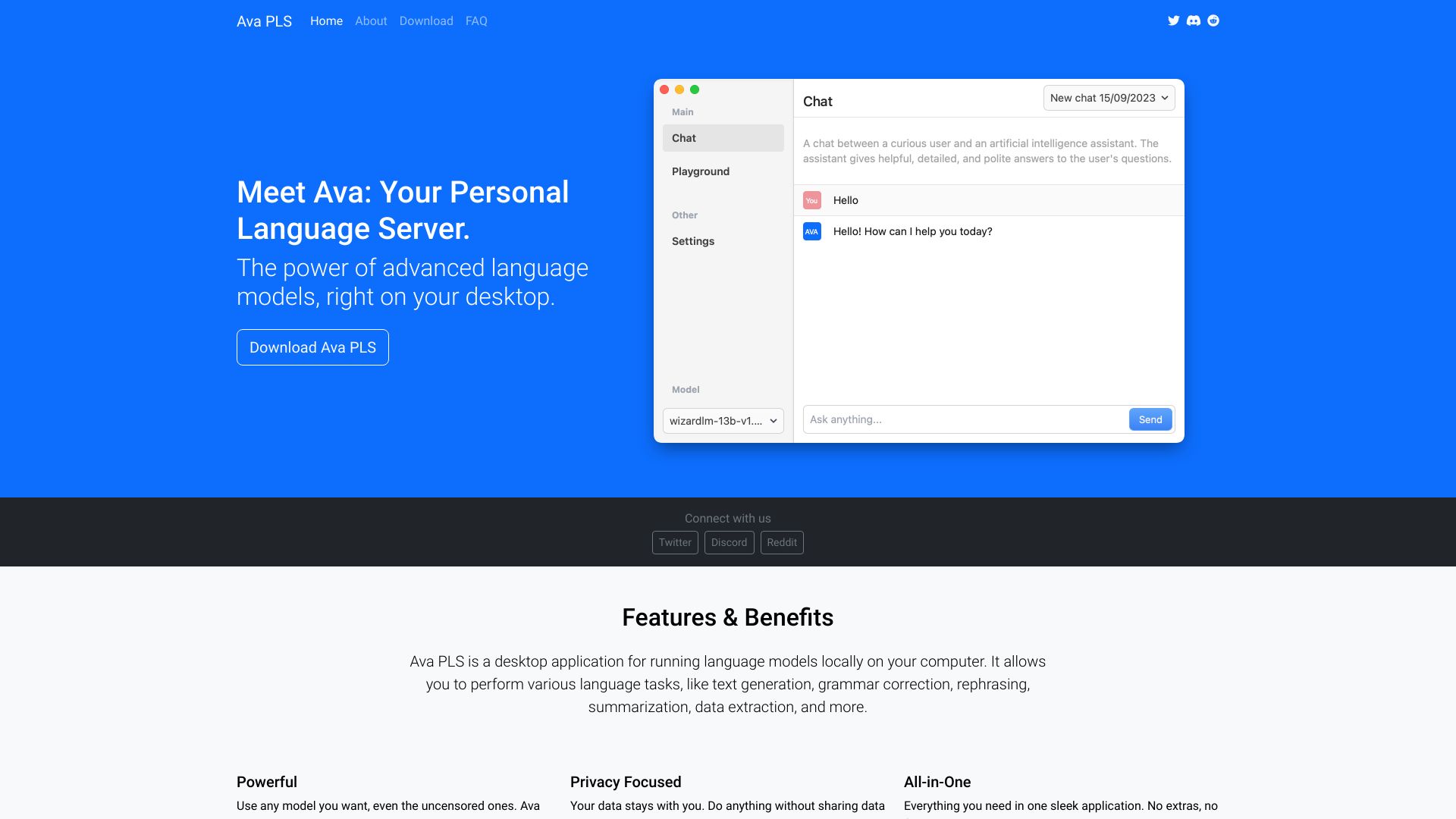
Open-source desktop app to run AI language models locally on your computer.
 Atomic Chat
Verified
AI Agent
Atomic Chat
Verified
AI Agent
Free, private, offline AI chat app for Mac, Windows, iPhone, and Android — run 1000+ models locally