RealEye
Webcam-based eye tracking lets you dictate text and speak using only your eyes – free, no hardware needed.
| What is it | Webcam-based eye tracking lets you dictate text and speak using only your eyes – free, no hardware needed. |
|---|---|
| Pricing | Freemium — from $25/mo |
| Free tier | Yes |
| Platform | Web Application |
| Best for | dictating text without using hands or voice, communicating via eye gaze when unable to speak or type |
| Domain registered | 2017 |
Data updated Sept. 19, 2026
What does RealEye do?
RealEye (the tool behind the Re:Connect product) is a free web-based eye-tracking dictation tool that turns any laptop webcam into a hands-free text entry and voice output system. You don't need any special hardware — just a computer with a camera and a modern browser. Look at letters on an on-screen keyboard, and RealEye types them for you. It can also speak the text aloud using an AI voice, making it a full communication aid for people who cannot use their hands or speak. The whole thing runs locally in your browser, so your video never leaves your device. Setup takes about 30 seconds: you calibrate by following a dot on screen, and then you're ready to dictate. RealEye supports over 10 languages, offers adjustable typing speed, smart autocorrection, and lets you customize colors and layouts. The core technology comes from eight years of research-grade webcam eye tracking used in studies at Stanford, MIT, Harvard, and other institutions. For now, the tool is completely free and unlimited while the team gathers feedback. A premium tier with additional features is planned for $25 per month. RealEye is built for anyone who needs an alternative to keyboard and mouse — people with ALS, spinal cord injuries, RSI, or other conditions that limit movement. It also works for temporary situations like a broken arm. Because everything runs in the browser on your own machine, privacy is a strong selling point: no data is sent to servers, and you can even use basic functions offline after the initial model download.
Key features
What makes it stand outWho is RealEye for?
Who benefits most from this toolPricing
Free tier available — start without a credit cardPremium
Trust & presence
Gallery
Click any image to enlargeAlternatives in Productivity Tools
 dictate.
Verified
Productivity Tools
dictate.
Verified
Productivity Tools
Speech-to-text keyboard for iPhone and dictation tool for Mac — turns your voice into clean, formatted text in any app.
 AirTouch
Verified
Productivity Tools
AirTouch
Verified
Productivity Tools
Control your Mac with hand gestures using the webcam you already have – no extra hardware required.
 TalkToText
Verified
Productivity Tools
TalkToText
Verified
Productivity Tools
Voice-to-text tool that types for you in any app — speak to write emails, documents, and messages 10x faster.
 SpeakoFlow
Verified
Productivity Tools
SpeakoFlow
Verified
Productivity Tools
Free, open-source voice-to-text dictation tool for Windows, Mac, and Linux — speak into any app at over 150 words per minute.
 Ultra-Attention
Verified
Productivity Tools
Ultra-Attention
Verified
Productivity Tools
AI-powered desktop app that uses your webcam to detect distraction and fatigue, then helps you refocus with training exercises.
 Flunkey
Verified
Productivity Tools
Flunkey
Verified
Productivity Tools
Voice-first productivity layer for Windows — turn spoken ideas into text, actions, and remembered context locally
 Willow Voice
Verified
Productivity Tools
Willow Voice
Verified
Productivity Tools
AI voice dictation tool — speak into any app on your Mac, Windows, or iPhone to type 5x faster.
 AimChat
Productivity Tools
AimChat
Productivity Tools
AI-powered goal setting and task management app that breaks big ambitions into achievable milestones
Similar tools
 realeye.io
Verified
Ux Research
realeye.io
Verified
Ux Research
Webcam-based eye-tracking platform for remote user research — test visual attention on images, videos, and websites
 EyeGestures
Verified
Developer Tools
EyeGestures
Verified
Developer Tools
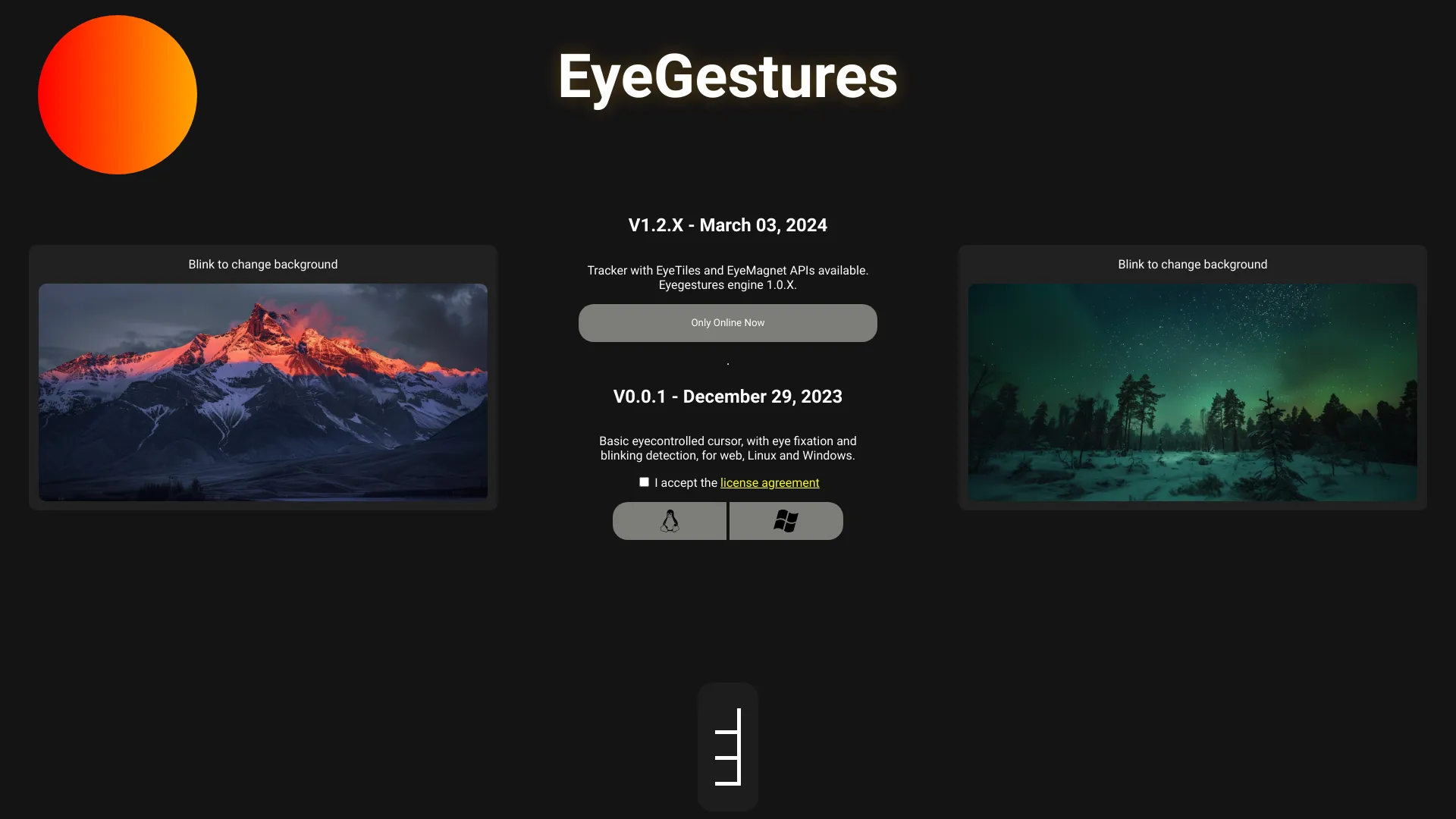
Open-source gaze tracking library that uses your webcam to detect eye movements and gestures — no special hardware required.
 Revi
Verified
Transcription
Revi
Verified
Transcription
On-device voice dictation for Mac, Windows & Linux — no cloud, no subscription, just €7.99
 WriteVoice
Verified
Writing Assistants
WriteVoice
Verified
Writing Assistants
AI keyboard that turns your spoken thoughts into perfectly formatted text for emails, messages, and notes.
 Whisperstream
Verified
Transcription
Whisperstream
Verified
Transcription
Private dictation for Windows — push-to-talk, fully local, no cloud, no subscription