
TalkToType
Desktop app that lets you dictate into any app and record meetings without a bot — text lands where your cursor is
| What is it | Desktop app that lets you dictate into any app and record meetings without a bot — text lands where your cursor is |
|---|---|
| Pricing | Freemium — from €9.95/mo |
| Free tier | Yes |
| Platform | Desktop Application |
| Best for | dictating emails and documents hands-free, recording and summarizing client calls without a bot |
| Domain registered | 2024 |
Data updated Sept. 19, 2026
What does TalkToType do?
TalkToType is a Windows and Mac desktop app that turns your voice into text in real time, no matter what you're typing into. Hold a key, speak, release — the words appear at your cursor in Slack, Outlook, ChatGPT, Google Docs, or even the browser search bar. It also records meetings by capturing both your microphone and system audio, so both sides of a Teams or Zoom call are captured without an awkward "bot has joined" notification. The app lives in your menu bar or system tray, always a hotkey away.
The standout trick is that TalkToType doesn't just transcribe — it offers live AI checklists for structured conversations like sales calls or interviews. You set the questions beforehand, and the AI ticks them off as they come up during the call. You can also switch between eleven languages with a single hotkey, and add a personal dictionary for tricky jargon or names. For recordings that need perfect accuracy, you can run an "upgrade" pass using Google's Gemini Pro model, which adds speaker labels and timestamps. The app also handles uploaded audio files — drag in old meeting WAVs or interview MP3s and get the same transcript and summary.
The core speech-to-text processing runs on Groq's infrastructure, which means it's fast and accurate enough for real-time use. The 14-day free trial requires no credit card, and after that you pay for continued access. This tool is built for anyone whose job revolves around talking: vibe coders dictating prompts to AI assistants, recruiters running structured interviews, salespeople capturing discovery calls, and managers who want action items delivered to their inbox automatically after a meeting. It's a practical, no-nonsense replacement for typing when your thoughts move faster than your fingers.
Key features
What makes it stand outWho is TalkToType for?
Who benefits most from this toolPricing
Free tier available — start without a credit cardFree
- Inline Dictation — 5 min/day
Starter
- Unlimited inline dictation
- Record & transcribe meetings
- Upload audio files
- Live checklist during meetings
- AI summary
Pro
Everything in Starter, plus:
- Email summary delivery
- Premium transcript upgrade (1200 min/mo)
- Premium AI summary
License
Everything in Pro, plus:
- Use your own Groq / OpenAI / Google account
- Lifetime, no subscription
Trust & presence
Gallery
Click any image to enlargeAlternatives in Meeting Assistant
 Dicte.ai
Verified
Meeting Assistant
Dicte.ai
Verified
Meeting Assistant
AI meeting assistant — record, transcribe, and generate minutes, SWOT analysis, and reports from conversations.
 Audiogest.app
Verified
Meeting Assistant
Audiogest.app
Verified
Meeting Assistant
AI meeting and interview tool — upload audio/video, get transcripts, summaries, and custom reports in minutes.
 MBox AI meet
Verified
Meeting Assistant
MBox AI meet
Verified
Meeting Assistant
Chrome extension for Google Meet — real-time transcription and AI-generated meeting summaries sent to your email
 SpeakHints
Verified
Meeting Assistant
SpeakHints
Verified
Meeting Assistant
AI speech assistant that listens to your conversations and shows private, real-time suggestions for what to say next.
 MeetingBrief
Verified
Meeting Assistant
MeetingBrief
Verified
Meeting Assistant
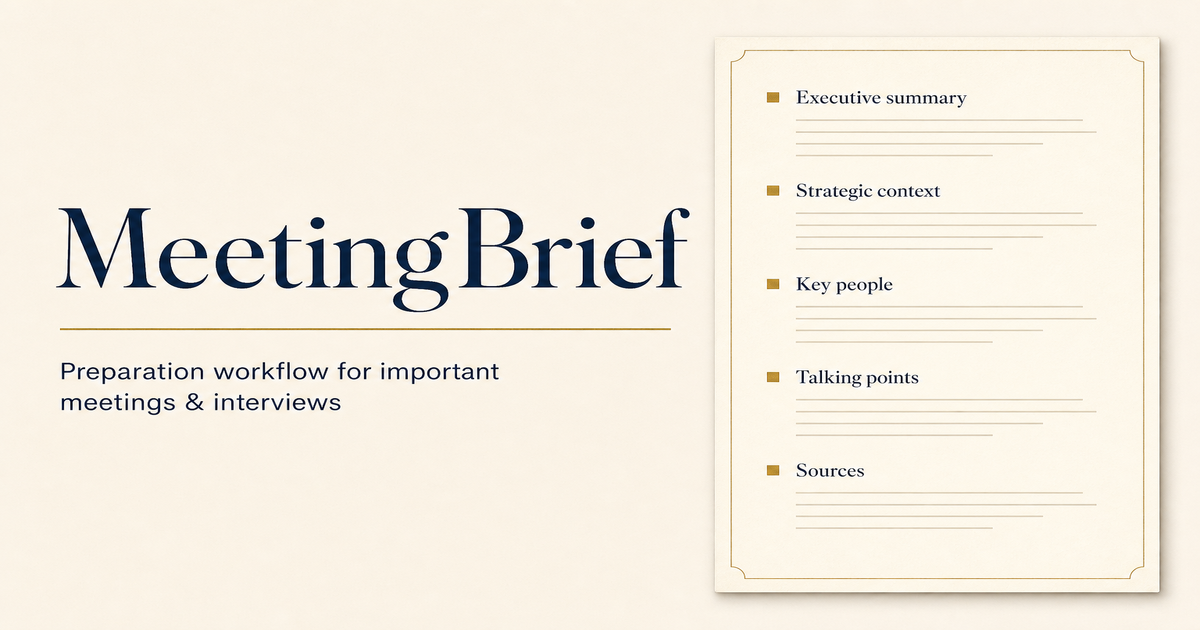
AI meeting prep tool — upload context, pick a meeting type, get a structured briefing pack in minutes
 meetXcc
Verified
Meeting Assistant
meetXcc
Verified
Meeting Assistant
AI meeting notes for Google Meet — get transcripts, summaries, and mind maps without a bot joining your call.
 Mumble AI
Verified
Meeting Assistant
Mumble AI
Verified
Meeting Assistant
Mac app that turns your voice into notes, meeting summaries, and formatted text using on-device or cloud AI.
 Plaud.ai
Verified
Meeting Assistant
Plaud.ai
Verified
Meeting Assistant
AI voice recorder and note-taking device — record conversations, get transcripts and summaries in seconds.
Similar tools
 TalkToText
Verified
Productivity Tools
TalkToText
Verified
Productivity Tools
Voice-to-text tool that types for you in any app — speak to write emails, documents, and messages 10x faster.
 TongueType for macOS
Verified
Transcription
TongueType for macOS
Verified
Transcription
Voice dictation app — hold a hotkey, speak, release. Text appears instantly. Runs locally on your Mac with Whisper AI.
 TalkTastic
Verified
Productivity Tools
TalkTastic
Verified
Productivity Tools
MacOS voice dictation tool — speak instead of type in any app, with AI-powered context understanding
 Talknotes
Verified
Transcription
Talknotes
Verified
Transcription
Make your life easier with AI voice notes! Just speak, and let the AI transcribe, clean up and structure your voice. Create clean transcripts, summaries, emails, video scripts and many more. And it works in 50+ languages! Try it for free today!
 Voicetype AI
Writing Assistants
Voicetype AI
Writing Assistants
AI dictation tool that writes 9x faster than typing, adapting its tone to match the app you're using.
 AI Dictation
Verified
Transcription
AI Dictation
Verified
Transcription
Voice-to-text tool that transcribes and polishes your speech into clean writing — works offline and in any app.
 Speakmac
Verified
Transcription
Speakmac
Verified
Transcription
Offline speech-to-text for Mac — dictate anywhere on your computer with fast, private AI voice typing.
 EchoWrite
Verified
Transcription
EchoWrite
Verified
Transcription
Desktop voice dictation tool — speak anywhere you type, get clean text with optional AI-powered formatting and translation.