
moar
Chrome extension that shrinks documents by up to 95% for AI use — clean Markdown or CSV, sized for your model's context window.
| What is it | Chrome extension that shrinks documents by up to 95% for AI use — clean Markdown or CSV, sized for your model's context window. |
|---|---|
| Pricing | Freemium |
| Free tier | Yes |
| Platform | Chrome Extension |
| Best for | Preparing large PDFs and spreadsheets for ChatGPT or Claude without hitting token limits, Reducing token consumption to get more conversations from a fixed AI subscription |
| Domain registered | 2025 |
Data updated Sept. 19, 2026
What does moar do?
moar is a Chrome extension that turns your oversized documents into clean, AI-ready input. Instead of dumping raw text into ChatGPT or Claude—noise, artifacts, and all—moar reads the actual structure of PDFs, Word docs, presentations, spreadsheets, and more. It outputs Markdown or CSV that fits neatly into your AI's context window, with formatting intact. The free version handles files up to 50 MB using AI-native optimization, which can shrink the token count by up to 95% without losing meaning. That means you can fit more conversations into your subscription budget.
The tool stands out because it adapts to your specific AI model. Pick ChatGPT Plus, Claude Pro, Gemini, or Perplexity, and moar shows your document's token consumption against that model's limit. If the file is too large, you can tune it for AI right there. Advanced features (a one-time purchase of $12.99) add Smart Select and Intelligent Chunking. Smart Select works like a simple RAG system: describe what you need, and moar analyzes the full document to pull the most relevant sections. Intelligent Chunking splits a million-token spreadsheet into pieces that each fit your context window, with cross-references and headers preserved at every boundary. Everything runs locally in your browser—no uploads, no servers, no telemetry.
Anyone who regularly feeds documents to AI assistants will get the most out of moar. Researchers working with long PDFs, analysts wrangling large CSV exports, and teams trying to stretch their AI subscription dollars all benefit from the token savings and the ability to ask questions of huge documents without infrastructure. The tool is straightforward: install, drop a file, copy the optimized output, and paste it into your AI. No accounts, no learning curve.
Key features
What makes it stand outWho is moar for?
Who benefits most from this toolPricing
Free tier available — start without a credit cardmoar
- Structure extraction and optimization — all 9 formats
- Platform-aware sizing — select your AI and plan tier
- Document library with processing history and stats
- Fuse multiple files of the same format into one
- Files up to 50 MB
moar Most
Everything in moar, plus:
- Smart Select — Find the exact sections you need in a 200-page document, just by asking
- Intelligent Chunking — Push documents too big for any AI through in right-sized pieces, with full context at every boundary. Nothing cut, nothing lost
- Fuse — Combine documents of different formats into one AI-ready file
Trust & presence
Alternatives in Documents Generator
 PDFgear
Verified
Documents Generator
PDFgear
Verified
Documents Generator
Free, AI-powered PDF editor — read, edit, convert, sign, and summarize PDFs across all devices without subscriptions
 The DocGPT
Verified
Documents Generator
The DocGPT
Verified
Documents Generator
Upload a PDF and ask questions, get summaries, or extract info — AI-powered chat with your documents
 PDFFly
Verified
Documents Generator
PDFFly
Verified
Documents Generator
AI tool that reads your PDFs and creates concise summaries in seconds, with a chat feature for asking questions.
 Better Powerpoints
Verified
Documents Generator
Better Powerpoints
Verified
Documents Generator
AI-powered online tool that helps you create, edit, and collaborate on presentations, then export to PPTX.
 Send
Verified
Documents Generator
Send
Verified
Documents Generator
Publish anything you make in Claude as a shareable web page with tracking and branding.
 GeneratePPT
Verified
Documents Generator
GeneratePPT
Verified
Documents Generator
AI-powered presentation tool — turn notes, URLs, or documents into clean, formatted slides in under 60 seconds.
 Copilot for Microsoft 365
Verified
Documents Generator
Copilot for Microsoft 365
Verified
Documents Generator
AI assistant integrated into Microsoft 365 apps — draft emails, summarize meetings, and create documents using your company data.
 FluidDocs
Verified
Documents Generator
FluidDocs
Verified
Documents Generator
Interactive docs readers can ask questions, get AI summaries, and you see who read what and how far they got
Similar tools
 Listening
Verified
Research,Education
Listening
Verified
Research,Education
AI text-to-speech tool for academic papers — upload PDFs, docs, or web pages and listen to them on the go
 Goover
Verified
Research Tool
Goover
Verified
Research Tool
AI research agent that scrapes web content and generates tailored reports with key insights
 AI Doc Maker
Verified
Documents
AI Doc Maker
Verified
Documents
AI document generator — describe what you need, get formatted PDFs, Word docs, and spreadsheets instantly. No signup required.
 AI Toolbar
Verified
Productivity Tools
AI Toolbar
Verified
Productivity Tools
Chrome extension that adds an AI assistant to any webpage for summarizing, translating, and generating text.
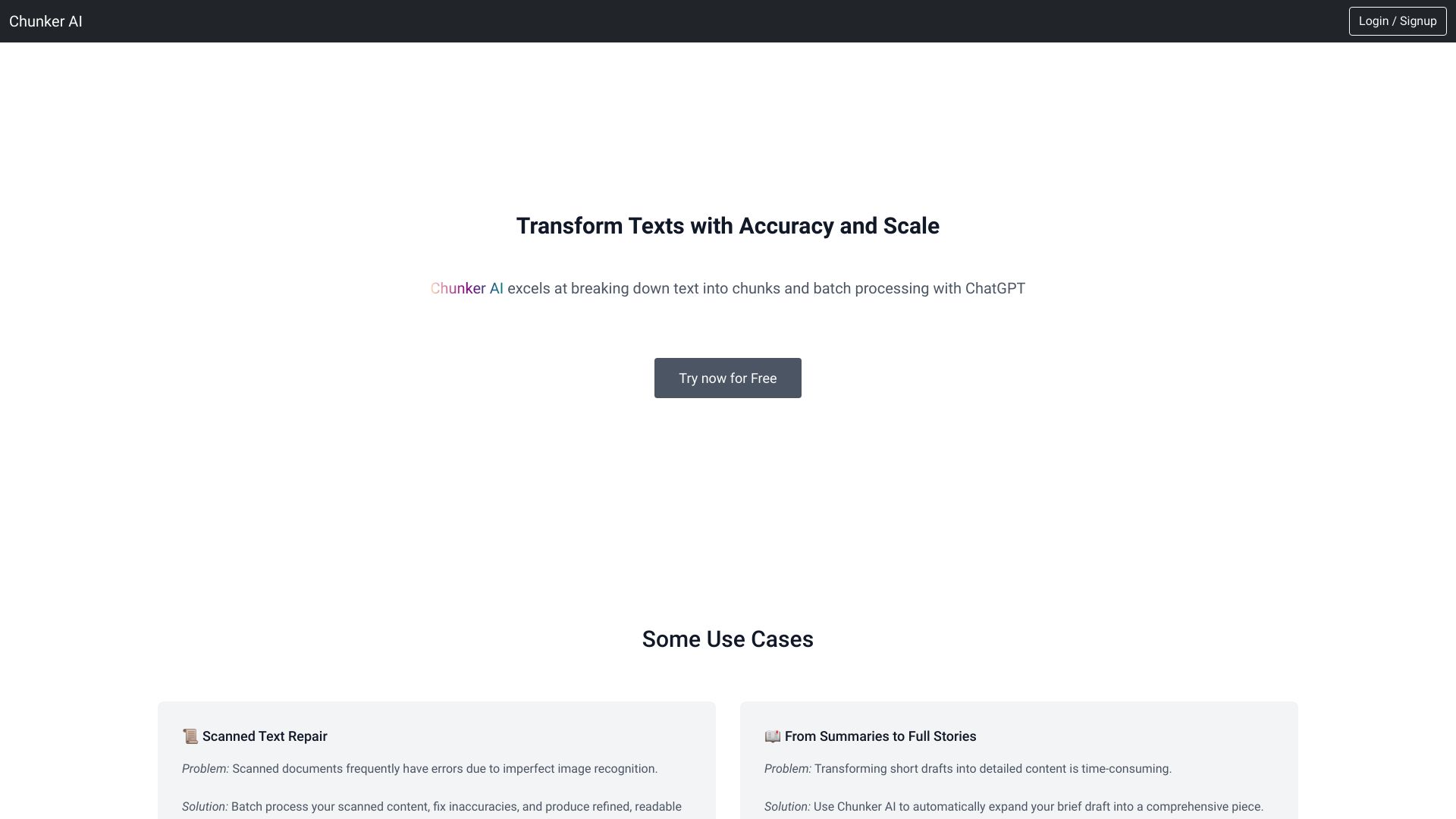 Chunker AI
Verified
Translation
Chunker AI
Verified
Translation
AI book translation tool — upload PDF/DOCX files, choose languages and style, get translated books.
 Compose
Verified
Writing Assistants
Compose
Verified
Writing Assistants
Chrome extension that autocompletes your sentences and generates text across all websites to speed up writing.