
Mochify
Bulk image converter and optimizer — drop files, type what you want, get smaller WebP/AVIF/JPG in seconds
| What is it | Bulk image converter and optimizer — drop files, type what you want, get smaller WebP/AVIF/JPG in seconds |
|---|---|
| Pricing | Freemium — from $7.99/mo |
| Free tier | Yes |
| Platform | Web Application |
| API | Yes |
| Best for | optimizing product images for faster page load, converting image formats for web publishing |
| Domain registered | 2026 |
Data updated Sept. 19, 2026
What does Mochify do?
Mochify is a prompt-driven image conversion and compression tool that lets you bulk-process images by describing what you need in plain English. Instead of clicking through format pickers and quality sliders, you drop your files into the browser, type something like "convert to WebP, max 1600px wide, strip EXIF", and Mochify does the rest. It supports input formats including JPEG, PNG, WebP, AVIF, HEIC, and JPEG XL, and outputs to JPEG (via Jpegli), PNG, WebP, AVIF, and JPEG XL. The free tier lets you process 3 images without an account, or 25 per month with a free account.
What sets Mochify apart is its "Magic Flow" natural language interface. A small language model parses your prompt and translates it into the right compression and resize parameters, then a fast native C++ engine processes all images in milliseconds. The tool also offers zero retention — images are streamed into RAM, compressed, and wiped immediately — no cloud storage, no logs. For power users, Mochify provides a REST API, a CLI tool, and an MCP server that works with Claude Desktop and Claude Code. There's also a Chrome extension for compressing images directly from any webpage.
This tool is a solid fit for ecommerce sellers who need to optimize product images for faster page load times (especially Shopify stores concerned with Core Web Vitals), developers who want to script image processing into their workflows, and anyone who regularly handles batches of images and is tired of manual format conversion. The pricing is straightforward — free for light use, $7.99/month (Seller) for 300 images and an API key, $24.99/month (Pro) for 1,200 images plus CLI and MCP support.
Key features
What makes it stand outWho is Mochify for?
Who benefits most from this toolPricing
Free tier available — start without a credit cardFree
- 3 pdf pages
- 3 batch files
- 25 images per month
- 20 max file size mb
- Standard processing queue
- 25 images per month
- All image formats — JPG, WEBP, AVIF, PNG, JXL, HEIC (upload)
- Resize, rotate & crop
- MCP & API access
- Video & audio conversion — nothing uploaded
- Images → PDF — up to 3 pages
- Up to 3 files per batch
- Standard processing queue
Seller
- 10 pdf pages
- 25 batch files
- 300 images per month
- 75 max file size mb
- Priority processing queue
- 300 images per month
- All image formats — JPG, WEBP, AVIF, PNG, JXL, HEIC (upload)
- 75MB per file (up from 20MB)
- Resize, rotate & crop
- Background removal
- AI backgrounds & shadows Soon
- 25 photos per batch (up from 3)
- Priority queue — ahead of free users
- Video & audio conversion — nothing uploaded
- PDF tools — rasterize, split & images→PDF, up to 10 pages
- Email support
Pro
- 10 pdf pages
- 25 batch files
- 1,200 images per month
- 75 max file size mb
- Top priority processing queue
- 1,200 images per month
- All image formats — JPG, WEBP, AVIF, PNG, JXL, HEIC (upload)
- 75MB per file (up from 20MB)
- Resize, rotate & crop
- Background removal
- AI backgrounds & shadows Soon
- MCP & API access
- 25 files per batch (up from 3)
- Top priority queue — ahead of everyone
- Video & audio conversion — nothing uploaded
- PDF tools — rasterize, split & images→PDF, up to 10 pages
- Priority email support
Day Pass
- 500 image ops
- 24 duration hours
- 75 max file size mb
- 500 image ops for 24 hours
- 75MB per file & larger batches
- No subscription, no account needed
- Activated instantly by magic link
Trust & presence
Gallery
Click any image to enlargeAlternatives in Image & Art
 PhotoCat AI Image Extender
Verified
Image & Art
PhotoCat AI Image Extender
Verified
Image & Art
AI tool that expands your photos by adding realistic, AI-generated content to the edges—perfect for uncropping or resizing for social media.
 Thumbnail.bot
Image & Art
Thumbnail.bot
Image & Art
AI-powered YouTube thumbnail generator — create click-worthy thumbnails in seconds
 Graphis
Verified
Image & Art
Graphis
Verified
Image & Art
Unified AI workspace — generate, edit, and enhance images, videos, and text using hundreds of AI models on one canvas.
 Homiwork
Verified
Image & Art
Homiwork
Verified
Image & Art
All-in-one AI platform for image generation, photo editing, video animation, music creation, and text generation — no sign-up required.
 ai-concept.art
Verified
Image & Art
ai-concept.art
Verified
Image & Art
AI icon generator — create high-resolution 1024x1024 icons for projects, profiles, and branding in seconds
 FreeMake.cc
Verified
Image & Art
FreeMake.cc
Verified
Image & Art
Multi-model AI image generator for product shots, ads, and illustrations — free, no signup, unlimited.
 AmberFace AI
Verified
Image & Art
AmberFace AI
Verified
Image & Art
AI headshot generator — upload one selfie, choose from 10+ professional or creative scenes, and get studio-quality portraits in minutes.
 MeiGen AI prompts gallery
Verified
Image & Art
MeiGen AI prompts gallery
Verified
Image & Art
Free gallery of pre-made AI image prompts — copy and use instantly with GPT Image 2, Nano Banana, Midjourney, and other models.
Similar tools
 MockItReal
Verified
Product Photography
MockItReal
Verified
Product Photography
Generate product mockups, AI lifestyle photos, and clean marketplace shots in seconds from a single design upload.
 Photopipe
Verified
Product Photography
Photopipe
Verified
Product Photography
Automate product photo editing for e-commerce — remove backgrounds, resize, and generate thousands of listing-ready images in one workflow.
 Packify.ai
Verified
Mockup Generator
Packify.ai
Verified
Mockup Generator
Packify.ai is dedicated to creating an AI packaging designer that allows ordinary people to design their product packaging creatively through easy chatting, and provides a minimalist product photoshoot feature for e-commerce service based on AI model. Now, take a look at what your ideal product packaging looks like → Packify.ai.
 Crop.photo
Verified
Product Photography
Crop.photo
Verified
Product Photography
AI bulk image crop, resize, and background removal tool for e-commerce and product photos
 Toyify Me
Verified
Avatar Generator
Toyify Me
Verified
Avatar Generator
AI tool that turns your photos into PVC-style figurine portraits in seconds.
 Glorify 3.0 Design Tool Powered by AI
Verified
Design Generator
Glorify 3.0 Design Tool Powered by AI
Verified
Design Generator
AI-powered graphic design tool for e-commerce — create product mockups, social media visuals, and marketing assets in one place.
 SimplicityAI
Verified
Product Photography
SimplicityAI
Verified
Product Photography
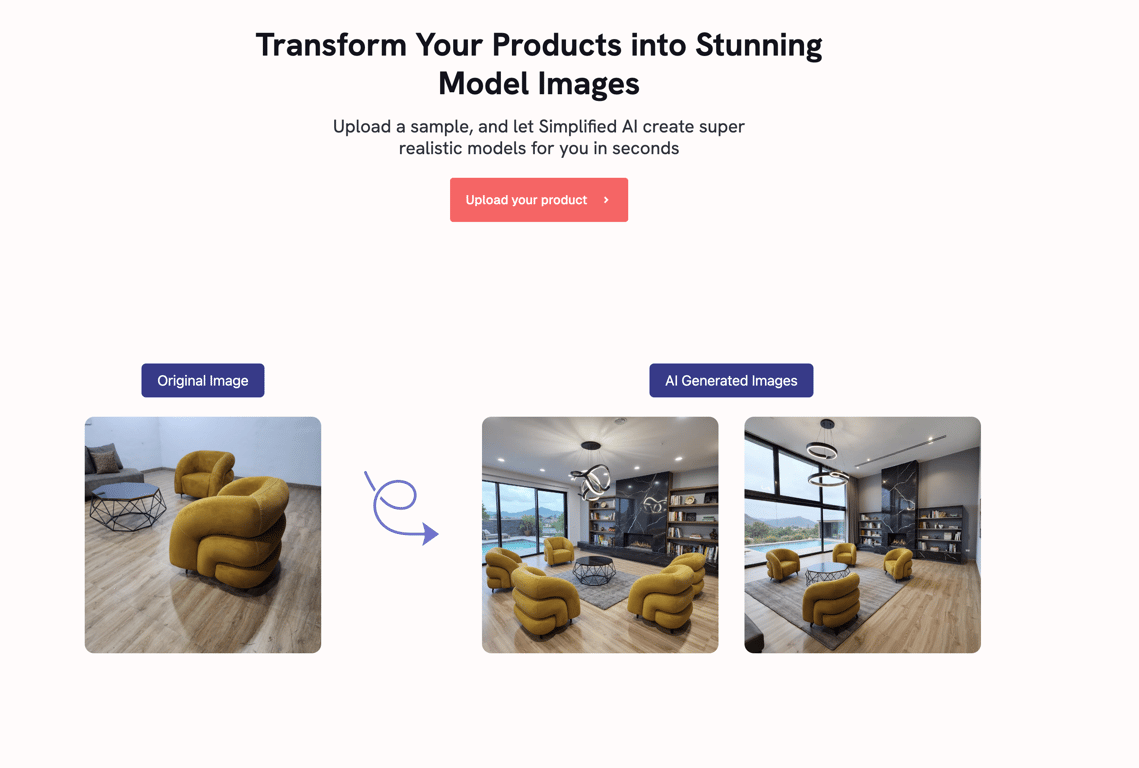
AI tool that transforms basic product photos into professional eCommerce images to boost sales.
 Describe Image
Verified
Image Description Generator
Describe Image
Verified
Image Description Generator
Upload images or videos to generate detailed descriptions, alt text, SEO copy, OCR extraction, and AI prompts instantly.