
SnapSummary
AI YouTube summarizer — paste any link to get a summary, timestamps, Q&A, and search in seconds
| What is it | AI YouTube summarizer — paste any link to get a summary, timestamps, Q&A, and search in seconds |
|---|---|
| Pricing | Freemium — from $5/mo |
| Free tier | Yes |
| Platform | Web Application |
| API | Yes |
| Best for | Summarizing educational lectures and tutorials, Quickly getting key takeaways from podcasts |
| Domain registered | 2024 |
Data updated Sept. 19, 2026
What does SnapSummary do?
SnapSummary is a straightforward AI tool that saves you from watching entire YouTube videos when you only need the key points. You paste a YouTube link — or use the Chrome extension — and within seconds you get a written summary of the whole video. It also pulls out timestamped summaries for different sections, so you can jump straight to the part you care about. The tool works on any public YouTube video that has subtitles, across all languages.
What makes it useful is the range of extra features beyond a simple summary. You can ask questions about the video and get AI-generated answers, which is handy for clarifying a concept or finding a specific detail. There's also a search function that lets you locate exact terms mentioned in the video. The interface is clean and fast, and the Chrome extension means you don't have to leave the page you're on. The free tier gives you 5 initial credits plus 1 weekly credit, which is enough to try it out. Paid plans start at $5/month for 20 weekly credits, or $10/month for unlimited credits (currently on a limited-time deal).
SnapSummary is most helpful for students watching recorded lectures, podcast listeners who want to skim episodes, news followers staying updated on current affairs, and anyone who regularly watches how-to tutorials or long-form YouTube content. If you're the kind of person who has a growing list of saved videos you never get around to, this tool makes it easy to extract what you need in a minute or two.
Key features
What makes it stand outWho is SnapSummary for?
Who benefits most from this toolPricing
Free tier available — start without a credit cardFree
- 5 Initial Credits
- 1 Weekly Credit
- Current Features Access
Pro
- 20 Weekly Credits
- Current Features Access
Unlimited
- Unlimited Credits
- Current Features Access
- New Features Access
Trust & presence
Gallery
Click any image to enlargeAlternatives in Video Summarizer
 SummarizeYou
Verified
Video Summarizer
SummarizeYou
Verified
Video Summarizer
Get instant AI summaries of any YouTube video — extract key points, transcripts, and time-stamped breakdowns in seconds.
 SummifyAI
Verified
Video Summarizer
SummifyAI
Verified
Video Summarizer
Chrome extension that summarizes YouTube videos, answers questions about content, and lets you search transcripts instantly.
 Video Highlight | AI Video Summarizer
Verified
Video Summarizer
Video Highlight | AI Video Summarizer
Verified
Video Summarizer
Paste a YouTube, Vimeo, or Dailymotion URL — get an AI summary with timestamped key points in seconds.
 Skipit.ai
Verified
Video Summarizer
Skipit.ai
Verified
Video Summarizer
AI YouTube video summarizer — paste a link, get instant summaries and ask questions about any video up to 12 hours long
 SnapVee Studio
Verified
Video Summarizer
SnapVee Studio
Verified
Video Summarizer
Upload a video link, get a summary, subtitles, and generate new AI images or videos in one workflow.
 AI Video Summarizer
Verified
Video Summarizer
AI Video Summarizer
Verified
Video Summarizer
Paste any video or audio link — get a time-stamped summary, transcript, and mind map in seconds
 Tubly
Verified
Video Summarizer
Tubly
Verified
Video Summarizer
Chrome extension that summarizes YouTube videos with AI — get instant summaries, key timestamps, and full transcripts.
 InfoCaptor
Verified
Video Summarizer
InfoCaptor
Verified
Video Summarizer
Chrome extension that summarizes YouTube videos and builds a visual, searchable knowledge base from the content.
Similar tools
 YouTubeSummary
Verified
AI YouTube & Web Summarizer + Instant Translator | TL...
YouTubeSummary
Verified
AI YouTube & Web Summarizer + Instant Translator | TL...
Paste a YouTube link, get a clear summary of any video in under 30 seconds — free, no account needed.
 YouTube Summarizer
Verified
AI YouTube & Web Summarizer + Instant Translator | TL...
YouTube Summarizer
Verified
AI YouTube & Web Summarizer + Instant Translator | TL...
AI tool that summarizes YouTube videos — paste a link, get key points, notes, mind maps, and flashcards in seconds
 SummYT
AI Summarizer
SummYT
AI Summarizer
AI YouTube summarizer — paste a video URL and get a concise summary in seconds.
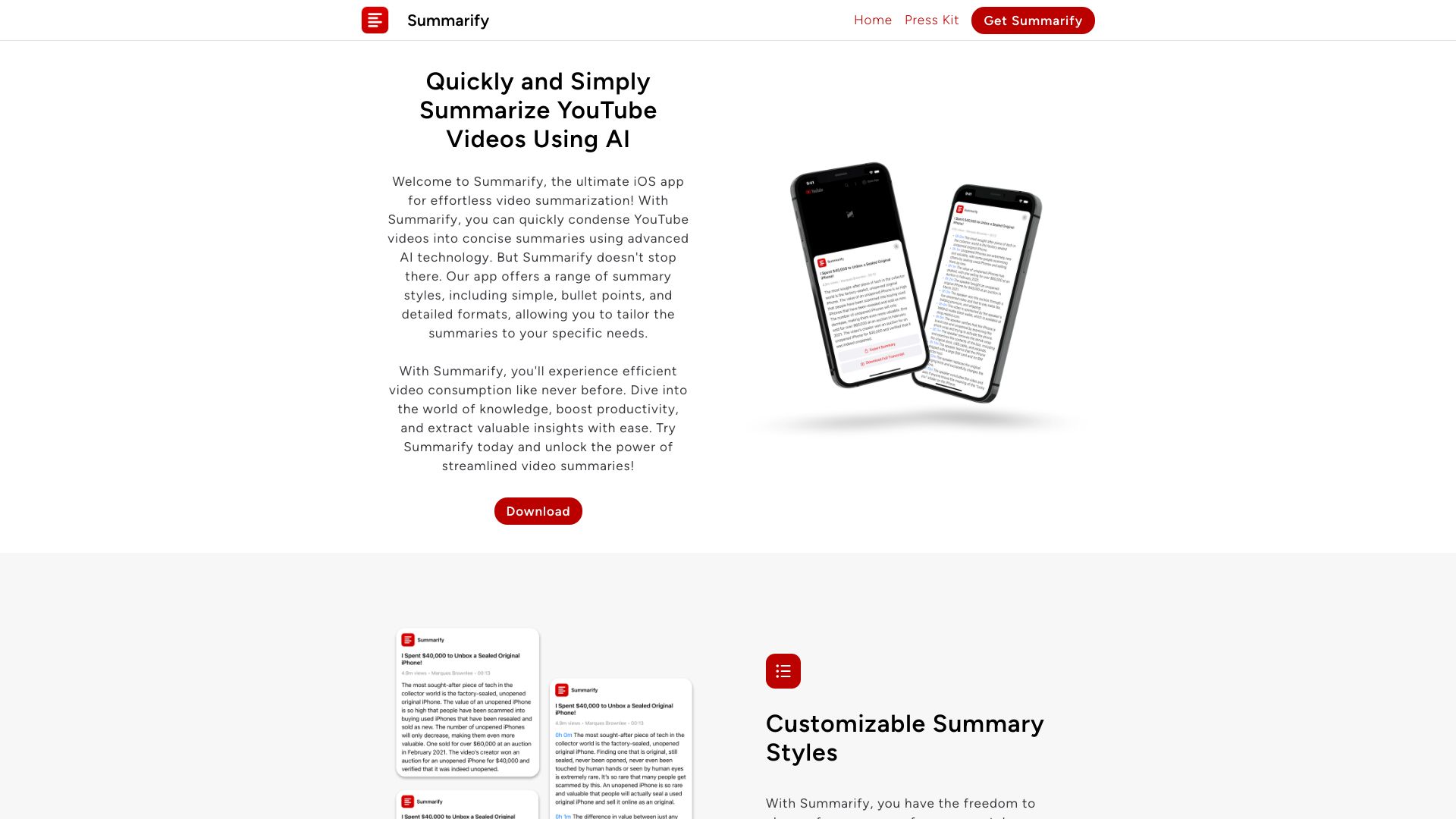 Summarify AI For YouTube
Verified
AI Summarizer
Summarify AI For YouTube
Verified
AI Summarizer
AI YouTube summarizer — get instant text summaries and transcripts from any video without leaving the app.