
TubeNofy AI
Paste any YouTube URL and get structured highlights, insights, topics, keywords, and quotes with clickable timestamps — plus AI chat to ask questions about any video.
| What is it | Paste any YouTube URL and get structured highlights, insights, topics, keywords, and quotes with clickable timestamps — plus AI chat to ask questions about any video. |
|---|---|
| Pricing | Freemium — from $9.9/mo |
| Free tier | Yes |
| Platform | Web Application |
| Best for | Turning YouTube tutorials and lectures into searchable study notes, Repurposing podcast or interview videos into show notes and social clips |
| Domain registered | 2026 |
Data updated Sept. 19, 2026
What does TubeNofy AI do?
TubeNofy AI is a YouTube note-taking tool that does far more than summarize. Paste any video URL (including Shorts) and it returns five distinct note views — Highlights, Insights, Topics, Keywords, and Quotes — each with exact timestamps you can click to jump straight to that moment. It also offers a built-in AI chat that answers questions based on the transcript, and a keyword search that finds the exact spot in the video where something is mentioned. The result is a set of structured, reusable notes rather than a single generic recap.
The tool works by processing the video transcript through Google's Gemini 3 model. You get your organized notes in seconds, with the original quotes preserved word for word. Every highlight and quote links back to the video, so you can verify the source instantly. Need to share or save your notes? One-click export to Notion and Markdown are built in, keeping timestamps and structure intact. The search feature is especially handy for long lectures or interviews — just type a keyword and jump to the moment.
TubeNofy is ideal for anyone who regularly consumes YouTube content for work or learning. Podcast hosts can pull timestamped quotes for show notes in minutes instead of hours. UX researchers can organize user interview recordings by theme. YouTubers can repurpose their own content into highlight reels. Students and researchers can annotate lectures without rewatching. And with support for 195+ languages, it works for non-English content too. The free tier gives you 120 credits to get started.
Key features
What makes it stand outWho is TubeNofy AI for?
Who benefits most from this toolPricing
Free tier available — start without a credit cardFree
- 120 one-time credits
- 120 credits — no monthly refill
- Basic notes, highlights, and chat features
- TXT, Word, PDF, and Notion export
- No credit card required
Lite
- 2,000 credits per month
- 2,000 credits per month
- Full AI features for notes, highlights, and chat
- AI notes and summaries in 195 languages
- SRT and VTT export with timestamps
- Batch download up to 20 videos
- Email support
Pro
- 8,000 credits per month
- 8,000 credits per month (4× Lite)
- Full AI features for notes, highlights, and chat
- AI notes and summaries in 195 languages
- SRT and VTT export with timestamps
- Batch download up to 20 videos
- Best for creators, researchers, and frequent use
Team
- 24,000 credits per month
- 24,000 credits per month (3× Pro)
- Full AI features for notes, highlights, and chat
- AI notes and summaries in 195 languages
- SRT and VTT export with timestamps
- Batch download up to 20 videos
- Best for teams, businesses, and high-volume use
Trust & presence
Gallery
Click any image to enlargeAlternatives in AI Summarizer
 TubeOnAI
Verified
AI Summarizer
TubeOnAI
Verified
AI Summarizer
AI tool that summarizes videos, podcasts, and documents, then repurposes them into blog posts, social content, and more.
 Shownotes
Verified
AI Summarizer
Shownotes
Verified
AI Summarizer
AI tool that transcribes and summarizes audio from YouTube, Spotify, and MP3 files into clear, shareable notes.
 Summify
Verified
AI Summarizer
Summify
Verified
AI Summarizer
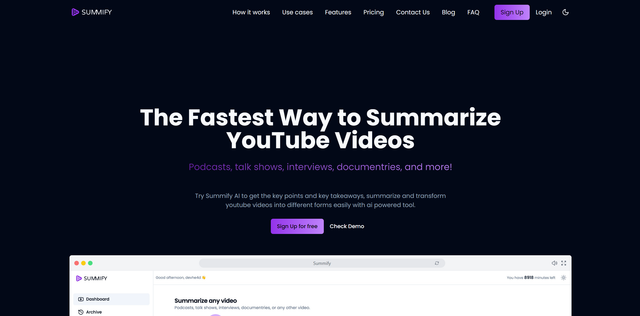
AI tool that transcribes videos/audio and generates summaries, key insights, and formatted content in seconds.
 youtube-to-transcript.ai
Verified
AI Summarizer
youtube-to-transcript.ai
Verified
AI Summarizer
Paste a YouTube link, get a clean timestamped transcript and AI summary in seconds — export to TXT, SRT, VTT, DOCX.
 Summarify AI For YouTube
Verified
AI Summarizer
Summarify AI For YouTube
Verified
AI Summarizer
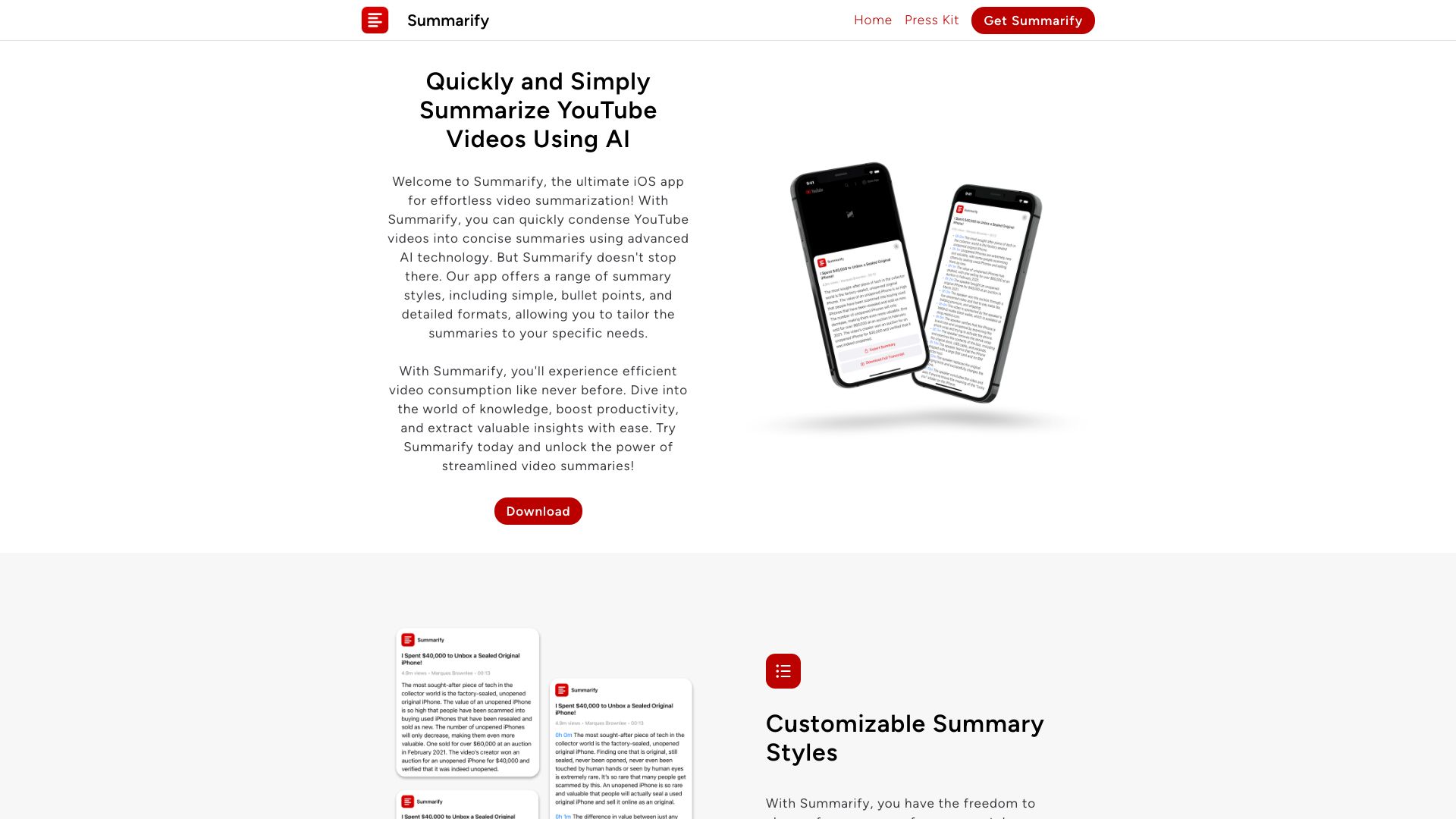
AI YouTube summarizer — get instant text summaries and transcripts from any video without leaving the app.
 SummYT
AI Summarizer
SummYT
AI Summarizer
AI YouTube summarizer — paste a video URL and get a concise summary in seconds.
 Podwise AI
Verified
AI Summarizer
Podwise AI
Verified
AI Summarizer
AI podcast summarizer — get key insights, transcripts, and Q&A from any episode in minutes.
 YT Chats
Verified
AI Summarizer
YT Chats
Verified
AI Summarizer
Chat with YouTube video transcripts and get AI-generated summaries and key insights
Similar tools
 Swiftnotes.ai
Verified
YouTube Summaries
Swiftnotes.ai
Verified
YouTube Summaries
AI tool that watches YouTube videos for you and generates detailed notes and summaries.
 Vunote
Verified
YouTube Summaries
Vunote
Verified
YouTube Summaries
AI tool that turns YouTube videos and audio into timestamped notes, transcripts, mindmaps, and study materials.
 AudioNotes
Verified
Meeting Assistant
AudioNotes
Verified
Meeting Assistant
AI note-taking app — record audio, upload files or YouTube links, get transcripts and summaries in minutes
 AI Takeaway
Verified
YouTube Summaries
AI Takeaway
Verified
YouTube Summaries
Turn YouTube videos into AI-powered summaries, interactive Q&A, and visual notes for faster learning.
 Video Highlight | AI Video Summarizer
Verified
Video Summarizer
Video Highlight | AI Video Summarizer
Verified
Video Summarizer
Paste a YouTube, Vimeo, or Dailymotion URL — get an AI summary with timestamped key points in seconds.
 AI-Powered Video Notes & Summaries
Verified
YouTube Summaries
AI-Powered Video Notes & Summaries
Verified
YouTube Summaries
AI-powered browser extension that summarizes YouTube videos, extracts key points, and creates study notes instantly