
Prompt Bridge
Save and transfer AI conversation context across ChatGPT, Claude, Gemini, and more — no copy-pasting.
| What is it | Save and transfer AI conversation context across ChatGPT, Claude, Gemini, and more — no copy-pasting. |
|---|---|
| Pricing | Free |
| Free tier | Yes |
| Platform | Chrome Extension |
| Best for | switching between AI platforms without losing context, saving and summarizing long AI conversations |
| Domain registered | 2026 |
Data updated Aug. 8, 2026
What does Prompt Bridge do?
Prompt Bridge is a Chrome extension that saves and transfers AI conversation context across platforms like ChatGPT, Claude, Gemini, Grok, DeepSeek, and Copilot. Instead of copy-pasting and losing the thread, you capture the full conversation with one click and inject it into another AI's input box. It's free, requires no sign-up, and works on Chrome, Edge, and Brave.
The extension runs entirely on your device — no servers, no cloud, no data leaves your machine. Key features include one-click capture of full conversations, smart compression that uses AI to condense long chats into tight summaries (cutting token costs), and an instant bridge that injects saved context into any AI's input box. It also auto-detects the active AI platform when you switch tabs, so you don't need to reconfigure. Privacy is a core focus: everything stays local.
Prompt Bridge is built for anyone who regularly uses multiple AI assistants — developers, researchers, content creators, product managers, and privacy-conscious users. Common use cases include switching from ChatGPT to Claude mid-project without losing context, compressing long research threads for reuse, and keeping a team aligned when members use different AI tools. Real users report saving 20 minutes a day and finding the summarization 'mind-blowing.' It's a simple, practical tool that solves a real friction point in daily AI workflows.
Key features
What makes it stand outWho is Prompt Bridge for?
Who benefits most from this toolTrust & presence
Alternatives in Productivity Tools
 ChatGPT Easy Folders
Verified
Productivity Tools
ChatGPT Easy Folders
Verified
Productivity Tools
Browser extension that adds folders, search, and prompt management to ChatGPT and Claude.
 Superpower ChatGPT
Verified
Productivity Tools
Superpower ChatGPT
Verified
Productivity Tools
Browser extension that adds folders, search, highlights, and workflow tools to ChatGPT.
 NotchPad
Verified
Productivity Tools
NotchPad
Verified
Productivity Tools
Mac app that puts AI notes, clipboard history, and reusable snippets right in your MacBook notch.
 Wispro
Verified
Productivity Tools
Wispro
Verified
Productivity Tools
AI dictation tool that cleans up filler words, fixes grammar, and pastes polished text into any Windows app
 AITabGroup
Verified
Productivity Tools
AITabGroup
Verified
Productivity Tools
Chrome extension that uses AI to automatically organize your open browser tabs into logical groups.
 dictate.
Verified
Productivity Tools
dictate.
Verified
Productivity Tools
Speech-to-text keyboard for iPhone and dictation tool for Mac — turns your voice into clean, formatted text in any app.
 kepo.ai
Verified
Productivity Tools
kepo.ai
Verified
Productivity Tools
Mac desktop widgets for RSS, social feeds, news, prices, and developer tools — all accessible with a keyboard shortcut.
 Inspiq
Verified
Productivity Tools
Inspiq
Verified
Productivity Tools
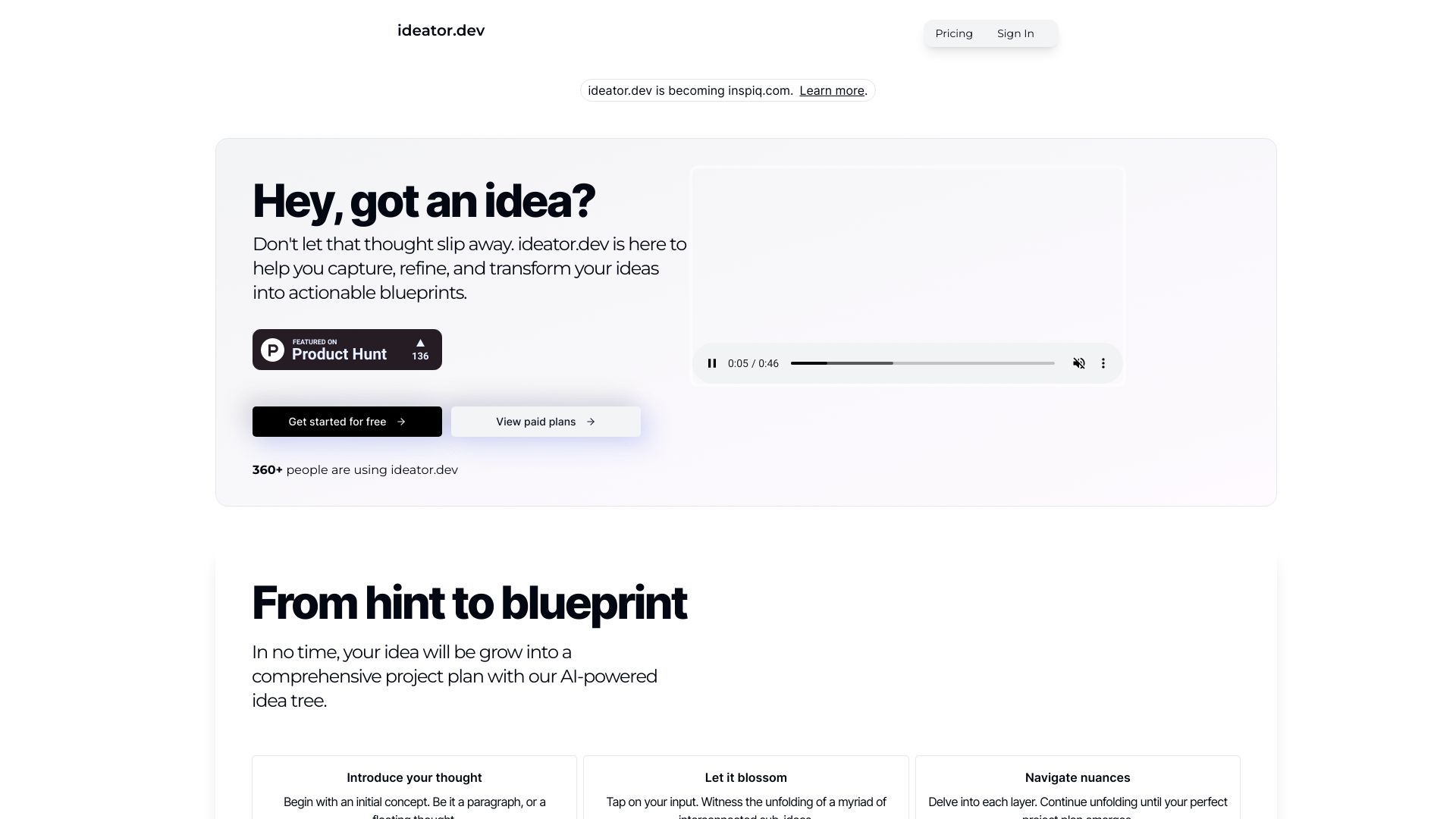
AI-powered idea tree tool that expands your thoughts into detailed, actionable plans and blueprints.
Similar tools
 PromptDrive.ai
Verified
Prompts
PromptDrive.ai
Verified
Prompts
Organize, share, and collaborate on AI prompts across ChatGPT, Claude, and Gemini in one workspace.
 Prompt Storm
Verified
Prompts
Prompt Storm
Verified
Prompts
A Chrome extension that provides a library of pre-built prompts for ChatGPT, Google Gemini, and Anthropic Claude.
 Pretty Prompt
Verified
Prompts
Pretty Prompt
Verified
Prompts
Chrome extension that improves your AI prompts with one click — works with ChatGPT, Gemini, Claude, and more.
 Prompt Blaze
Verified
Prompt Engineering
Prompt Blaze
Verified
Prompt Engineering
Browser extension for AI prompt chaining — right-click any text to run multi-step workflows across ChatGPT, Claude, Gemini and more
 thredly
Verified
Knowledge Management
thredly
Verified
Knowledge Management
Summarize long ChatGPT, Claude, and DeepSeek conversations into a clean markdown summary to restart a fresh thread.
 Promptimize
Verified
Prompts
Promptimize
Verified
Prompts
Browser extension that enhances your prompts with one click, making any AI tool more effective.
 Prompt Sloth Write Better AI Prompts
Verified
Prompts
Prompt Sloth Write Better AI Prompts
Verified
Prompts
Chrome extension that improves your AI prompts in one click — works inside ChatGPT, Claude, Gemini, and more.