
Flakes
Keyboard-first macOS browser with AI integration — navigate, search, and get answers without touching your mouse
| What is it | Keyboard-first macOS browser with AI integration — navigate, search, and get answers without touching your mouse |
|---|---|
| Pricing | Unknown |
| Platform | Desktop Application |
| Best for | research and information gathering, focused reading without distractions |
| Domain registered | 2024 |
Data updated Sept. 19, 2026
What does Flakes do?
Flakes is a macOS web browser designed specifically for keyboard-centric productivity. It eliminates traditional browser clutter like address bars and excessive tabs, replacing them with a command palette system (activated with ⌘K) that gives you instant access to search, commands, and AI assistance. The browser uses Vim-style navigation keys (h/j/k/l) and link hints to enable complete mouse-free operation, from page scrolling to tab management.
What sets Flakes apart is its integrated Drift AI system that understands the context of your open tabs. This allows you to ask questions and get answers based on all the content you're currently viewing, without switching between applications. The browser also includes a focus mode (⌘Enter) that hides all interface elements for distraction-free reading, built-in ad blocking, and privacy-focused features like private browsing that leaves no history.
Flakes is ideal for professionals who spend significant time researching online and value efficiency. Software developers will appreciate the keyboard-first approach, while writers and researchers benefit from the AI's ability to synthesize information across multiple tabs. The native SwiftUI and WebKit foundation ensures the browser feels fast and responsive, making it a practical choice for anyone tired of sluggish web apps and distracted browsing.
Key features
What makes it stand outWho is Flakes for?
Who benefits most from this toolTrust & presence
Alternatives in Assistant
 Flowly
Verified
Assistant
Flowly
Verified
Assistant
Deploy and manage a personal AI assistant across desktop and mobile, with voice control and privacy features.
 Perplexity Comet
Verified
Assistant
Perplexity Comet
Verified
Assistant
AI browser with built-in assistant — browse the web, get answers, and complete tasks without switching tabs.
 Fellou AI Browser
Verified
Assistant
Fellou AI Browser
Verified
Assistant
An agentic browser that automates complex web tasks, research, and workflows from a single prompt.
 Beam
Verified
Assistant
Beam
Verified
Assistant
A native macOS app that puts a floating ChatGPT window anywhere on your screen, accessible via hotkeys.
 ALTAR
Verified
Assistant
ALTAR
Verified
Assistant
Ambient intelligence system that helps you think, remember, and act across digital and physical environments.
 WizzyGen
Verified
Assistant
WizzyGen
Verified
Assistant
AI assistant for Notion — chat with, read from, and update your Notion pages using a one-time payment model.
 MacGaiver
Verified
Assistant
MacGaiver
Verified
Assistant
AI assistant for Mac that answers questions about any open app using a keyboard shortcut.
 Norton Neo Browser
Verified
Assistant
Norton Neo Browser
Verified
Assistant
AI-native browser with built-in privacy protection, ad blocking, and a VPN for faster, safer web browsing.
Similar tools
 fluid-altic
Verified
Productivity Tools
fluid-altic
Verified
Productivity Tools
Free open-source Mac dictation app with on-device AI that polishes your speech into clean text
 AccountyCat
Verified
Productivity Tools
AccountyCat
Verified
Productivity Tools
macOS focus app that monitors your screen context to gently pull you back when you drift off-task
 Flunkey
Verified
Productivity Tools
Flunkey
Verified
Productivity Tools
Voice-first productivity layer for Windows — turn spoken ideas into text, actions, and remembered context locally
 FluentDB
Verified
For Data Analytics
FluentDB
Verified
For Data Analytics
AI-first database client for Mac — ask questions in plain English, get SQL against your real schema
 Spoke
Verified
Transcription
Spoke
Verified
Transcription
On-device push-to-talk dictation for macOS — hold a key, speak, and get text in any app without subscriptions.
 Fixkey
Verified
Writing Assistants
Fixkey
Verified
Writing Assistants
MacOS writing assistant — type or speak anywhere, get polished text instantly with AI.
 Elephas
Verified
Knowledge Management
Elephas
Verified
Knowledge Management
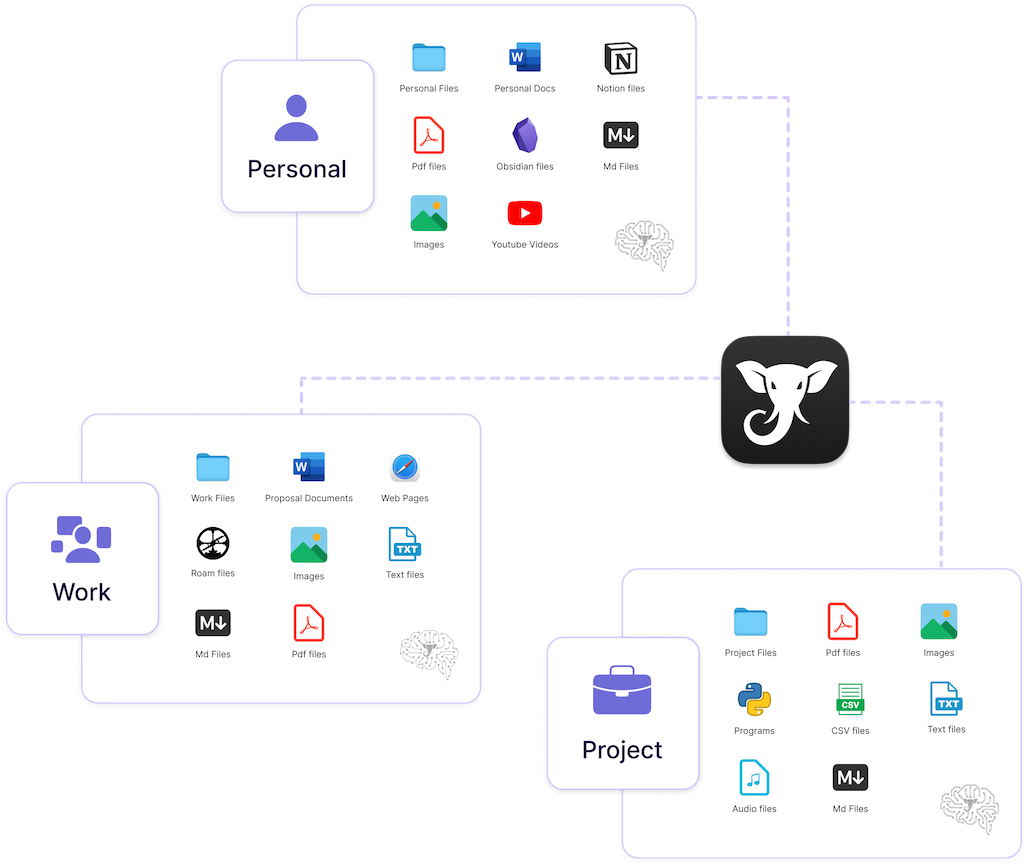
AI personal knowledge assistant for Mac — organize your files and notes into searchable 'brains'