
PhotoCat AI Image Extender
AI tool that expands your photos by adding realistic, AI-generated content to the edges—perfect for uncropping or resizing for social media.
| What is it | AI tool that expands your photos by adding realistic, AI-generated content to the edges—perfect for uncropping or resizing for social media. |
|---|---|
| Pricing | Freemium |
| Free tier | Yes |
| Platform | Web Application |
| Best for | Resizing product photos for e-commerce listings and ads, Creating perfectly sized banners and visuals for different social media platforms |
| Domain registered | 2004 |
Data updated Sept. 19, 2026
What does PhotoCat AI Image Extender do?
PhotoCat AI Image Extender is a web-based tool that solves a common photo editing headache: needing more space around your subject. Instead of just stretching or blurring the edges, it uses AI to intelligently generate new, realistic content that seamlessly extends the existing image. You can use it to uncrop a photo that was framed too tightly, or to quickly resize an image to fit specific dimensions for Instagram, TikTok, or other platforms without awkward cropping.
The tool is refreshingly straightforward. You upload an image, choose how much to extend it—either by dragging borders or picking from preset social media sizes—and let the AI work. It promises to maintain a 4K resolution and avoid the distortion that plagues simpler methods. A key differentiator is that it's completely free to use and doesn't slap a watermark on your results, which is a significant plus for creators on a budget.
This tool is a clear win for anyone who regularly needs to adapt visuals for different formats. Social media managers can whip up platform-perfect banners in seconds. Online sellers can make product shots more versatile without expensive reshoots. Even casual photographers can salvage a great portrait or landscape shot that was originally framed a bit too close. It’s a focused utility that does one job very well.
Key features
What makes it stand outWho is PhotoCat AI Image Extender for?
Who benefits most from this toolPricing
Free tier available — start without a credit cardFree
- limited credits AI tools
- Basic photo cleanup features
- Limited access to AI tools
- Fixed amount of credits
- Unlimited photo marking & saving
- Unlimited use of basic tools
Meowber
Everything in Free, plus:
- 100 per week (non-cumulative) credits
- Deep photo cleanup in one tap
- Smart photo recognition & best-pick suggestions
- Get 100 credits every week
- Unlock all AI editing tools
- Ad-free experience
- Early access to beta features
- Unlimited smart cleanup
- Watermark-free exports
- Priority rendering
Trust & presence
Gallery
Click any image to enlargeAlternatives in Image & Art
 Mochify
Verified
Image & Art
Mochify
Verified
Image & Art
Bulk image converter and optimizer — drop files, type what you want, get smaller WebP/AVIF/JPG in seconds
 Thumbnail.bot
Image & Art
Thumbnail.bot
Image & Art
AI-powered YouTube thumbnail generator — create click-worthy thumbnails in seconds
 Homiwork
Verified
Image & Art
Homiwork
Verified
Image & Art
All-in-one AI platform for image generation, photo editing, video animation, music creation, and text generation — no sign-up required.
 Graphis
Verified
Image & Art
Graphis
Verified
Image & Art
Unified AI workspace — generate, edit, and enhance images, videos, and text using hundreds of AI models on one canvas.
 FreeMake.cc
Verified
Image & Art
FreeMake.cc
Verified
Image & Art
Multi-model AI image generator for product shots, ads, and illustrations — free, no signup, unlimited.
 MeiGen AI prompts gallery
Verified
Image & Art
MeiGen AI prompts gallery
Verified
Image & Art
Free gallery of pre-made AI image prompts — copy and use instantly with GPT Image 2, Nano Banana, Midjourney, and other models.
 Raster
Verified
Image & Art
Raster
Verified
Image & Art
AI-powered digital asset manager for teams — organize, edit, and host photos in one collaborative workspace.
 FontVibe
Verified
Image & Art
FontVibe
Verified
Image & Art
Free AI font generator — type your text, choose from 100+ styles, and download a PNG/JPG instantly.
Similar tools
 AI Image Extender.io
Verified
Image Generator
AI Image Extender.io
Verified
Image Generator
AI tool that expands the borders of any image, adding realistic detail to make it larger or fit a new aspect ratio.
 AI image extender
Verified
Photo Editor
AI image extender
Verified
Photo Editor
Expand images beyond their boundaries with AI — click and drag to extend backgrounds, adjust aspect ratios, and more.
 ImageStretcher
Verified
Image Generator
ImageStretcher
Verified
Image Generator
Upload a photo, pick a new aspect ratio, and let AI fill the empty borders — no cropping or black bars needed
 PixExtender
Verified
Photo Editor
PixExtender
Verified
Photo Editor
AI image extender — upload a photo, choose a size, and expand its borders with AI-generated content.
 AI Outpainting Image
Verified
Photo Editor
AI Outpainting Image
Verified
Photo Editor
AI image expansion tool — upload any photo, extend its borders in any direction while maintaining original style
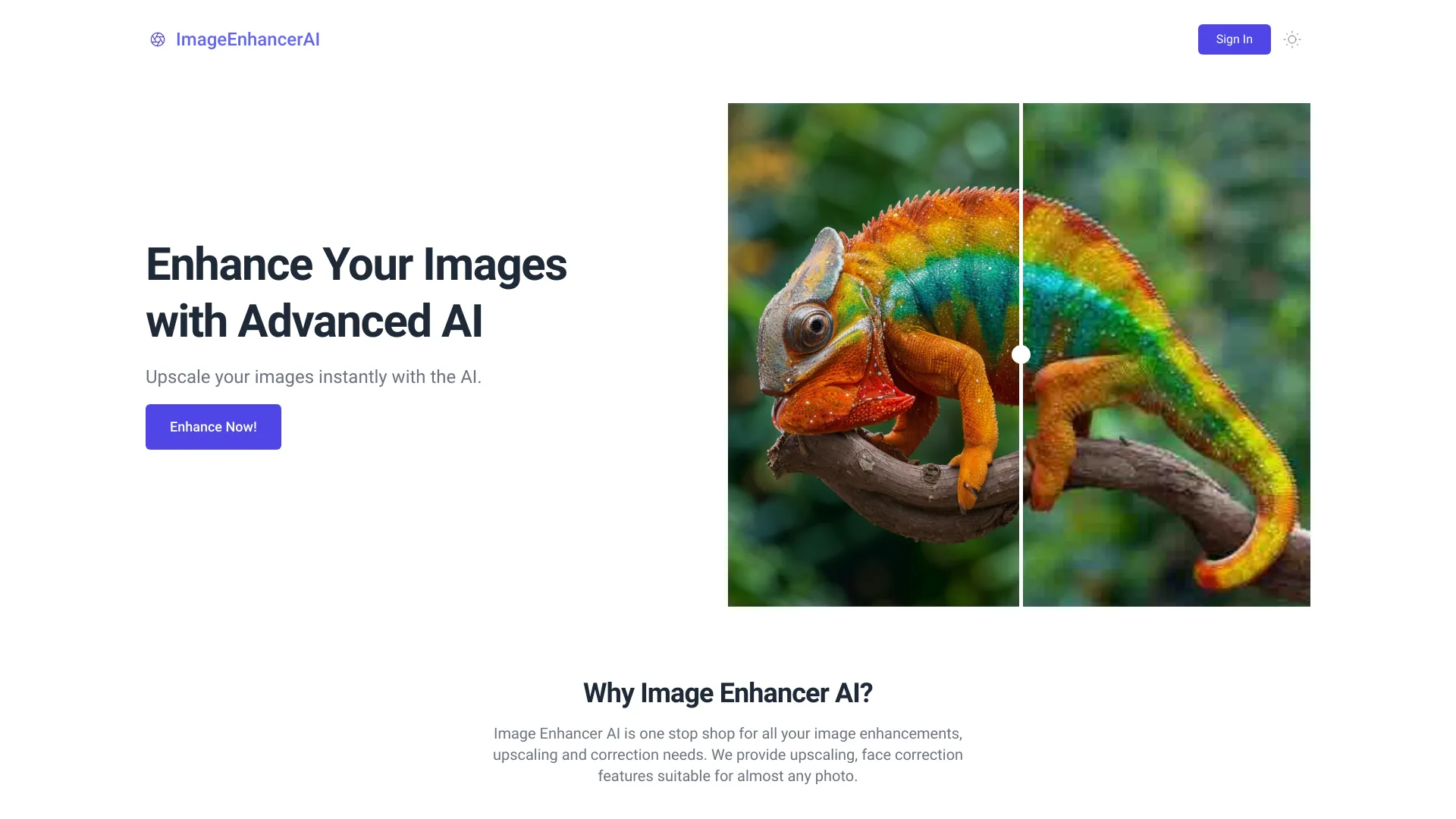 ImageEnhancerAI
Verified
Photo Editor
ImageEnhancerAI
Verified
Photo Editor
AI-powered image enhancement tool — upscale, retouch, remove backgrounds, and edit images through chat
 AI Image Editor
Verified
Photo Editor
AI Image Editor
Verified
Photo Editor
AI photo editor — upload an image, describe changes with text, and transform it while preserving key details.
 photoeditor.ai
Verified
Photo Editor
photoeditor.ai
Verified
Photo Editor
AI-powered web editor to remove objects, enhance photos, generate images, and more — no design skills required.