
Luminar Neo
AI-powered photo editing software with one-click enhancements and advanced tools for photographers of all levels
| What is it | AI-powered photo editing software with one-click enhancements and advanced tools for photographers of all levels |
|---|---|
| Pricing | Paid |
| Platform | Desktop Application |
| API | Yes |
| Best for | enhancing landscape photos, retouching portraits |
Data updated Sept. 19, 2026
What does Luminar Neo do?
Luminar Neo is a comprehensive photo editing application that combines traditional editing tools with AI-powered enhancements to streamline the photo editing process. It allows photographers to perform everything from basic adjustments like exposure and color correction to advanced AI features like sky replacement, object removal, and portrait enhancement. The software works directly with RAW files and supports non-destructive editing, ensuring your original images remain untouched while you experiment with different looks.
What sets Luminar Neo apart are its specialized AI tools that automate complex editing tasks. Features like Sky AI automatically detects and replaces skies, Generative Remove intelligently erases unwanted objects, and Face AI enhances portrait details with precision. The software also includes one-click presets, LUTs for color grading, and batch processing capabilities that make it efficient for handling multiple photos at once.
Luminar Neo benefits photographers of all skill levels, from hobbyists looking to quickly enhance their vacation photos to professionals needing efficient editing workflows. Real-world use cases include landscape photographers using sky replacement tools, portrait photographers retouching skin and enhancing eyes, and content creators needing to quickly process batches of images for social media with consistent looks.
Key features
What makes it stand outWho is Luminar Neo for?
Who benefits most from this toolAlternatives in Photo Editor
 Radiant Photo
Photo Editor
Radiant Photo
Photo Editor
AI-powered photo editor that enhances image quality with smart color correction and detail preservation.
 Photor AI
Verified
Photo Editor
Photor AI
Verified
Photo Editor
AI photo enhancement suite — upload photos for instant analysis, style transfer, and professional-grade editing
 LuminaBrush
Verified
Photo Editor
LuminaBrush
Verified
Photo Editor
AI lighting tool — paint realistic light effects onto photos with simple brush strokes for professional-grade image enhancement.
 Nano Banana 2
Verified
Photo Editor
Nano Banana 2
Verified
Photo Editor
AI-powered image enhancement tool — upload photos, get professional-grade edits with automatic retouching and enhancement
 Foneo
Verified
Photo Editor
Foneo
Verified
Photo Editor
AI photo editor with one-click tools for portraits, products, and real estate — background swap, retouch, upscale, and more.
 AI Photo Enhancer
Verified
Photo Editor
AI Photo Enhancer
Verified
Photo Editor
Free online tool that sharpens, upscales to 4K, reduces noise, and corrects colors in photos with one click.
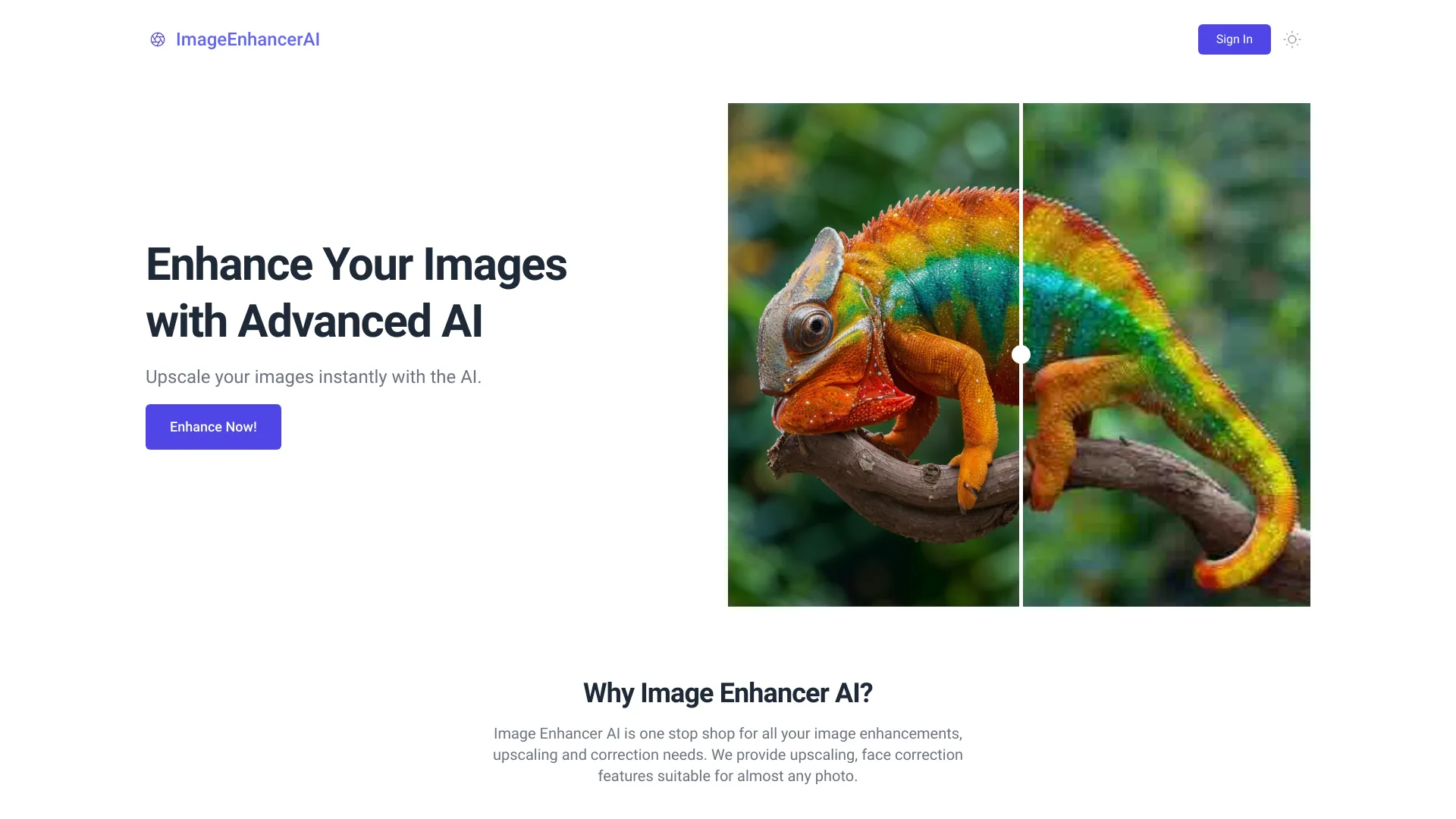 ImageEnhancerAI
Verified
Photo Editor
ImageEnhancerAI
Verified
Photo Editor
AI-powered image enhancement tool — upscale, retouch, remove backgrounds, and edit images through chat
 imagewith.ai
Verified
Photo Editor
imagewith.ai
Verified
Photo Editor
AI-powered image editor — upscale photos, remove backgrounds, and erase unwanted objects with one click.