
Merge JPG
Free online tool to combine multiple JPG images into a single file, collage, or document.
| What is it | Free online tool to combine multiple JPG images into a single file, collage, or document. |
|---|---|
| Pricing | Unknown |
| Platform | Web Application |
| Best for | Creating photo collages for social media or personal albums, Combining scanned documents like receipts or contracts into one file |
| Domain registered | 2025 |
Data updated Sept. 19, 2026
What does Merge JPG do?
Merge JPG is a straightforward web tool that does one thing well: it lets you combine multiple image files into a single, unified file. You upload your JPGs (or PNGs, WebPs), arrange them in your preferred order, choose a layout—vertical or horizontal—and download the result. The output can be a merged JPG, or you can convert the combined images into formats like PDF, PNG, or WebP. The entire process happens in your browser, so there's no software to download and no account to create.
What makes Merge JPG stand out is its focus on simplicity and user privacy. The interface is a clean drag-and-drop zone. It promises to maintain your original image quality by minimizing recompression. Perhaps more importantly, it states that all uploaded images are processed and then automatically deleted, so your files aren't stored on a server. This is a practical, no-frills utility designed for speed and security over complex editing features.
This tool is most useful for anyone who regularly needs to tidy up image collections. A photographer might use it to create a simple before-and-after collage. Someone running a small online store could merge product shots from different angles into one image for a cleaner listing. Students or office workers can combine several scanned pages or screenshots into a single document for easier submission or sharing. It solves a specific, common file management problem quickly and for free.
Key features
What makes it stand outWho is Merge JPG for?
Who benefits most from this toolTrust & presence
Alternatives in Non-AI Media
 YouTube Transcript AI
Verified
Non-AI Media
YouTube Transcript AI
Verified
Non-AI Media
Free tool to extract and translate YouTube video transcripts — no sign-up required
 Shotstack
Verified
Non-AI Media
Shotstack
Verified
Non-AI Media
AI-powered video editing API and white-label editor for scalable video creation
 YT Copycat
Verified
Non-AI Media
YT Copycat
Verified
Non-AI Media
AI tool to clone YouTube channels — copy video ideas, titles, and thumbnails for your own content
 CyberLink
Verified
Non-AI Media
CyberLink
Verified
Non-AI Media
AI-powered video editing software with professional tools and a vast asset library for creators.
Similar tools
 ImageFusion
Verified
Style Transfer
ImageFusion
Verified
Style Transfer
AI-powered image combiner — upload photos, choose styles, and get professionally blended images in seconds
 jpgtotext.com
Verified
OCR
jpgtotext.com
Verified
OCR
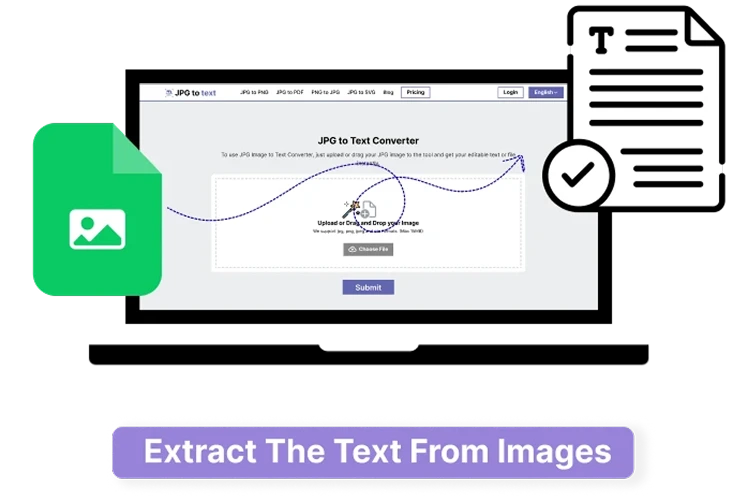
Free online OCR tool that extracts editable text from JPG, PNG, and other image formats in seconds
 AI Image Combiner
Verified
Photo Editor
AI Image Combiner
Verified
Photo Editor
Merge two photos into one realistic image with AI — perfect for ads, product shots, and social posts
 ImageCombiner AI
Verified
Photo Editor
ImageCombiner AI
Verified
Photo Editor
AI tool that merges multiple photos into one seamless composition with automatic lighting and style adjustments.
 Bulk BG Remove.com
Verified
Background Remover
Bulk BG Remove.com
Verified
Background Remover
AI tool to remove backgrounds from multiple images at once — upload a batch, get transparent PNGs or a ZIP file.