
Microsoft Copilot
AI chat companion that answers questions, creates images, and helps with writing and research tasks
| What is it | AI chat companion that answers questions, creates images, and helps with writing and research tasks |
|---|---|
| Pricing | Unknown |
| Platform | Web Application |
| API | Yes |
| Best for | getting answers to complex questions, creating visual content from text |
| Domain registered | 1991 |
Data updated Sept. 19, 2026
What does Microsoft Copilot do?
Microsoft Copilot is an AI chat tool built into Microsoft's ecosystem. You type a question or request, and it responds with text, images, or suggestions. It can help with everything from drafting an email to finding a good deal online. The interface is simple: a chat box where you type, and Copilot replies. It's designed to feel like a helpful assistant, not a search engine.
Copilot stands out because it's deeply connected to Microsoft services. It can pull information from the web via Bing, generate images using DALL-E, and help with Office tasks if you're signed in. The tool offers preset prompts like "Create an image," "Find the best deal," or "Improve writing" to get you started. It also has a "Smart" mode toggle that adjusts how creative or precise the responses are. One thing to note: Copilot is still an AI and can make mistakes, so you should double-check important facts.
This tool is best for anyone who already uses Microsoft products and wants a quick AI assistant. Students can use it to summarize articles or brainstorm ideas. Professionals can draft replies or improve their writing. Casual users might enjoy generating images or getting quick answers. It's free to use with a Microsoft account, making it accessible to a wide audience.
Key features
What makes it stand outWho is Microsoft Copilot for?
Who benefits most from this toolTrust & presence
Alternatives in Chat & Assistants
 ChatGPT
Verified
Chat & Assistants
ChatGPT
Verified
Chat & Assistants
AI chatbot that answers questions, writes content, and assists with tasks through conversational text.
 Tidio Copilot
Verified
Chat & Assistants
Tidio Copilot
Verified
Chat & Assistants
Free AI assistant for customer service — automatically answers support tickets and chats using your helpdesk content.
 AIChatting
Verified
Chat & Assistants
AIChatting
Verified
Chat & Assistants
Free web-based AI chatbot — ask questions, get answers, and generate content instantly.
 Meta AI
Verified
Chat & Assistants
Meta AI
Verified
Chat & Assistants
Use Meta AI assistant to get things done, create AI-generated images for free, and get answers to any of your questions. Meta AI is built on Meta's latest Llama large language model and uses Emu.
 chatbox.ai
Verified
Chat & Assistants
chatbox.ai
Verified
Chat & Assistants
AI chat assistant that helps with writing, research, and problem-solving through natural conversation
 Askgpt
Verified
Chat & Assistants
Askgpt
Verified
Chat & Assistants
AI chat assistant that gives you access to multiple AI models for writing, research, and image generation in one place.
 JimmyGPT
Verified
Chat & Assistants
JimmyGPT
Verified
Chat & Assistants
A friendly AI assistant for creating content and having fun conversations.
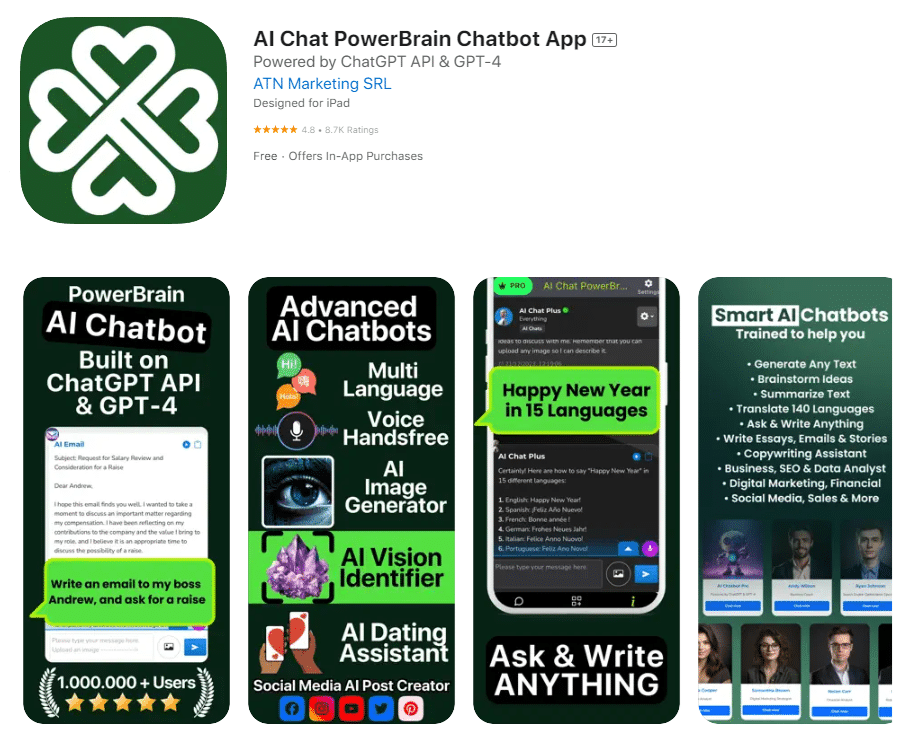 AI Chat PowerBrain
Verified
Chat & Assistants
AI Chat PowerBrain
Verified
Chat & Assistants
AI chatbot assistant for answering questions, generating content, and creating images across web and mobile apps
Similar tools
 Copilot for Microsoft 365
Verified
Documents Generator
Copilot for Microsoft 365
Verified
Documents Generator
AI assistant integrated into Microsoft 365 apps — draft emails, summarize meetings, and create documents using your company data.
 GitHub Copilot
Verified
Developer Tools
GitHub Copilot
Verified
Developer Tools
AI pair programmer that suggests code completions and answers questions directly in your editor.
 WebCopilot
Verified
Writing Assistants
WebCopilot
Verified
Writing Assistants
Browser extension that adds an AI writing assistant to any website — compose emails, posts, and formulas faster.
 Microsoft Bing
Research Tool
Microsoft Bing
Research Tool
AI-powered search engine that summarizes answers, creates images/videos, and helps with shopping, maps, and news.
 Writers-Copilot.com
Verified
Writing Assistants
Writers-Copilot.com
Verified
Writing Assistants
A free AI writing assistant that provides feedback, suggests improvements, and edits your content.
 baygross.github.io
Verified
Writing Assistants
baygross.github.io
Verified
Writing Assistants
AI collaborator for Google Docs — share your document and get AI-powered editing suggestions directly in the comments.
 Microsoft 365
Verified
Productivity Tools
Microsoft 365
Verified
Productivity Tools
AI-powered productivity suite — get help drafting documents, analyzing data, and creating presentations directly in Word, Excel, and PowerPoint.