
Littlebird
AI desktop assistant that learns from your screen and meetings to help you recall details and create content.
| What is it | AI desktop assistant that learns from your screen and meetings to help you recall details and create content. |
|---|---|
| Pricing | Freemium — from $20/mo |
| Free tier | Yes |
| Platform | Desktop Application |
| API | Yes |
| Best for | recalling details from past meetings and documents, generating first drafts using existing work context |
| Domain registered | 2024 |
Data updated Sept. 19, 2026
What does Littlebird do?
Littlebird is an AI assistant that runs on your desktop, designed to be a 'second brain' for your work. It operates by learning from what you see and hear—paying attention to your active applications and transcribing your meetings. This allows it to build a detailed, searchable memory of your projects, conversations, and documents without you having to manually connect apps or feed it information. The core idea is to eliminate the need for constant context-switching and frantic searching through old emails or notes.
What sets Littlebird apart is its passive, context-aware approach. Instead of being a chatbot you visit, it works quietly in the background, learning your habits and the content you interact with. When you need something, you can ask it questions or request summaries, and it already understands the context behind your request. This leads to more relevant and useful answers than a generic AI. It emphasizes privacy, operating only on your active screen (not minimized apps or private windows) and giving you full control to pause collection or delete data.
This tool is a major productivity booster for anyone who juggles multiple apps, frequent meetings, and complex projects. Sales professionals can use it to quickly pull up past client notes. Developers can switch between coding tasks without losing their train of thought. Marketers can generate content drafts based on existing campaign materials. It's for anyone tired of copying and pasting information between apps just to get a simple answer from an AI.
Key features
What makes it stand outWho is Littlebird for?
Who benefits most from this toolPricing
Free tier available — start without a credit cardBasic
- limited daily chats
- 25 lifetime meeting notes
- 1 active routines
- Context history
- Limited daily chats
- 25 Lifetime meeting notes
- 1 active routine
- Automated daily journal
- Instant, cross-app search
- Community support
- Privacy & data protection
Plus
Everything in Basic, plus:
- Unlimited daily chats
- Unlimited meeting notes
- Unlimited active routines
- Early access to new features
- Priority email support
Trust & presence
Gallery
Click any image to enlargeAlternatives in Meeting Assistant
 Shadow
Verified
Meeting Assistant
Shadow
Verified
Meeting Assistant
AI meeting assistant that captures both spoken conversation and screen content, then generates follow-ups and action items.
 Circleback.ai
Verified
Meeting Assistant
Circleback.ai
Verified
Meeting Assistant
AI meeting assistant that automatically records, transcribes, and summarizes meetings, then extracts action items and insights.
 Read AI
Verified
Meeting Assistant
Read AI
Verified
Meeting Assistant
AI notetaker for meetings — automatically generates summaries, transcripts, and action items from your video calls.
 Meeting.ai
Verified
Meeting Assistant
Meeting.ai
Verified
Meeting Assistant
AI meeting assistant that turns conversations into visual mind maps, summaries, and action items.
 Fireflies.ai
Verified
Meeting Assistant
Fireflies.ai
Verified
Meeting Assistant
AI meeting assistant that transcribes, summarizes, and analyzes conversations across video calls and audio files.
 Typilot
Verified
Meeting Assistant
Typilot
Verified
Meeting Assistant
AI assistant that runs entirely on your device — type, speak, polish text, and record meetings without sending data to the cloud.
 MeetingBrief
Verified
Meeting Assistant
MeetingBrief
Verified
Meeting Assistant
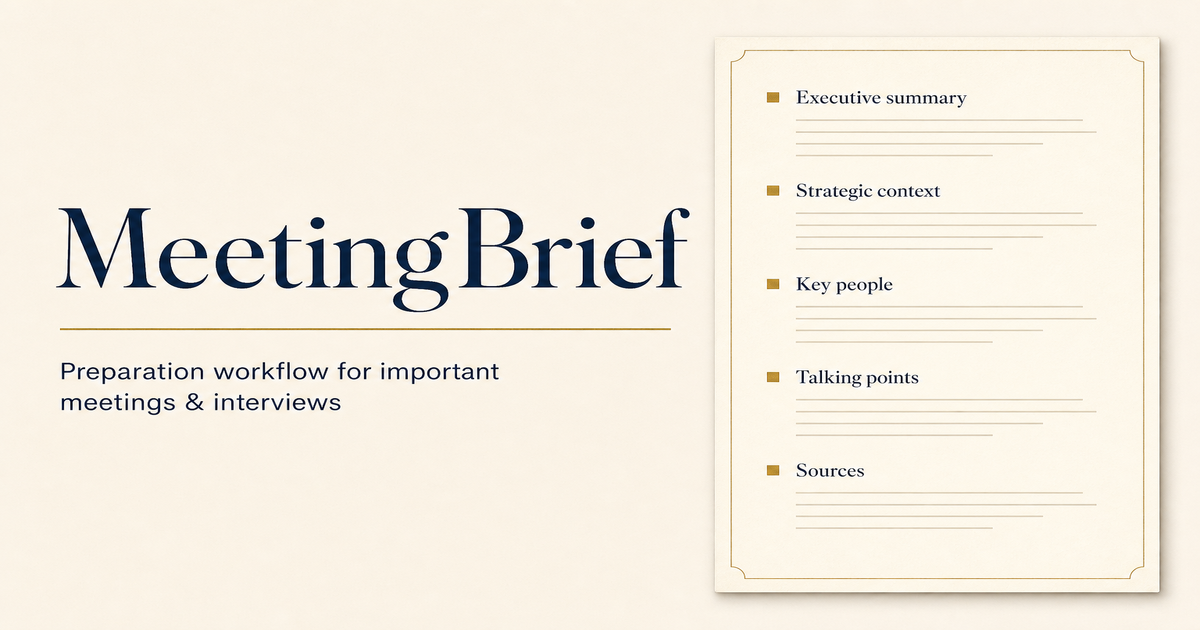
AI meeting prep tool — upload context, pick a meeting type, get a structured briefing pack in minutes
 Upmeet
Verified
Meeting Assistant
Upmeet
Verified
Meeting Assistant
AI meeting assistant that transcribes, summarizes, and helps you act on decisions without a bot in the call.
Similar tools
 ProMind.ai
Verified
Assistant
ProMind.ai
Verified
Assistant
AI personal assistant that helps you plan, prioritize, and get organized by chatting and uploading documents.
 Findr
Verified
Knowledge Management
Findr
Verified
Knowledge Management
AI-powered second brain that organizes your apps, docs, and notes into one searchable workspace with instant answers