
Dynbox.app
AI file organizer — chat with an AI to move, rename, search, and automatically sort your cloud and local files.
| What is it | AI file organizer — chat with an AI to move, rename, search, and automatically sort your cloud and local files. |
|---|---|
| Pricing | Freemium — from $20/mo |
| Free tier | Yes |
| Platform | Web Application |
| Best for | Organizing a chaotic Downloads folder, Automatically sorting project files into designated folders |
| Domain registered | 2015 |
Data updated Sept. 19, 2026
What does Dynbox.app do?
Dynbox.app is an AI-powered file organizer that tackles digital clutter. Instead of manually dragging and dropping, you simply tell an AI assistant what you want to do with your files. You can ask it to move, rename, clean up duplicates, or even answer questions about the content of your documents. It connects to your existing cloud storage services, and a promised local file access feature aims to bring order to the infamous 'Downloads folder blackhole.' The core idea is to turn file management from a tedious chore into a conversational task.
What makes Dynbox.app stand out is its dual approach. You can take direct control by chatting with the AI, giving feedback to refine its actions, and approving every change before it's made. Alternatively, you can set up 'Automated Folders' with rules, letting the tool sort incoming files silently in the background. It also features a powerful semantic search, allowing you to find files based on their meaning and content, not just their titles. Privacy is a key design principle; the service emphasizes that your files are never stored on its servers, and you control exactly what the AI can access.
This tool is a perfect fit for anyone who feels overwhelmed by disorganized cloud drives or local directories. Individual users drowning in screenshots and documents will find immediate relief, while small teams can use it to maintain a sane, shared folder structure. Real-world use includes automatically sorting all invoice PDFs into a finance folder, quickly finding a specific memo by describing its topic, or finally bringing consistency to a decade's worth of inconsistently named photo files.
Key features
What makes it stand outWho is Dynbox.app for?
Who benefits most from this toolPricing
Free tier available — start without a credit cardFree
- 50 credits
- 50 credits per month
- AI Chat
- Semantic search
- Demo mode
Pro
Everything in Free, plus:
- 1,000 credits
- 5 members
- 1000 credits per month
- Automated sorting
- Smarter AI model
- Up to 5 members
Enterprise
Everything in Pro, plus:
- Custom limits
- Enterprise cloud integration
- Centralized team billing
- SAML/OIDC SSO
Trust & presence
Gallery
Click any image to enlargeAlternatives in Productivity Tools
 Sortio
Verified
Productivity Tools
Sortio
Verified
Productivity Tools
AI-powered desktop app that organizes your files with a simple prompt — sort, rename, and categorize instantly.
 Files Magic AI File Organizer for Mac
Verified
Productivity Tools
Files Magic AI File Organizer for Mac
Verified
Productivity Tools
Mac desktop app that organizes files, renames with local AI, and cleans up storage while keeping all data on your device.
 AI Renamer
Verified
Productivity Tools
AI Renamer
Verified
Productivity Tools
Desktop app that uses AI to analyze your files and rename them based on their content — perfect for organizing photos and documents.
 FileZen
Verified
Productivity Tools
FileZen
Verified
Productivity Tools
AI-powered desktop app that automatically organizes and renames your messy files and folders using custom prompts.
 Organize with AI
Verified
Productivity Tools
Organize with AI
Verified
Productivity Tools
AI-powered desktop app that organizes photos and videos — find duplicates, search by content, and detect people in 45 languages.
 Ishi
Productivity Tools
Ishi
Productivity Tools
Desktop AI agent that organizes files, extracts data, and automates workflows locally with transparent previews before any action.
 NudgeFile
Verified
Productivity Tools
NudgeFile
Verified
Productivity Tools
AI-powered Windows app that automatically organizes, renames, and sorts files in your folders.
 Inboxy
Verified
Productivity Tools
Inboxy
Verified
Productivity Tools
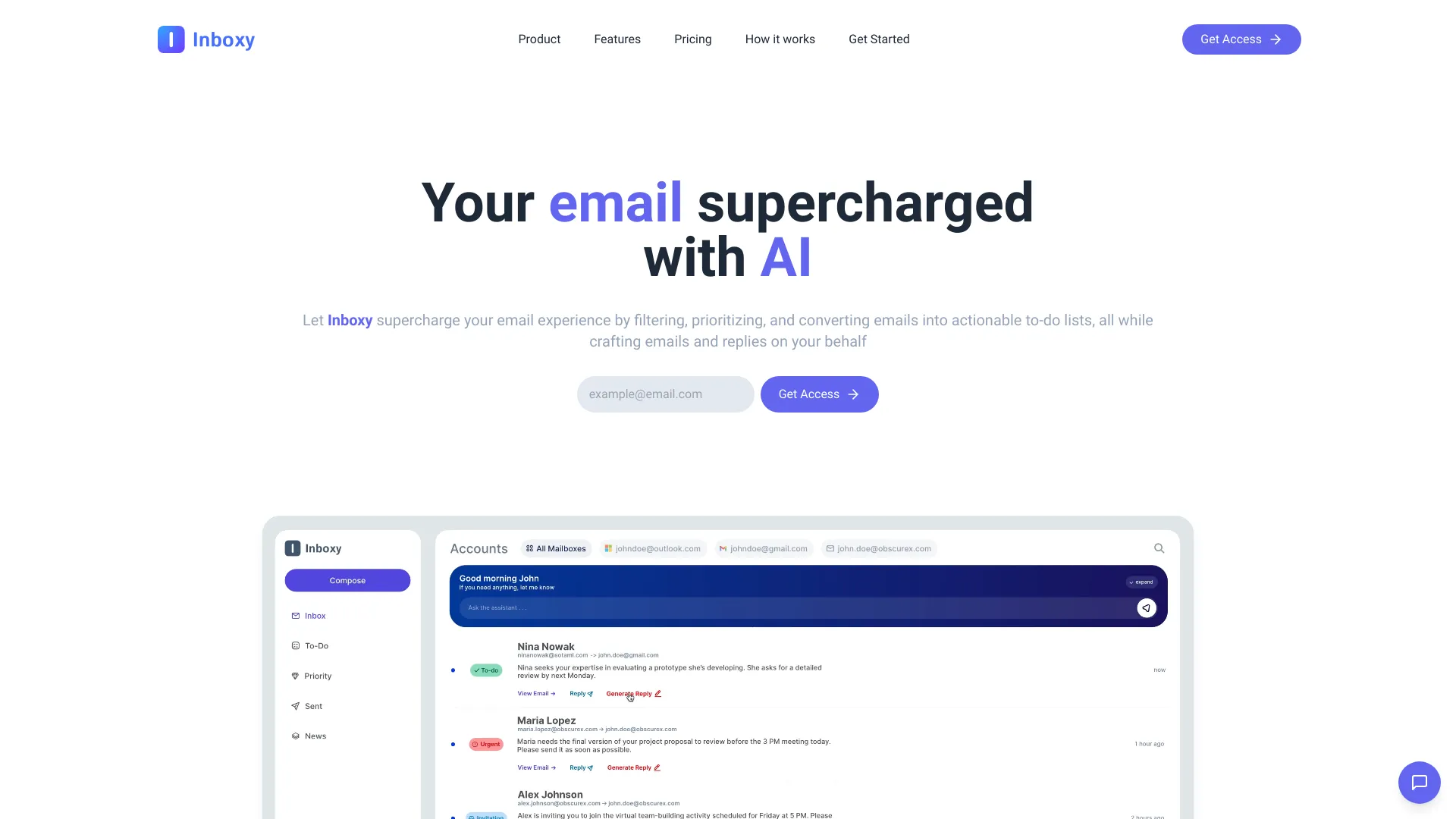
AI-powered email management tool — automatically sorts, prioritizes, and helps you respond to your inbox.
Similar tools
 The Drive AI
Verified
Knowledge Management
The Drive AI
Verified
Knowledge Management
AI file assistant — organize, search, and manage files using natural language commands
 Chatbox
Verified
Assistant
Chatbox
Verified
Assistant
Desktop and mobile AI assistant app — chat with documents, generate code, create images, and access multiple AI models in one interface