
SwytchAI
Browser extension that lets you switch between AI models (ChatGPT, Claude, v0) without losing your conversation context.
| What is it | Browser extension that lets you switch between AI models (ChatGPT, Claude, v0) without losing your conversation context. |
|---|---|
| Pricing | Freemium — from $6.99/mo |
| Free tier | Yes |
| Platform | Chrome Extension |
| Best for | continuing AI conversations after hitting rate limits, comparing outputs from different AI models |
| Domain registered | 2025 |
Data updated Jan. 27, 2026
What does SwytchAI do?
SwytchAI is a browser extension that solves a specific but common frustration for AI power users: losing your conversation context when switching between different AI models. It lets you start a conversation with ChatGPT, Claude, or v0, and then seamlessly continue that same conversation on a different AI platform when you hit rate limits or want to compare responses. Your entire chat history and context moves with you, eliminating the need for tedious copy-pasting or restarting conversations from scratch.
The tool works by running silently in your browser and connecting to your various AI accounts through secure OAuth integrations. When you want to switch models, you simply click the extension icon and select where to continue your conversation. Beyond the core switching functionality, SwytchAI includes practical features like side-by-side model comparison to see how different AIs handle the same prompt, and a unified history that logs all your cross-platform conversations in one place with export options.
This tool is particularly valuable for professionals who rely heavily on AI assistance throughout their workday. Software engineers can maintain complex coding discussions across models, content creators can efficiently compare creative outputs, and business owners can ensure their AI-powered work continues uninterrupted during outages or limit restrictions. It's essentially a productivity booster for anyone who regularly hits the walls of individual AI platforms and needs to keep their workflow moving.
Key features
What makes it stand outWho is SwytchAI for?
Who benefits most from this toolPricing
Free tier available — start without a credit cardFree
- 2 AI models
- 5 continuations per day
- 7 conversation history days
- Switch between 2 AI models
- 5 continuations per day
- Basic conversation history (7 days)
- Standard support
Pro
- unlimited AI models
- unlimited continuations
- 90 conversation history days
- Switch between unlimited AI models
- Unlimited continuations
- Advanced conversation history (90 days)
- Priority support
- AI model comparison tool
- Custom keyboard shortcuts (Coming Soon)
Team
Everything in Pro, plus:
- 5 team members
- All Pro features
- 5 team member accounts
- Team conversation sharing
- Admin dashboard
- Usage analytics
- Dedicated support
- API access (Coming Soon)
Trust & presence
Gallery
Click any image to enlargeAlternatives in Productivity Tools
 Prompt Bridge
Verified
Productivity Tools
Prompt Bridge
Verified
Productivity Tools
Save and transfer AI conversation context across ChatGPT, Claude, Gemini, and more — no copy-pasting.
 ChatGPT Easy Folders
Verified
Productivity Tools
ChatGPT Easy Folders
Verified
Productivity Tools
Browser extension that adds folders, search, and prompt management to ChatGPT and Claude.
 Superpower ChatGPT
Verified
Productivity Tools
Superpower ChatGPT
Verified
Productivity Tools
Browser extension that adds folders, search, highlights, and workflow tools to ChatGPT.
 Referral Factory
Verified
Productivity Tools
Referral Factory
Verified
Productivity Tools
AI productivity platform offering 20% discount for first 3 months through referral program
 Nova AI Toolkit
Verified
Productivity Tools
Nova AI Toolkit
Verified
Productivity Tools
Comprehensive AI toolkit for writing, studying, emailing, diagramming, and PDF processing — all in one platform
 MindPlexa
Verified
Productivity Tools
MindPlexa
Verified
Productivity Tools
AI-powered project management platform with interactive canvases and intelligent nodes for organizing ideas.
 Nodejam
Verified
Productivity Tools
Nodejam
Verified
Productivity Tools
AI-native office suite that combines text, spreadsheets, and slides in one unified format with natural language commands.
 WindowSill
Verified
Productivity Tools
WindowSill
Verified
Productivity Tools
AI command bar for Windows — control media, access clipboard history, and rewrite text in any app without switching windows.
Similar tools
 thredly
Verified
Knowledge Management
thredly
Verified
Knowledge Management
Summarize long ChatGPT, Claude, and DeepSeek conversations into a clean markdown summary to restart a fresh thread.
 Hiperyon
Verified
Knowledge Management
Hiperyon
Verified
Knowledge Management
Chrome extension that adds a shared memory layer to multiple AI models, so you never have to repeat context when switching between them.
 OpenCraft AI
Verified
Chat & Assistants
OpenCraft AI
Verified
Chat & Assistants
Multi-model AI copilot — access GPT, Claude, Gemini in one interface with persistent context and file memory
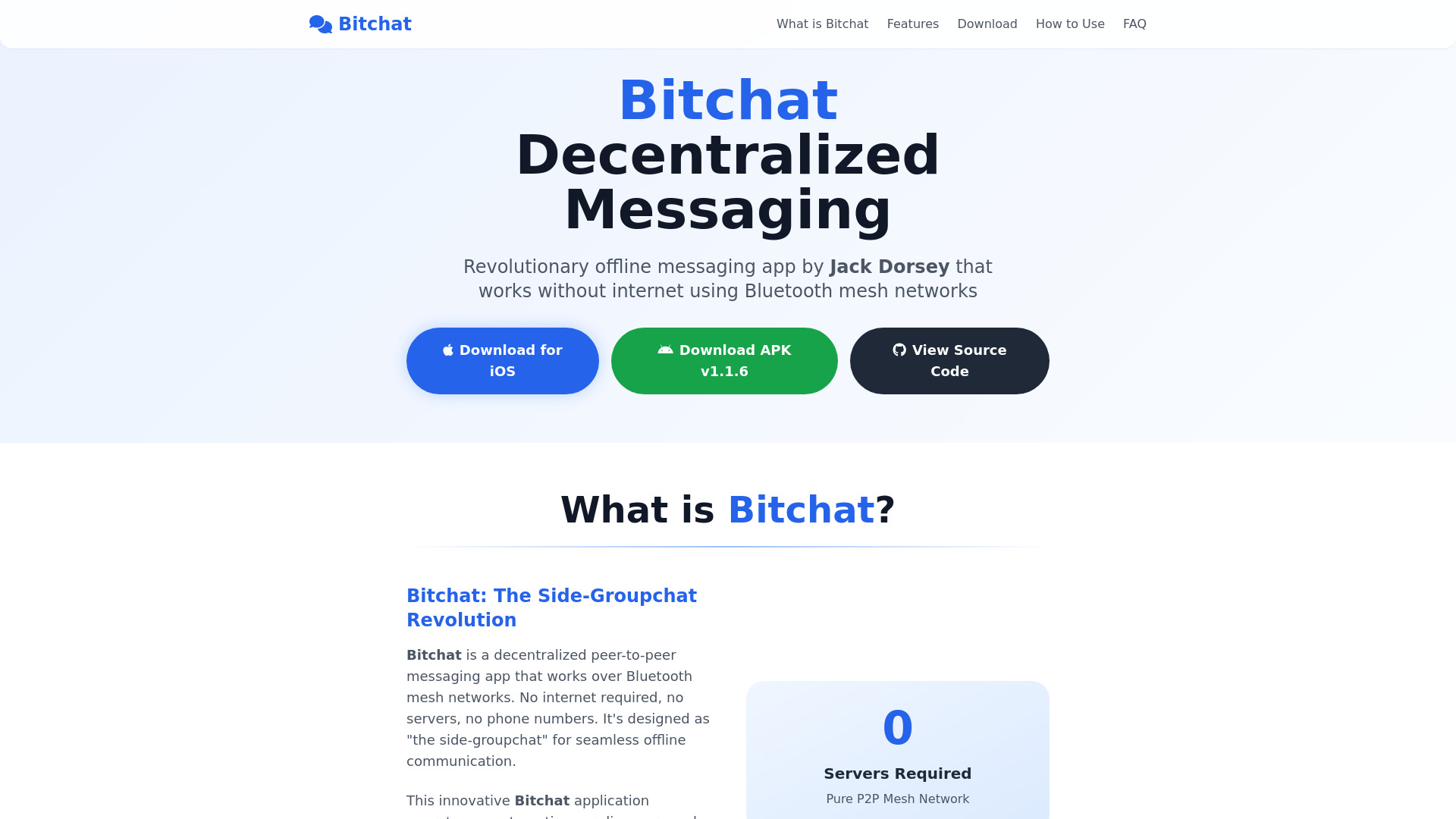 Bitchat
Verified
Chat & Assistants
Bitchat
Verified
Chat & Assistants
AI chat platform for interacting with multiple large language models from a single interface.
 DockyAI:ChatGPT sidebar Chrome extension
Verified
Chat & Assistants
DockyAI:ChatGPT sidebar Chrome extension
Verified
Chat & Assistants
Chrome extension sidebar with ChatGPT, GPT-4, DALL-E, and Claude for instant AI assistance while browsing
 lmChatGPTtfy
Verified
Assistant
lmChatGPTtfy
Verified
Assistant
Browser extension that adds 'Ask ChatGPT' buttons to any webpage for instant AI assistance