Grok Button
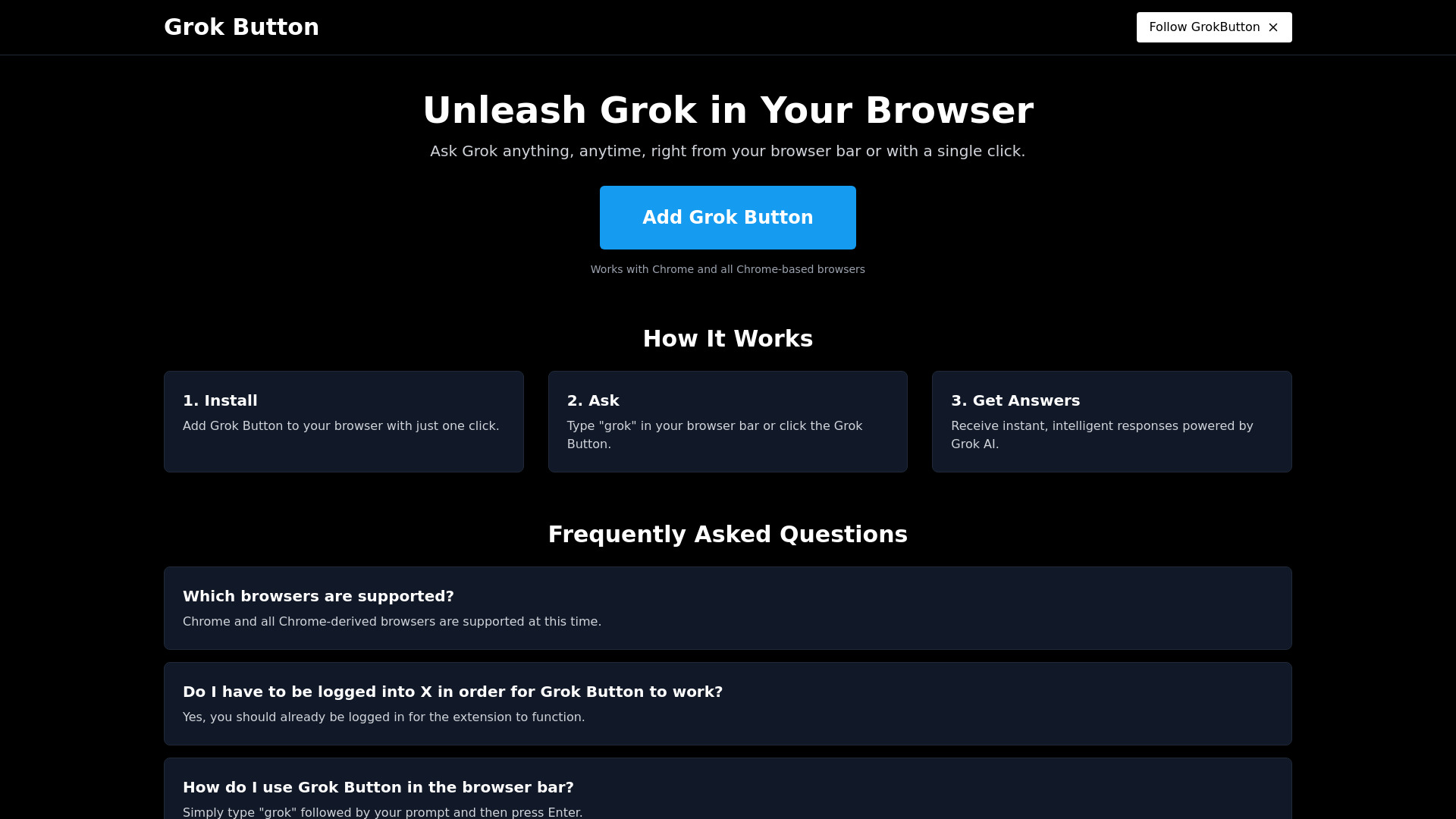
Access Grok AI directly from your browser bar or with a single click.
| What is it | Access Grok AI directly from your browser bar or with a single click. |
|---|---|
| Pricing | Unknown |
| Platform | Chrome Extension |
| Best for | getting quick answers while browsing, accessing AI without opening new tabs |
| Domain registered | 2024 |
Data updated Sept. 19, 2026
What does Grok Button do?
Grok Button brings the power of Grok AI directly into your web browser. This extension allows you to ask questions and receive intelligent responses without navigating away from your current page. It integrates seamlessly into your browsing experience, making AI assistance readily available.
Using Grok Button is straightforward. After a quick installation, you can either type 'grok' followed by your query directly into your browser's address bar, or simply click the Grok Button icon. The tool then processes your request using Grok AI and provides instant answers. It is designed for Chrome and other Chromium-based browsers, ensuring broad compatibility for many users.
This tool is ideal for anyone who frequently uses AI for information retrieval and wants a more integrated workflow. It helps users get quick facts, definitions, or explanations without interrupting their browsing flow. If you are already a user of Grok AI and want to access it more efficiently, Grok Button offers a convenient solution.
Key features
What makes it stand outWho is Grok Button for?
Who benefits most from this toolTrust & presence
Alternatives in Chat & Assistants
 Grok
Verified
Chat & Assistants
Grok
Verified
Chat & Assistants
AI assistant with real-time knowledge, image generation, and coding — ask anything, get answers from the open web.
 AI Chat Pro
Verified
Chat & Assistants
AI Chat Pro
Verified
Chat & Assistants
Advanced AI chatbot with multimodal support, specialized coding features, and real-time web access via the X platform.
 DockyAI:ChatGPT sidebar Chrome extension
Verified
Chat & Assistants
DockyAI:ChatGPT sidebar Chrome extension
Verified
Chat & Assistants
Chrome extension sidebar with ChatGPT, GPT-4, DALL-E, and Claude for instant AI assistance while browsing
 Chat AI GPT
Verified
Chat & Assistants
Chat AI GPT
Verified
Chat & Assistants
Free web-based AI chatbot that answers questions, generates text, and assists with writing using OpenAI's API.
 Companion Ai
Chat & Assistants
Companion Ai
Chat & Assistants
Desktop app that gives you quick access to multiple AI assistants (ChatGPT, Gemini, Claude) from your menu bar.
 Yuanbao
Verified
Chat & Assistants
Yuanbao
Verified
Chat & Assistants
Tencent's AI assistant — chat, ask questions, create content, and analyze uploaded files in Chinese
 ChatGPT Buddy
Verified
Chat & Assistants
ChatGPT Buddy
Verified
Chat & Assistants
AI chatbot that brings ChatGPT directly into your WhatsApp for instant answers and assistance.
 Chatty Butler
Verified
Chat & Assistants
Chatty Butler
Verified
Chat & Assistants
Chat with specialized AI assistants for tasks like recipe planning, travel itineraries, and legal advice.
Similar tools
 PopboxGPT
Verified
Writing Assistants
PopboxGPT
Verified
Writing Assistants
AI Chrome extension — get instant GPT assistance on any webpage without switching tabs.
 The Grok App
Verified
Research Tool
The Grok App
Verified
Research Tool
AI-powered document search and analysis — upload files, ask questions, and get instant answers from your own content.
 Torq AI
Verified
Assistant
Torq AI
Verified
Assistant
Chrome extension that brings ChatGPT-powered email, text processing, and web search to your browser.
 xAI
Verified
Models
xAI
Verified
Models
AI company building Grok — a conversational AI assistant and API for developers, accessible on web and mobile.
 Checkget
Verified
Writing Assistants
Checkget
Verified
Writing Assistants
A browser extension that brings ChatGPT to any website — select text, press a hotkey, and get AI help instantly.
 GPT-Prompter
Verified
Prompts
GPT-Prompter
Verified
Prompts
Chrome extension that lets you use GPT-3, GPT-4, and ChatGPT API directly from any webpage
 Groq Summarizer
Verified
AI Summarizer
Groq Summarizer
Verified
AI Summarizer
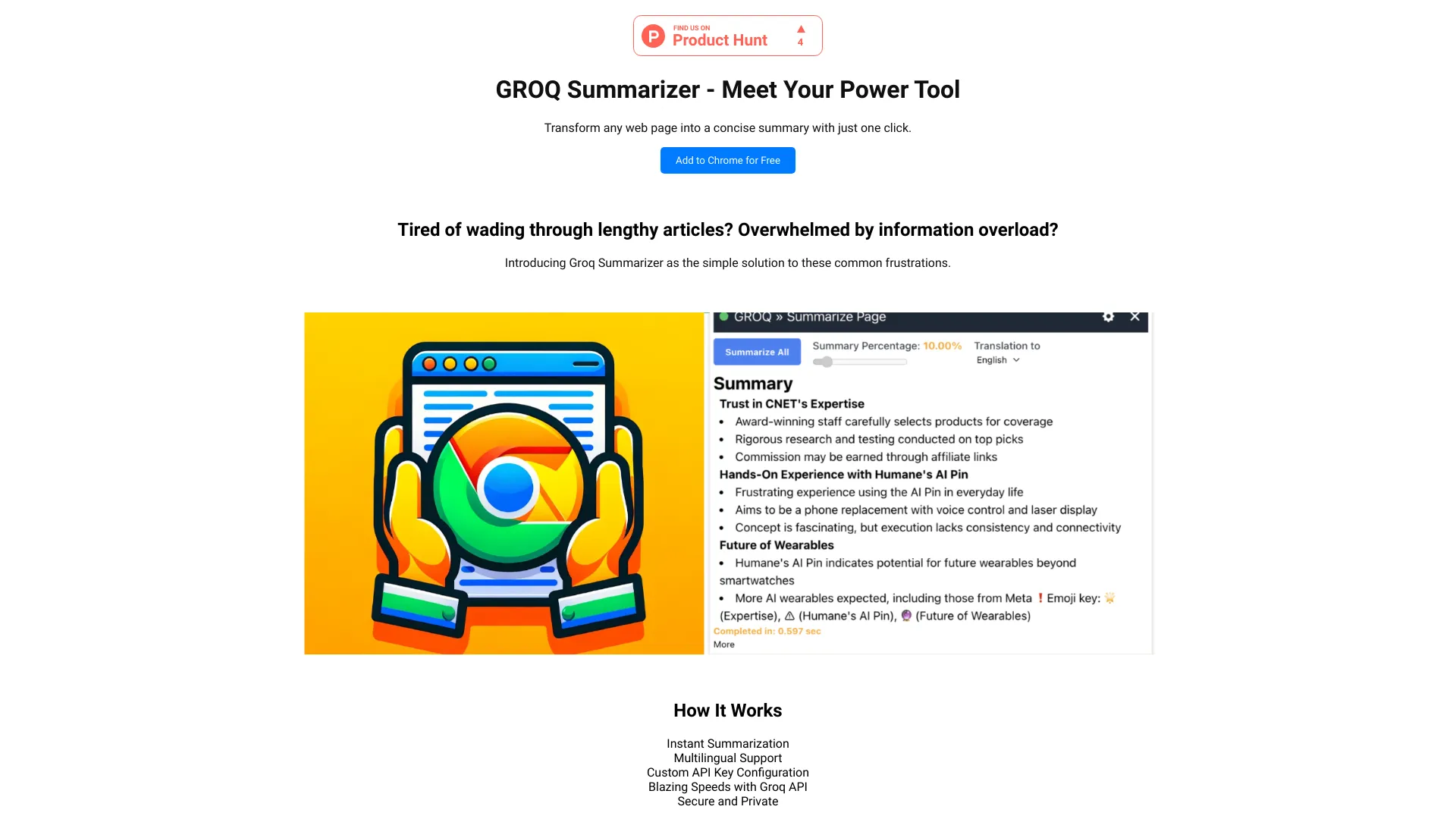
Chrome extension that summarizes any web page in one click using the Groq API