
Inbox AI
A MacOS automation tool that lets you control AI actions and apps using your voice and custom triggers.
| What is it | A MacOS automation tool that lets you control AI actions and apps using your voice and custom triggers. |
|---|---|
| Pricing | Paid |
| Platform | Desktop Application |
| Best for | Creating voice shortcuts to reply to Slack messages, Quickly capturing and processing screen content with AI |
| Domain registered | 2024 |
Data updated Sept. 19, 2026
What does Inbox AI do?
Inbox AI is a MacOS automation tool designed to put AI-powered actions at your fingertips—or more accurately, at the sound of your voice. It allows you to create custom voice commands that trigger a wide variety of tasks, from simple app interactions to complex AI processing workflows. Think of it as a programmable conductor for your digital workspace, where you can tell your computer to 'reply to this Slack message' or build an entire voice assistant tailored to your needs.
The tool stands out through its deep integration with the MacOS ecosystem and its flexible, modular action system. It features 'Quick Capture' to snag anything on your screen for AI analysis, on-device email processing for privacy, and the ability to chain actions together. You can build AI conversational agents that see and interact with your content, use AI to summarize or extract data, and guide the AI with multiple-choice questions. It works seamlessly with native apps like Apple Mail and Reminders, and plays nice with popular utilities like Raycast and PopClip.
This tool is a boon for Mac power users and anyone drowning in repetitive digital tasks. It's perfect for the professional who wants to triage their inbox hands-free, the content creator who needs to quickly capture and repurpose information, or the developer looking to automate complex sequences between local commands and cloud APIs. By turning voice intent into automated action, Inbox AI aims to make your computer feel less like a tool and more like an intelligent collaborator.
Key features
What makes it stand outWho is Inbox AI for?
Who benefits most from this toolTrust & presence
Alternatives in Automation
 Appomate
Verified
Automation
Appomate
Verified
Automation
Custom AI app builder for businesses — automate repetitive tasks and workflows starting at $49/month.
 Rube
Verified
Automation
Rube
Verified
Automation
AI automation tool that connects your apps and performs tasks through natural language commands
 FlowMate
Verified
Automation
FlowMate
Verified
Automation
Describe a workflow in plain language and FlowMate runs it inside Claude, ChatGPT, or Gemini
 Panorama
Verified
Automation
Panorama
Verified
Automation
AI workflow automation tool that finds and automates your team's repetitive tasks using workplace data
 Transformify Automate
Verified
Automation
Transformify Automate
Verified
Automation
AI-powered automation tool — describe a task in plain English and it builds the workflow for you.
 Hints
Verified
Automation
Hints
Verified
Automation
AI integration platform that connects your apps and automates workflows with natural language commands
 Caddi
Verified
Automation
Caddi
Verified
Automation
An AI agent that finds repetitive back-office tasks and automates them across your tools
 Mazaal AI
Verified
Automation
Mazaal AI
Verified
Automation
Browser automation tool — control apps, run AI workflows, and automate tasks directly from any browser tab with simple commands.
Similar tools
 VoiceOS
Verified
Assistant
VoiceOS
Verified
Assistant
AI voice assistant for your computer — speak commands to control apps, write emails, schedule meetings, and more.
 InfinipilotAI
Verified
Writing Assistants
InfinipilotAI
Verified
Writing Assistants
AI co-pilot for macOS — get autocomplete, writing help, and translations in any app you use.
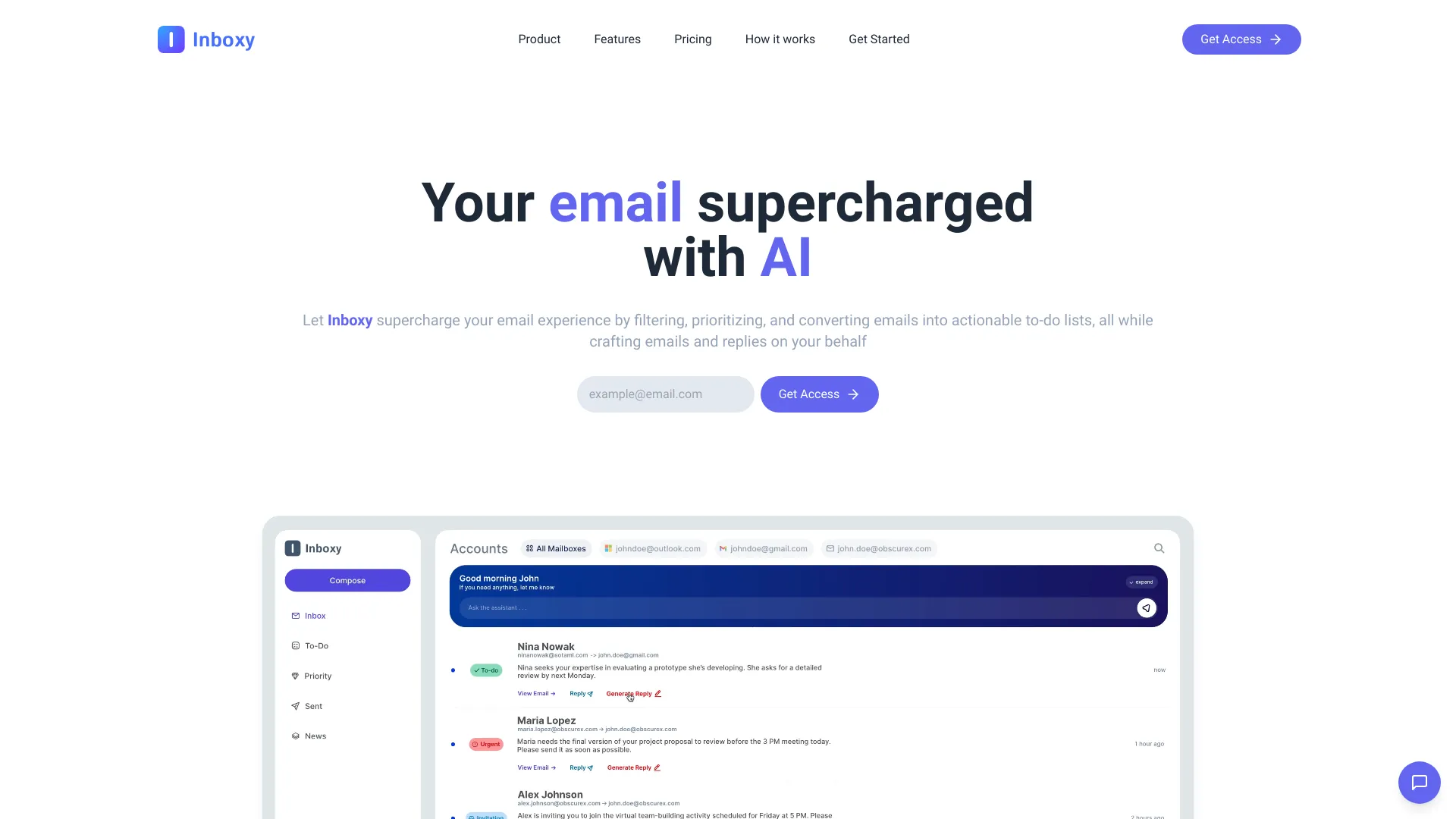 Inboxy
Verified
Productivity Tools
Inboxy
Verified
Productivity Tools
AI-powered email management tool — automatically sorts, prioritizes, and helps you respond to your inbox.
 Enconvo
Verified
Productivity Tools
Enconvo
Verified
Productivity Tools
A macOS AI agent launcher that integrates with your screen, apps, and workflow for context-aware automation.
 Superinbox
Verified
Assistant
Superinbox
Verified
Assistant
AI email assistant that drafts replies and organizes your inbox automatically — works inside Gmail and Outlook
 Smart Inbox AI
Verified
Productivity Tools
Smart Inbox AI
Verified
Productivity Tools
AI-powered email management tool that sorts, prioritizes, and drafts replies for you automatically.
 Instruct
Verified
Assistant
Instruct
Verified
Assistant
AI assistant that automates tasks across your connected apps — just describe the work you need done.
 Inboxly AI
Verified
Assistant
Inboxly AI
Verified
Assistant
AI mailbox that organizes and responds to messages from all your social and public links in one place.