
Clean Inbox for Gmail™
A Gmail add-on that uses AI to automatically filter and label newsletters and unwanted emails, keeping your inbox clean.
| What is it | A Gmail add-on that uses AI to automatically filter and label newsletters and unwanted emails, keeping your inbox clean. |
|---|---|
| Pricing | Freemium |
| Free tier | Yes |
| Platform | Chrome Extension |
| Best for | automatically filtering promotional emails and newsletters, creating custom rules to block specific senders or email categories |
| Domain registered | 2023 |
Data updated Sept. 19, 2026
What does Clean Inbox for Gmail™ do?
Clean Inbox for Gmail™ is a browser add-on designed to tackle one of modern email's biggest headaches: the endless stream of newsletters and promotional emails. It works directly within Gmail to automatically identify and filter out unwanted messages. Instead of cluttering your primary inbox, these emails get labeled and organized, so you can review them on your own schedule. The core promise is simple—give you back control over what lands in your main view without the tedious work of manual filtering.
What makes Clean Inbox for Gmail™ stand out is its smart use of AI. You can install pre-made filter categories with one click, but the real power comes from creating custom filters. The tool uses GPT technology to analyze email subjects (not the content, for privacy) and suggest filters to catch similar future messages. It emphasizes a strong privacy-first approach, assuring users that email contents are never read or stored. Filtered emails are never deleted, only labeled, so nothing is ever lost.
This tool is perfect for anyone who feels buried under subscription emails but dreads the unsubscribe process. Professionals, entrepreneurs, and anyone using Gmail for work will benefit most. It's particularly useful for maintaining focus by keeping promotional noise out of your primary inbox, allowing you to concentrate on important messages. With over 35,000 users and high ratings, it's clearly solving a real, widespread pain point in email management.
Key features
What makes it stand outWho is Clean Inbox for Gmail™ for?
Who benefits most from this toolTrust & presence
Alternatives in Productivity Tools
 MailSweeper
Verified
Productivity Tools
MailSweeper
Verified
Productivity Tools
AI-powered Gmail cleaner — automatically identifies and deletes unimportant emails to save storage space.
 Forage Mail
Verified
Productivity Tools
Forage Mail
Verified
Productivity Tools
AI email assistant for Gmail — filters priority messages and summarizes newsletters into one daily digest
 Zero Inbox
Verified
Productivity Tools
Zero Inbox
Verified
Productivity Tools
AI-powered email organizer that automatically clears your inbox and unsubscribes from unwanted emails in seconds.
 Inbox Zero AI
Verified
Productivity Tools
Inbox Zero AI
Verified
Productivity Tools
AI-powered email organizer that automatically cleans your inbox, unsubscribes from clutter, and prioritizes important messages.
 Breezemail
Verified
Productivity Tools
Breezemail
Verified
Productivity Tools
AI-powered email assistant that automatically categorizes your Gmail or Outlook inbox to keep important messages front and center.
 Inboxy
Verified
Productivity Tools
Inboxy
Verified
Productivity Tools
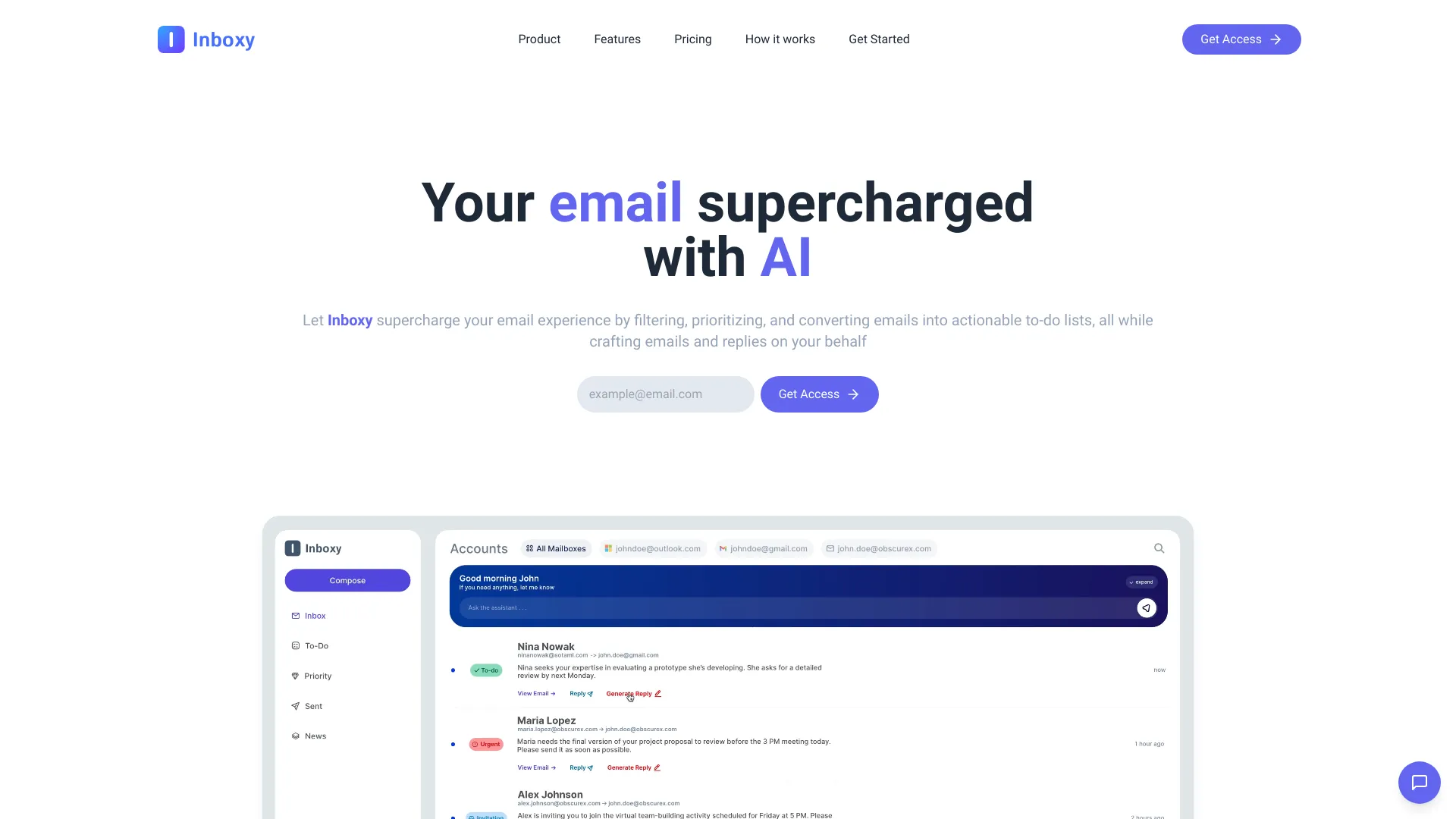
AI-powered email management tool — automatically sorts, prioritizes, and helps you respond to your inbox.
 one.email
Verified
Productivity Tools
one.email
Verified
Productivity Tools
Dobror is a minimalist email client that helps you focus on what really matters. Own your attention and use dobror to avoid being attacked by marketing - connect all your email accounts together in a single client.
 Smart Inbox AI
Verified
Productivity Tools
Smart Inbox AI
Verified
Productivity Tools
AI-powered email management tool that sorts, prioritizes, and drafts replies for you automatically.
Similar tools
 Tame My Inbox
Verified
Assistant
Tame My Inbox
Verified
Assistant
AI assistant for Gmail that drafts replies, organizes your inbox, and tracks commitments to reduce email overload.
 ReplylessAI
Verified
Assistant
ReplylessAI
Verified
Assistant
AI email assistant for Gmail & Outlook — sorts messages, drafts replies, and helps you reach inbox zero.
 HeyHelp
Verified
Assistant
HeyHelp
Verified
Assistant
An AI assistant that drafts emails, organizes your inbox, and handles follow-ups directly within Gmail.