
AI Perfect Assistant
Add ChatGPT directly into Microsoft Office, Google Workspace, and other apps to write, edit, and create content without switching tabs.
| What is it | Add ChatGPT directly into Microsoft Office, Google Workspace, and other apps to write, edit, and create content without switching tabs. |
|---|---|
| Pricing | Freemium — from $25.99/mo |
| Free tier | Yes |
| Platform | Chrome Extension |
| Best for | writing and polishing emails in Outlook, creating presentations and summaries in PowerPoint |
| Domain registered | 2023 |
Data updated Sept. 19, 2026
What does AI Perfect Assistant do?
AI Perfect Assistant is a suite of add-ins that brings the power of ChatGPT directly into the applications you use every day. Instead of juggling between a separate AI chatbot and your work, you can access over 60 specialized tools from a sidebar within Microsoft Word, Excel, PowerPoint, Outlook, Teams, OneNote, and even Gmail and Chrome. It’s designed to help you write, edit, summarize, and generate content without ever leaving your workflow.
The tool stands out through its deep integration and specificity. It’s not just a generic chat window; it offers pre-built templates for highly specific tasks. Need to draft a polite rejection email, generate a birthday wish for a colleague, create a presentation outline from your notes, or even write a Facebook ad? There’s a dedicated one-click tool for that. This removes the guesswork of crafting the perfect prompt and delivers results tailored to the context of the app you’re in.
This is a huge time-saver for professionals who live in their inbox and office suites. Marketing teams can use it to quickly draft social media captions and blog posts. HR managers can generate welcome messages for new hires. Executives can polish reports in Word and craft clear communications in Outlook. Anyone who regularly produces written content, from emails to presentations, will find this tool eliminates friction and boosts productivity.
Key features
What makes it stand outWho is AI Perfect Assistant for?
Who benefits most from this toolPricing
Free tier available — start without a credit cardFree
- 10 monthly tokens
- Default model selection
- Integration with Microsoft Teams
- Integration with Outlook
- Integration with Excel
- Integration with Word
- Integration with PowerPoint
- Integration with OneNote
- Full Integration with Telegram
- Chrome Extension
- Regular Updates
Premium
Everything in Free, plus:
- unlimited monthly tokens
- Unlimited tokens
- Multiple model selection (DeepSeek, Gemini, ChatGPT, Claude, Perplexity)
- Professional Support
Trust & presence
Gallery
Click any image to enlargeAlternatives in Writing Assistants
 Autoppt
Verified
Writing Assistants
Autoppt
Verified
Writing Assistants
AI presentation generator — enter a topic or upload a document, pick a template, get a complete slideshow in seconds
 ChatGPT To Help
Verified
Writing Assistants
ChatGPT To Help
Verified
Writing Assistants
Chrome extension that brings an AI writing assistant to any webpage for instant content creation and editing.
 ghostwriter-ai.com
Verified
Writing Assistants
ghostwriter-ai.com
Verified
Writing Assistants
AI add-ins for Microsoft Office — write, edit, analyze, and create directly in Word, Excel, Outlook, and PowerPoint.
 Flot AI
Verified
Writing Assistants
Flot AI
Verified
Writing Assistants
With Flot AI, you can integrate ChatGPT into your daily workflow and pop up ChatGPT anywhere you type or highlight the text on any app or webpage. Write, improve, paraphrase, summarize, translate, explain, or reply to any text with one click.
 Checkget
Verified
Writing Assistants
Checkget
Verified
Writing Assistants
A browser extension that brings ChatGPT to any website — select text, press a hotkey, and get AI help instantly.
 Textie AI
Verified
Writing Assistants
Textie AI
Verified
Writing Assistants
All-in-one AI platform for text generation, image creation, presentations, and translation in a single tool.
 HyperWrite AI
Verified
Writing Assistants
HyperWrite AI
Verified
Writing Assistants
AI writing assistant that helps you draft emails, rewrite content, and research topics directly in your browser.
 Chatbot
Verified
Writing Assistants
Chatbot
Verified
Writing Assistants
AI chatbot web app that uses OpenAI's GPT-5 Mini model for conversation, writing help, and image analysis.
Similar tools
 ChatGPT Add-in for Outlook
Verified
Productivity Tools
ChatGPT Add-in for Outlook
Verified
Productivity Tools
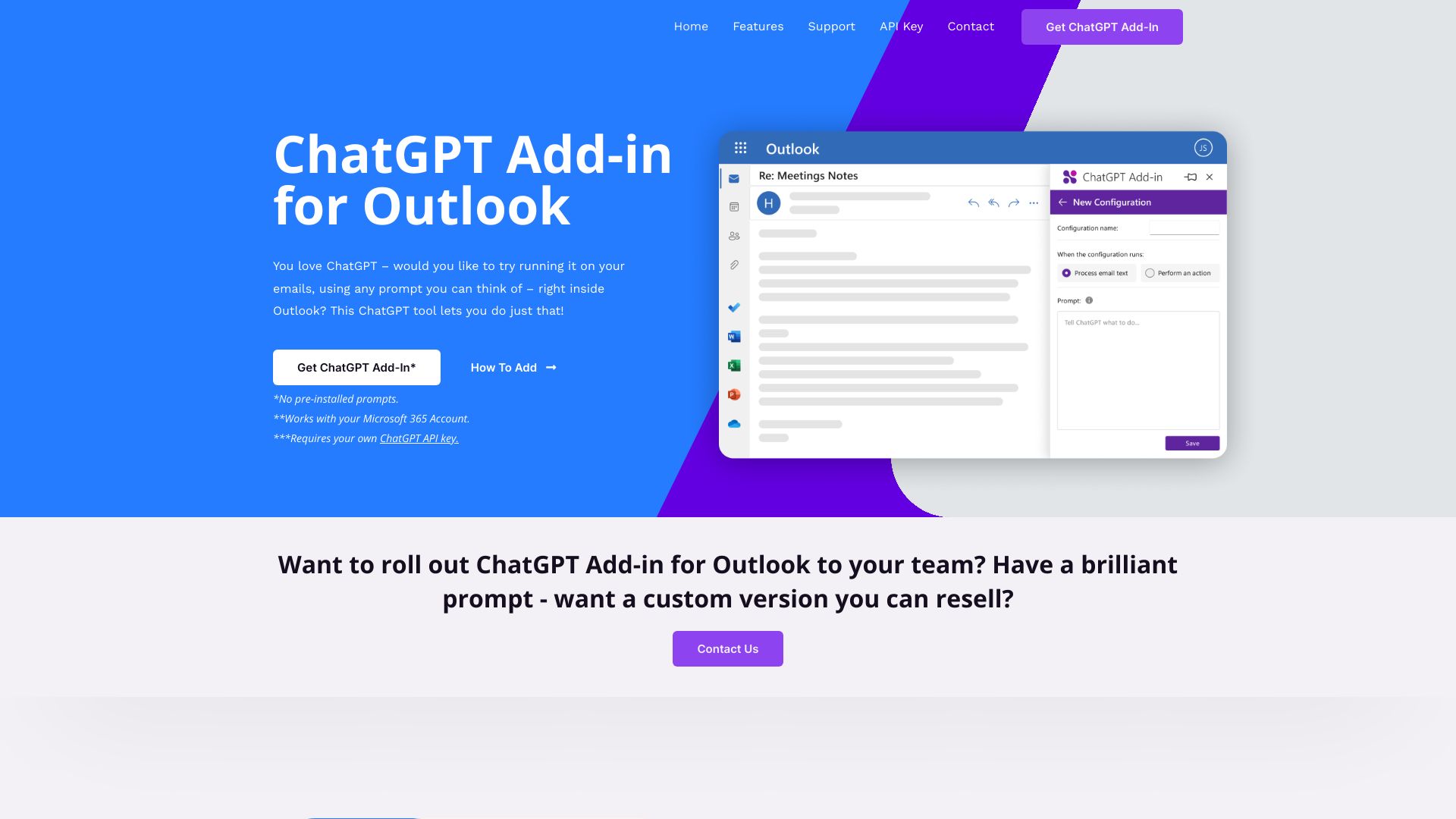
Integrate ChatGPT directly into Outlook to summarize, rewrite, and process emails using custom prompts.
 AI Mail Assistant
Verified
AI Email Assistant
AI Mail Assistant
Verified
AI Email Assistant
Gmail add-on that generates replies, translates emails, improves grammar, and summarizes messages using ChatGPT.
 GPT-Workspace
Verified
AI Workspace
GPT-Workspace
Verified
AI Workspace
Integrate ChatGPT (GPT-5.2) directly into Google Docs, Sheets, Slides, Gmail, and Drive for enhanced productivity.
 AI Mailer
Verified
AI Email Assistant
AI Mailer
Verified
AI Email Assistant
Free AI email generator — enter a topic, pick a tone, and get a ready-to-send email in seconds.
 ChatGPT
Verified
Chat & Assistants
ChatGPT
Verified
Chat & Assistants
AI chatbot that answers questions, writes content, and assists with tasks through conversational text.