
Neonlingo
Browser extension that helps you learn vocabulary naturally while reading foreign language websites — highlights unknown words and tracks your progress
| What is it | Browser extension that helps you learn vocabulary naturally while reading foreign language websites — highlights unknown words and tracks your progress |
|---|---|
| Pricing | Freemium |
| Free tier | Yes |
| Platform | Chrome Extension |
| API | Yes |
| Best for | preparing for language proficiency tests like TOEFL/IELTS, learning vocabulary while reading foreign language content |
| Domain registered | 2024 |
Data updated Sept. 19, 2026
What does Neonlingo do?
Neonlingo is a browser extension that transforms your regular web browsing into a language learning experience. It works by automatically detecting and highlighting unfamiliar words as you read foreign language websites. When you encounter a word you don't know, you can click on it to see the translation, and the system records it for future review. This approach turns everyday reading activities into opportunities for vocabulary building without interrupting your natural reading flow.
The tool uses AI to provide contextual translations that match how words are used in specific sentences, which helps with more natural language acquisition. Unlike traditional vocabulary apps that require separate study sessions, Neonlingo integrates learning directly into your browsing habits. It automatically creates a personalized wordbook of terms you've translated and uses spaced repetition principles to highlight these words when they appear again, reinforcing your memory over time.
Neonlingo is particularly useful for language learners preparing for exams like TOEFL or IELTS, professionals who need to read industry materials in foreign languages, and anyone who wants to improve their vocabulary while reading content they enjoy. The tool reduces the cognitive load of traditional memorization by making vocabulary acquisition a natural byproduct of regular reading activities.
Key features
What makes it stand outWho is Neonlingo for?
Who benefits most from this toolTrust & presence
Alternatives in Vocabulary improvement
 Elia
Verified
Vocabulary improvement
Elia
Verified
Vocabulary improvement
Chrome extension that translates English words on any webpage, saves them to your wordlist, and highlights them for practice.
 WordFlippin
Verified
Vocabulary improvement
WordFlippin
Verified
Vocabulary improvement
AI vocabulary builder with spaced repetition flashcards — learn and retain words in 9 languages.
 Vocabuo
Verified
Vocabulary improvement
Vocabuo
Verified
Vocabulary improvement
AI-powered vocabulary app with spaced repetition — learn words from websites, YouTube videos, and ebooks.
 Linguisticat
Verified
Vocabulary improvement
Linguisticat
Verified
Vocabulary improvement
Browser extension and mobile app that replaces English words with vocabulary from your target language while you browse the web.
 31Memorize
Verified
Vocabulary improvement
31Memorize
Verified
Vocabulary improvement
AI-powered vocabulary learning platform using spaced repetition and mnemonics for GRE, GMAT, and IELTS test prep.
 VocabGenerator.com
Verified
Vocabulary improvement
VocabGenerator.com
Verified
Vocabulary improvement
AI tool that creates translated vocabulary flashcards from PDFs, images, subtitles, or topics for Anki and Quizlet.
 WordUp App
Verified
Vocabulary improvement
WordUp App
Verified
Vocabulary improvement
AI-powered English vocabulary app — learn words with videos, images, and practice conversations with an AI teacher.
 LinkerTube
Verified
Vocabulary improvement
LinkerTube
Verified
Vocabulary improvement
Learn English from YouTube videos — save words from subtitles, review with flashcards, and jump back to video context.
Similar tools
 Character Lingo
Verified
Language Learning
Character Lingo
Verified
Language Learning
Chrome extension that helps you learn languages by translating and explaining text on any webpage you browse.
 Lingo Champion
Verified
Language Learning
Lingo Champion
Verified
Language Learning
AI language learning platform — learn through news, videos, songs, and AI chat with vocabulary tracking and explanations.
 Ddict
Verified
Translation
Ddict
Verified
Translation
AI-powered browser extension for instant translation, dictionary lookup, and writing assistance on any webpage.
 Ventrilo
Verified
Writing Assistants
Ventrilo
Verified
Writing Assistants
Browser assistant that reads your open tabs to auto-fill forms, write content, and complete tasks without copy-pasting.
 Doclingo
Verified
Translation
Doclingo
Verified
Translation
AI document translation tool that preserves original formatting for PDFs, Word files, and research papers
 Duolingo
Verified
Language Learning
Duolingo
Verified
Language Learning
Learn a new language for free with bite-sized, game-like lessons on your phone or computer.
 Chatlingo
Verified
Language Learning
Chatlingo
Verified
Language Learning
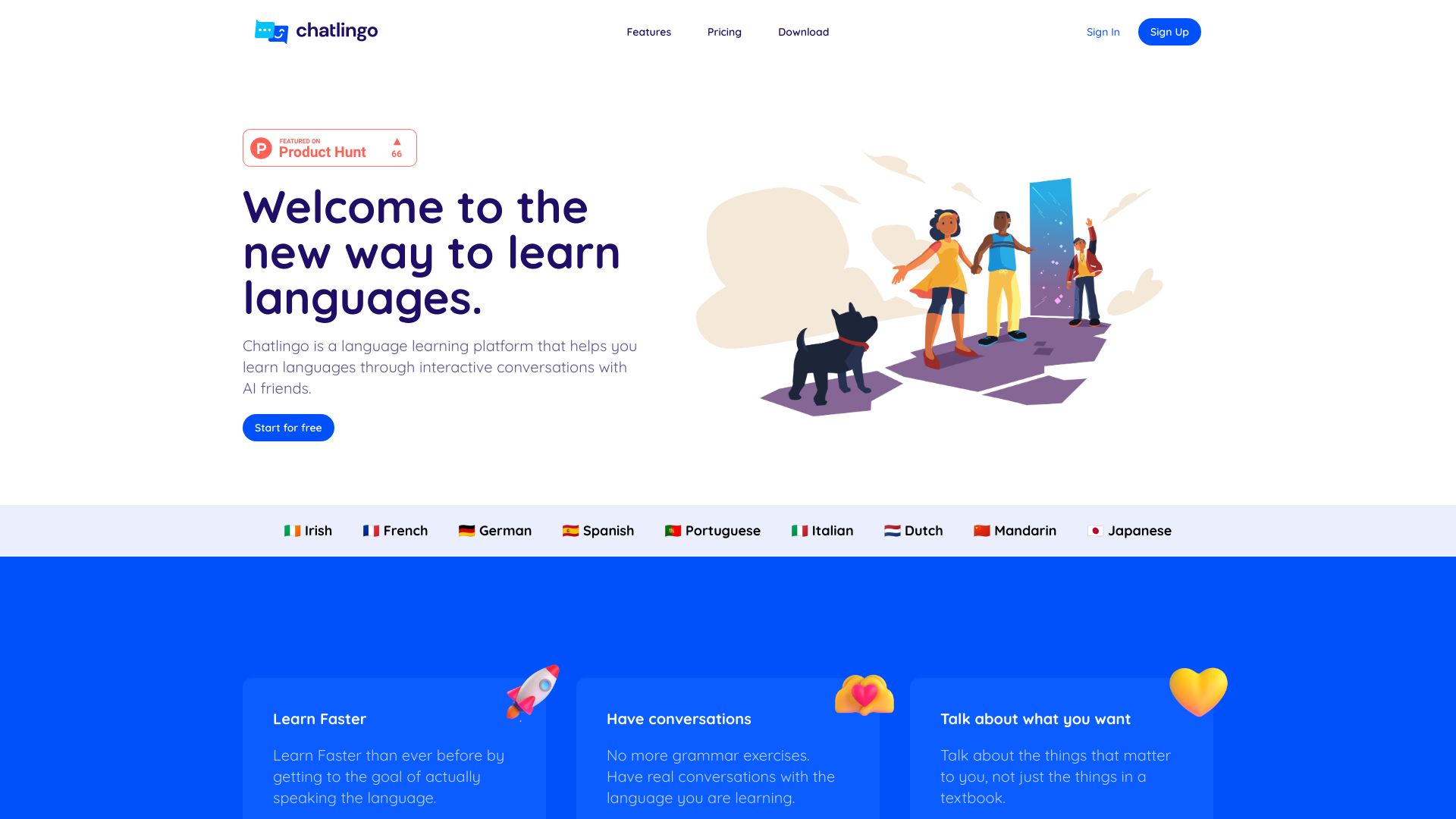
AI language tutor — practice real-time conversation and get instant feedback on grammar and pronunciation.