
grafychat
A privacy-focused AI chat client with a visual canvas — connect multiple AI models like GPT-4, Gemini, and Llama in one place.
| What is it | A privacy-focused AI chat client with a visual canvas — connect multiple AI models like GPT-4, Gemini, and Llama in one place. |
|---|---|
| Pricing | Freemium |
| Free tier | Yes |
| Platform | Web Application |
| API | Yes |
| Best for | Organizing research and brainstorming ideas visually, Writing and editing content with different AI models |
| Domain registered | 2023 |
Data updated Sept. 19, 2026
What does grafychat do?
grafychat is a web-based chat client that lets you talk to multiple AI models through a single, visual interface. Instead of a standard linear chat, it provides an 'endless canvas' where you can create, move, and connect different chat bubbles. This lets you map out ideas, follow different conversation threads, and manage complex projects in a more flexible way. You can use models from OpenAI (like GPT-4), Google AI (Gemini), and run free, open-source models locally via Ollama, all by supplying your own API keys.
What sets grafychat apart is its strong focus on privacy and user control. All your conversations and data are stored locally on your device by default. The tool includes a powerful search function to find anything across your chats, a library to save and reuse prompts, and each chat functions as a full markdown editor you can edit later. You can also adjust model parameters, switch models mid-conversation, and customize the interface's look and feel.
This tool is ideal for anyone who uses AI chatbots regularly but wants more organization and privacy. Students and researchers can use the canvas to visually connect ideas from different sources. Writers and content creators can draft and edit across multiple AI assistants without leaving the app. Developers and privacy-conscious users benefit from the ability to run models locally with Ollama, keeping all data offline. It's a practical choice for those tired of scattered chat tabs and concerned about where their data goes.
Key features
What makes it stand outWho is grafychat for?
Who benefits most from this toolTrust & presence
Alternatives in Chat & Assistants
 LLMChat
Verified
Chat & Assistants
LLMChat
Verified
Chat & Assistants
Open-source, privacy-focused desktop app for AI chat, research, and agentic workflows using your own API keys.
 msgmate.io
Verified
Chat & Assistants
msgmate.io
Verified
Chat & Assistants
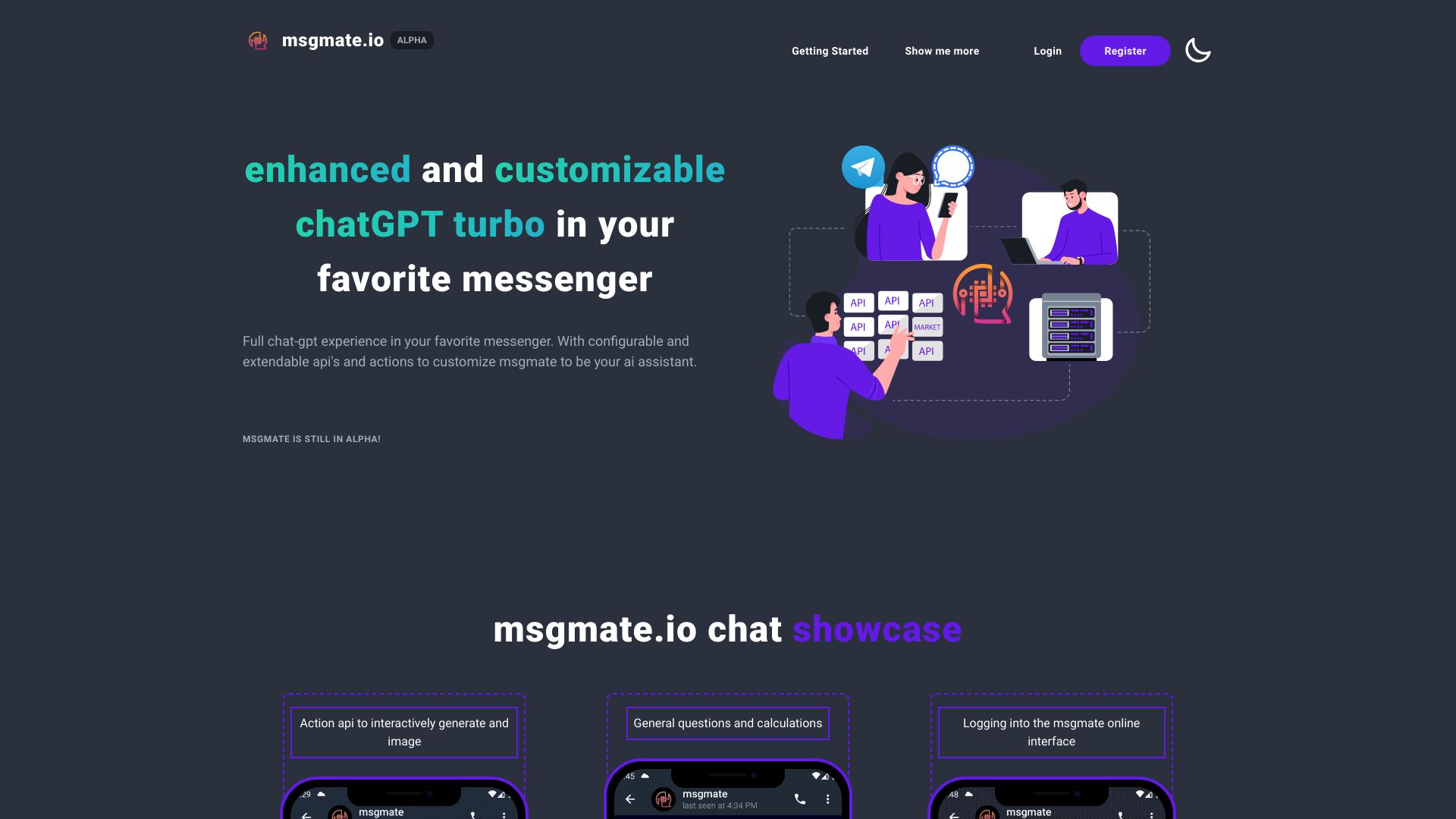
AI chat platform that lets you interact with multiple AI models through a single unified interface
 LlamaChat
Verified
Chat & Assistants
LlamaChat
Verified
Chat & Assistants
Mac app for chatting with open-source LLaMA, Alpaca, and GPT4All models locally — no cloud required.
 LumiChats Offline(free)
Verified
Chat & Assistants
LumiChats Offline(free)
Verified
Chat & Assistants
Free, offline AI chatbot that runs locally on your computer — no internet or account required.
 PyGPT
Verified
Chat & Assistants
PyGPT
Verified
Chat & Assistants
Open-source desktop AI assistant — chat, analyze files, generate images/video, and automate tasks using multiple AI models.
 Chatpad AI
Verified
Chat & Assistants
Chatpad AI
Verified
Chat & Assistants
Free, open-source ChatGPT interface with local data storage and desktop app support.
 ColossalChat
Verified
Chat & Assistants
ColossalChat
Verified
Chat & Assistants
An open-source chatbot powered by the LLaMA model, designed for conversational AI and research.
 04-x
Verified
Chat & Assistants
04-x
Verified
Chat & Assistants
Privacy-first chat platform to interact with multiple AI models like GPT-4, Claude, and Llama.