
Pixelcode
Chrome extension that extracts editable code from screenshots, YouTube videos, images, and PDFs.
| What is it | Chrome extension that extracts editable code from screenshots, YouTube videos, images, and PDFs. |
|---|---|
| Pricing | Paid |
| Platform | Chrome Extension |
| Best for | Copying code from tutorial videos, Converting code screenshots into editable text |
| Domain registered | 2024 |
Data updated Sept. 19, 2026
What does Pixelcode do?
Pixelcode is a Chrome extension that turns images of code into text you can edit. You take a screenshot of code—whether it's from a YouTube tutorial, a PDF, or an image file—and Pixelcode extracts the code for you. It copies the result straight to your clipboard, ready to paste into your code editor. The tool supports over 30 programming languages, including JavaScript, Python, Java, and Swift, and it automatically detects which language you're working with.
It works through a browser extension, so it's available right where you browse. You click the extension icon, crop the area with the code you need, and the extraction happens in seconds. A key feature is the option to use your own ChatGPT API key, which allows for unlimited extractions after a one-time purchase. This setup also means your API key stays on your device. The tool focuses on preserving the original formatting and structure of the code, aiming for high accuracy so you don't have to fix indentations or syntax after pasting.
Pixelcode is built for developers and learners who frequently need to grab code from non-editable sources. It's useful for anyone following video tutorials, reading scanned documentation, or saving code snippets from forums or social media. By removing the need to manually retype code, it helps avoid errors and saves a significant amount of time during research and learning.
Key features
What makes it stand outWho is Pixelcode for?
Who benefits most from this toolTrust & presence
Alternatives in Developer Tools
 Img2html
Verified
Developer Tools
Img2html
Verified
Developer Tools
Convert screenshots and website URLs into responsive HTML, CSS, and component code instantly using AI.
 Screenshot to Code
Verified
Developer Tools
Screenshot to Code
Verified
Developer Tools
Upload a screenshot or video of a UI and get production-ready HTML/CSS, React, or Vue code in seconds.
 Vibeocus Lens
Verified
Developer Tools
Vibeocus Lens
Verified
Developer Tools
Chrome extension that captures frontend UI elements and streams them to local AI agents for precise debugging
 Handler
Verified
Developer Tools
Handler
Verified
Developer Tools
AI coding assistant that explains every proposed edit and lets you question changes in a side chat without disrupting its workflow.
 Penify.dev
Verified
Developer Tools
Penify.dev
Verified
Developer Tools
AI tool that automatically generates and updates documentation from your codebase and pull requests.
 GitCase.dev
Verified
Developer Tools
GitCase.dev
Verified
Developer Tools
AI-powered developer portfolio tool — securely transform GitHub code for job applications while protecting sensitive information
 Sutro
Verified
Developer Tools
Sutro
Verified
Developer Tools
AI backend generator — define data models and security rules, deploy production-ready backends in minutes
Similar tools
 @imagetotext.me
Verified
OCR
@imagetotext.me
Verified
OCR
Free online OCR tool — upload an image, extract editable text instantly, and copy or download it.
 Picture To Text
Verified
AI Detection
Picture To Text
Verified
AI Detection
Extract editable text from images, screenshots, and handwritten notes using AI-powered OCR technology
 Pincue
Verified
Bug Reports
Pincue
Verified
Bug Reports
Chrome extension that captures web elements with screenshots and exports feedback as markdown for AI agents to fix.
 SnippAI
Verified
OCR
SnippAI
Verified
OCR
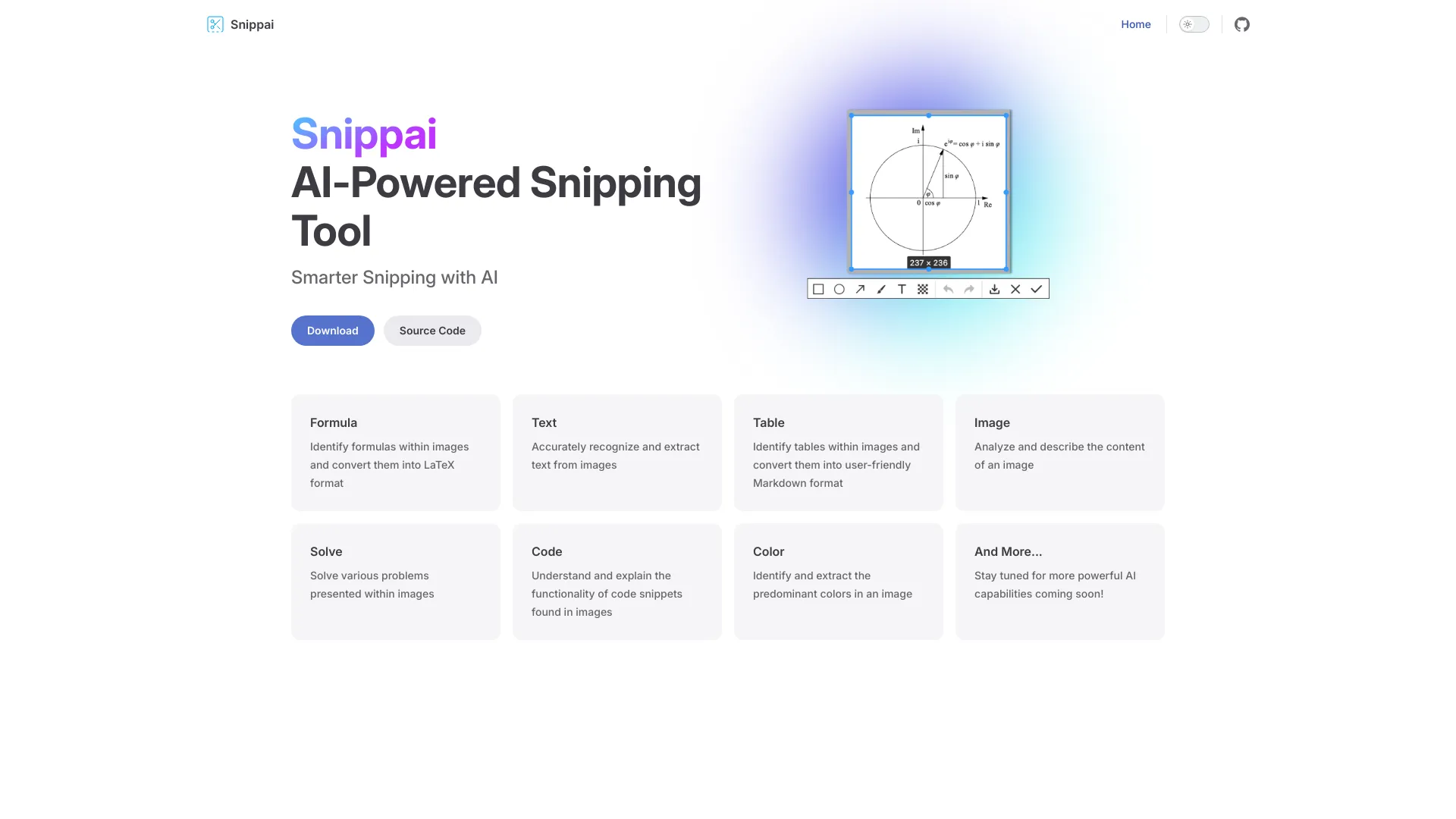
AI-powered snipping tool that extracts text, formulas, tables, and code from screenshots
 www.imagetotext.cc
Verified
OCR
www.imagetotext.cc
Verified
OCR
Free online OCR tool — extract editable text from images, scanned documents, and handwritten notes with high accuracy.