
imagewith.ai
AI-powered image editor — upscale photos, remove backgrounds, and erase unwanted objects with one click.
| What is it | AI-powered image editor — upscale photos, remove backgrounds, and erase unwanted objects with one click. |
|---|---|
| Pricing | Freemium — from $7.5/mo |
| Free tier | Yes |
| Platform | Web Application |
| API | Yes |
| Best for | enhancing low-resolution photos for professional use, removing backgrounds for product photography |
| Domain registered | 2023 |
Data updated Sept. 19, 2026
What does imagewith.ai do?
imagewith.ai is a web-based image editing suite that uses artificial intelligence to perform common photo editing tasks automatically. It offers three main tools: Overscale for AI-powered image upscaling and enhancement, Clearoff for removing unwanted objects from photos, and Outcut for automatic background removal. The platform is designed to handle these tasks with a single click, making advanced editing accessible to users without technical expertise or professional software.
The tools work by leveraging advanced AI models specifically trained for image processing. Overscale focuses on increasing image resolution while preserving details and reducing noise, which is particularly useful for enlarging old photos or low-quality images. Clearoff uses inpainting technology to seamlessly remove objects and fill in the background, while Outcut employs segmentation AI to cleanly separate subjects from their backgrounds. What makes imagewith.ai stand out is its specialization in these specific tasks rather than trying to be a full-featured editor, resulting in faster and more reliable results for these particular operations.
This tool is most beneficial for amateur photographers looking to improve their shots, content creators needing quick edits for social media, and marketing professionals preparing product images. Real-world use cases include restoring old family photos by upscaling them without losing clarity, creating clean product images for e-commerce by removing backgrounds, and cleaning up vacation photos by deleting photobombers or unwanted objects. The web-based nature means no downloads are required, making it convenient for quick edits on any device.
Key features
What makes it stand outWho is imagewith.ai for?
Who benefits most from this toolPricing
Free tier available — start without a credit cardFree Account
- 5 max size mb
- 10 images per day
- HD Download
- Upscale up to 8000 x 8000px
Subscription Plan
- 100 credits
- 0.07 credit rate
- Priority Processing
Trust & presence
Gallery
Click any image to enlargeAlternatives in Photo Editor
 ai image editor-1
Verified
Photo Editor
ai image editor-1
Verified
Photo Editor
Free online AI photo editor — remove backgrounds, retouch photos, apply filters, and upscale images instantly.
 photoeditor.ai
Verified
Photo Editor
photoeditor.ai
Verified
Photo Editor
AI-powered web editor to remove objects, enhance photos, generate images, and more — no design skills required.
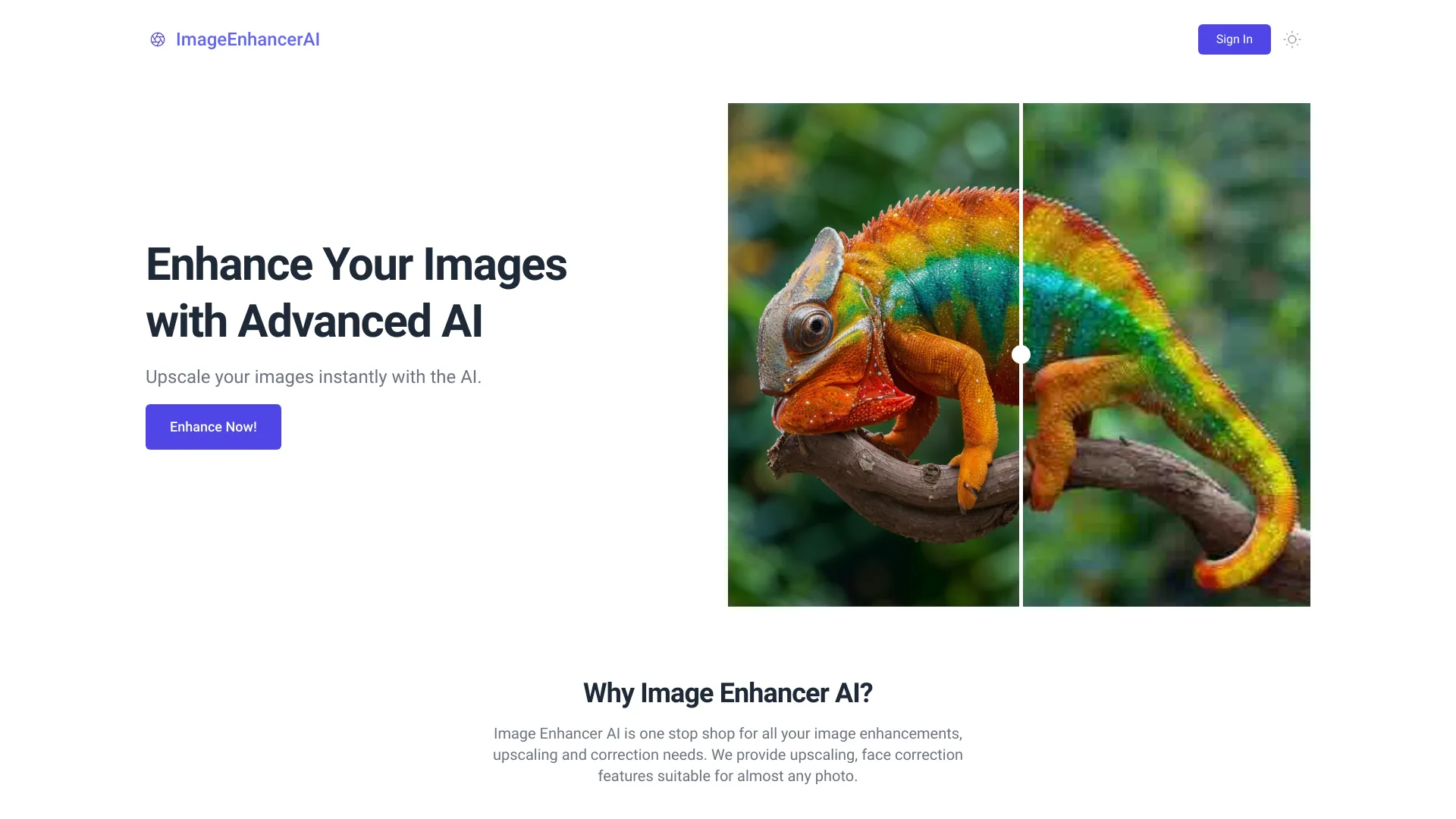 ImageEnhancerAI
Verified
Photo Editor
ImageEnhancerAI
Verified
Photo Editor
AI-powered image enhancement tool — upscale, retouch, remove backgrounds, and edit images through chat
 ImgEditor AI
Verified
Photo Editor
ImgEditor AI
Verified
Photo Editor
Free online AI image editor — remove backgrounds, upscale photos, apply artistic styles, and generate images in one place.
 AI Picture Editor
Verified
Photo Editor
AI Picture Editor
Verified
Photo Editor
Edit photos online using text prompts to remove backgrounds, objects, restore old photos, and apply creative styles.
 Cleanup.pictures
Verified
Photo Editor
Cleanup.pictures
Verified
Photo Editor
AI-powered photo editor that removes unwanted objects, people, text, and defects from images with a simple brush tool
 WaveAI
Verified
Photo Editor
WaveAI
Verified
Photo Editor
AI photo editor for background changes, object removal, and text-to-image generation — available as a mobile app.
 EzMaker AI
Verified
Photo Editor
EzMaker AI
Verified
Photo Editor
Free online AI photo editor — remove backgrounds, erase objects, upscale images, and enhance quality instantly.