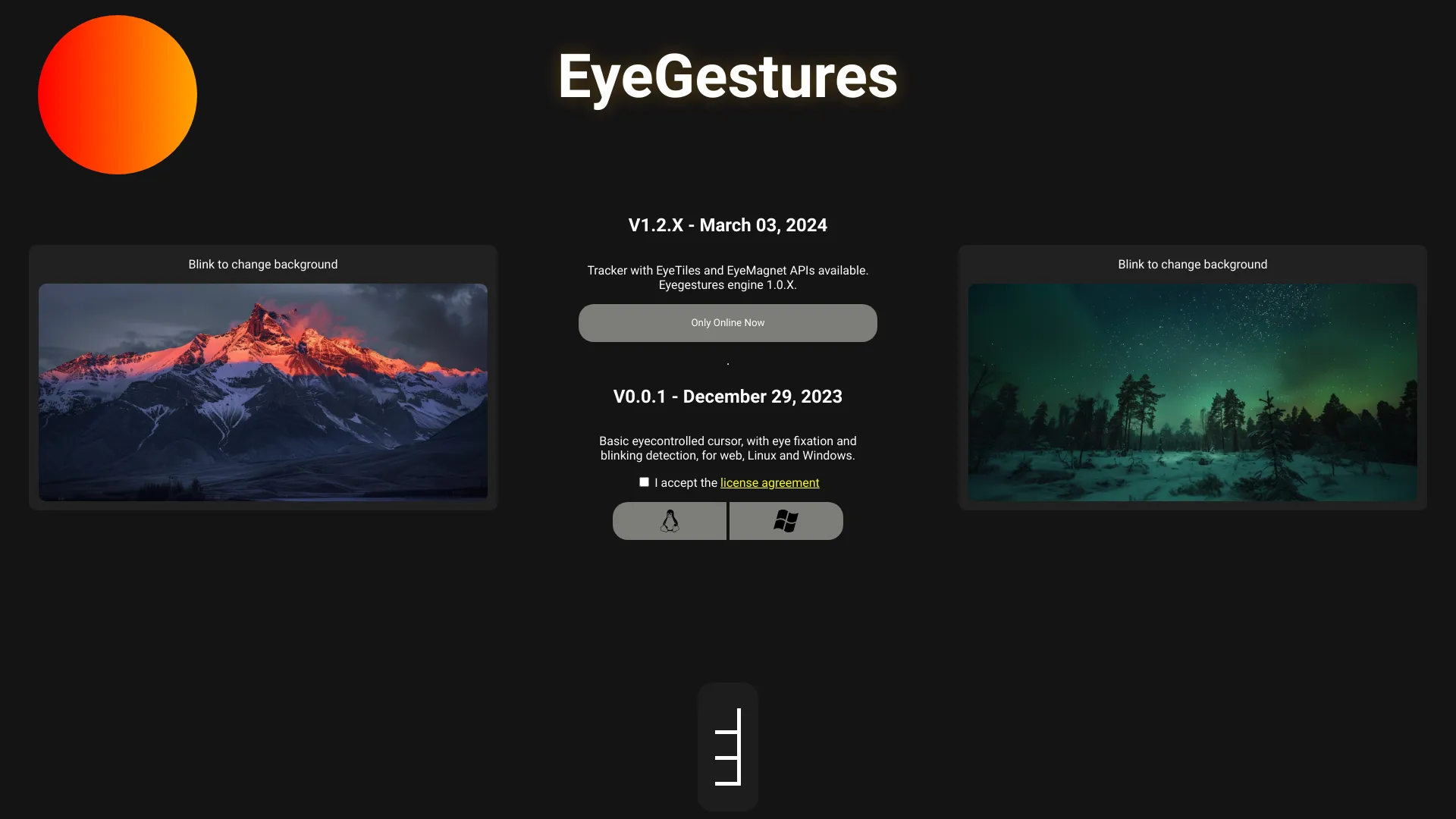
EyeGestures
Open-source gaze tracking library that uses your webcam to detect eye movements and gestures — no special hardware required.
| What is it | Open-source gaze tracking library that uses your webcam to detect eye movements and gestures — no special hardware required. |
|---|---|
| Pricing | Freemium |
| Free tier | Yes |
| Platform | Web Application |
| API | Yes |
| Best for | building gaze-controlled interfaces, creating accessibility tools |
| Domain registered | 2023 |
Data updated Sept. 19, 2026
What does EyeGestures do?
EyeGestures is an open-source gaze tracking library that enables developers to detect eye movements and gestures using ordinary webcams. Instead of requiring expensive specialized hardware, it works with the cameras already built into laptops and smartphones, making eye-tracking technology accessible to a wider audience. The tool analyzes video feed to interpret where a user is looking and can recognize specific eye gestures for interaction.
What sets EyeGestures apart is its flexibility across different platforms. It's available in both Python and JavaScript versions, meaning you can implement it in backend servers, desktop applications, or directly in web browsers. The library approach means developers can integrate gaze tracking with just a few lines of code, while pre-built desktop apps are available for those who want ready-to-use solutions. The project emphasizes simplicity and accessibility over complex enterprise features.
This tool is particularly valuable for developers creating assistive technology for people with mobility challenges, researchers studying human-computer interaction, or anyone building hands-free control systems. Whether you're developing a gaze-controlled interface for someone who cannot use traditional input devices or experimenting with novel interaction methods, EyeGestures provides a practical starting point without significant hardware investment.
Key features
What makes it stand outWho is EyeGestures for?
Who benefits most from this toolTrust & presence
Alternatives in Developer Tools
 modelscope
Verified
Developer Tools
modelscope
Verified
Developer Tools
Open-source AI platform hosting thousands of models, datasets, and demos for computer vision, NLP, and multimodal AI.
 visagetechnologies.com
Verified
Developer Tools
visagetechnologies.com
Verified
Developer Tools
Custom AI development company specializing in computer vision solutions for facial analysis, recognition, and driver monitoring systems.
 GitHits beta 0.9
Verified
Developer Tools
GitHits beta 0.9
Verified
Developer Tools
Provides AI coding agents with real open-source code examples and dependency context to reduce retry loops and token waste.
 AskCodi
Verified
Developer Tools
AskCodi
Verified
Developer Tools
We provide an OpenAI-compatible orchestration layer that lets teams compose their own “virtual models” on top of any LLM - combining prompts, reasoning, review, and guardrails, and use them everywhere—from your IDE to your backend. Key features 🔌 One OpenAI-compatible API for many LLMs 🧱 Custom models you name & reuse 🧠 Reasoning mode on demand ✅ Built-in review mode 🛡️ Guardrails & PII masking 🧑💻 IDE & CLI integrations 📊 Analytics & cost controls
 Dev
Verified
Developer Tools
Dev
Verified
Developer Tools
AI assistant that watches your screen and provides real-time, context-aware help for coding and design tasks.
 opencode
Verified
Developer Tools
opencode
Verified
Developer Tools
Open source AI coding agent that works in your terminal, IDE, or desktop app.
 Cursor
Verified
Developer Tools
Cursor
Verified
Developer Tools
AI-powered code editor that helps you write, understand, and debug code faster with intelligent assistance.
 Giselle
Verified
Developer Tools
Giselle
Verified
Developer Tools
AI agent studio that automates product development workflows — from research and PRDs to code reviews and documentation.
Similar tools
 RealEye
Verified
Productivity Tools
RealEye
Verified
Productivity Tools
Webcam-based eye tracking lets you dictate text and speak using only your eyes – free, no hardware needed.
 Visily
Verified
UX Design
Visily
Verified
UX Design
AI-powered UI design tool for non-designers — turn text prompts, screenshots, or sketches into app wireframes and prototypes.
 Be My Eyes
Verified
Life Assistant
Be My Eyes
Verified
Life Assistant
Connects blind and low-vision users with sighted volunteers via live video call for visual assistance.
 AirTouch
Verified
Productivity Tools
AirTouch
Verified
Productivity Tools
Control your Mac with hand gestures using the webcam you already have – no extra hardware required.
 Applitools Eyes
Verified
Testing
Applitools Eyes
Verified
Testing
AI-powered visual testing platform — automatically detects UI bugs, accessibility issues, and visual regressions across websites and apps.