
Chippy
Chrome extension that brings ChatGPT to any webpage — summarize, translate, and research without switching tabs.
| What is it | Chrome extension that brings ChatGPT to any webpage — summarize, translate, and research without switching tabs. |
|---|---|
| Pricing | Freemium |
| Free tier | Yes |
| Platform | Chrome Extension |
| Best for | summarizing articles, translating web content |
| Domain registered | 2023 |
Data updated Sept. 19, 2026
What does Chippy do?
Chippy is a browser extension that integrates ChatGPT directly into your web browsing experience. Instead of constantly switching between tabs to use an AI assistant, Chippy sits conveniently in your browser, ready to help with tasks like summarizing long articles, translating foreign text, answering research questions, or helping draft emails—all while you remain on the webpage you're viewing. You can either type questions directly or simply select text on the page for Chippy to analyze.
What makes Chippy stand out is its seamless integration with your browsing workflow. The extension offers suggested prompts to help you get started and provides relevant follow-up questions to dig deeper into topics. A particularly useful feature is the focused search option, which limits Chippy's responses to the content of your current webpage, effectively bypassing ChatGPT's knowledge cutoff date for up-to-date information. Chippy operates on a freemium model, offering 20 free GPT-3.5 queries daily, with the option to upgrade using your own OpenAI API key for GPT-4 access or unlimited usage.
This tool is ideal for students conducting online research, professionals who need to quickly digest lengthy reports, or anyone who regularly works with web content. Imagine reading a complex technical article and being able to instantly get a simplified summary, or visiting a foreign language website and having Chippy translate key sections on the fly. The email assistant feature is perfect for busy professionals who need to draft quick, polished responses without leaving their inbox. Since all data is stored locally in your browser and no account is required, Chippy offers both convenience and privacy.
Key features
What makes it stand outWho is Chippy for?
Who benefits most from this toolTrust & presence
Alternatives in Assistant
 lmChatGPTtfy
Verified
Assistant
lmChatGPTtfy
Verified
Assistant
Browser extension that adds 'Ask ChatGPT' buttons to any webpage for instant AI assistance
 ChatGPT Everywhere
Verified
Assistant
ChatGPT Everywhere
Verified
Assistant
Chrome extension that adds a ChatGPT sidebar to Gmail, Google Search, and any webpage for instant AI assistance.
 GPTPLUS
Verified
Assistant
GPTPLUS
Verified
Assistant
Chrome extension that adds a ChatGPT sidebar to your browser for instant text processing and translation
 ShortGPT
Verified
Assistant
ShortGPT
Verified
Assistant
A Chrome extension that makes ChatGPT give faster, one-sentence answers instead of long explanations.
 ChatGPT for WhatsApp
Verified
Assistant
ChatGPT for WhatsApp
Verified
Assistant
Chrome extension that brings ChatGPT directly into WhatsApp Web — get AI responses in your chats
 HighlightGPT
Verified
Assistant
HighlightGPT
Verified
Assistant
Browser extension — highlight any text on ChatGPT to ask questions, get explanations, translate, or save to memory in one tap
 MaxAI.me
Assistant
MaxAI.me
Assistant
The Fastest Way To Use AI Anywhere Online. Formerly UseChatGPT.AI. Your AI-powered copilot for the web, powered by ChatGPT, Claude, Bard, and Bing AI. Ask AI anything in the sidebar. Compose with AI anywhere. Write better with confidence. Read easier and faster. Reply to any text in seconds. No country restrictions. ChatGPT (OpenAI) account is not required. We offer AI powered by ChatGPT to power the extension just as fast as ChatGPT Plus!
 Torq AI
Verified
Assistant
Torq AI
Verified
Assistant
Chrome extension that brings ChatGPT-powered email, text processing, and web search to your browser.
Similar tools
 ChatGPT To Help
Verified
Writing Assistants
ChatGPT To Help
Verified
Writing Assistants
Chrome extension that brings an AI writing assistant to any webpage for instant content creation and editing.
 FlashAI
Verified
AI Summarizer
FlashAI
Verified
AI Summarizer
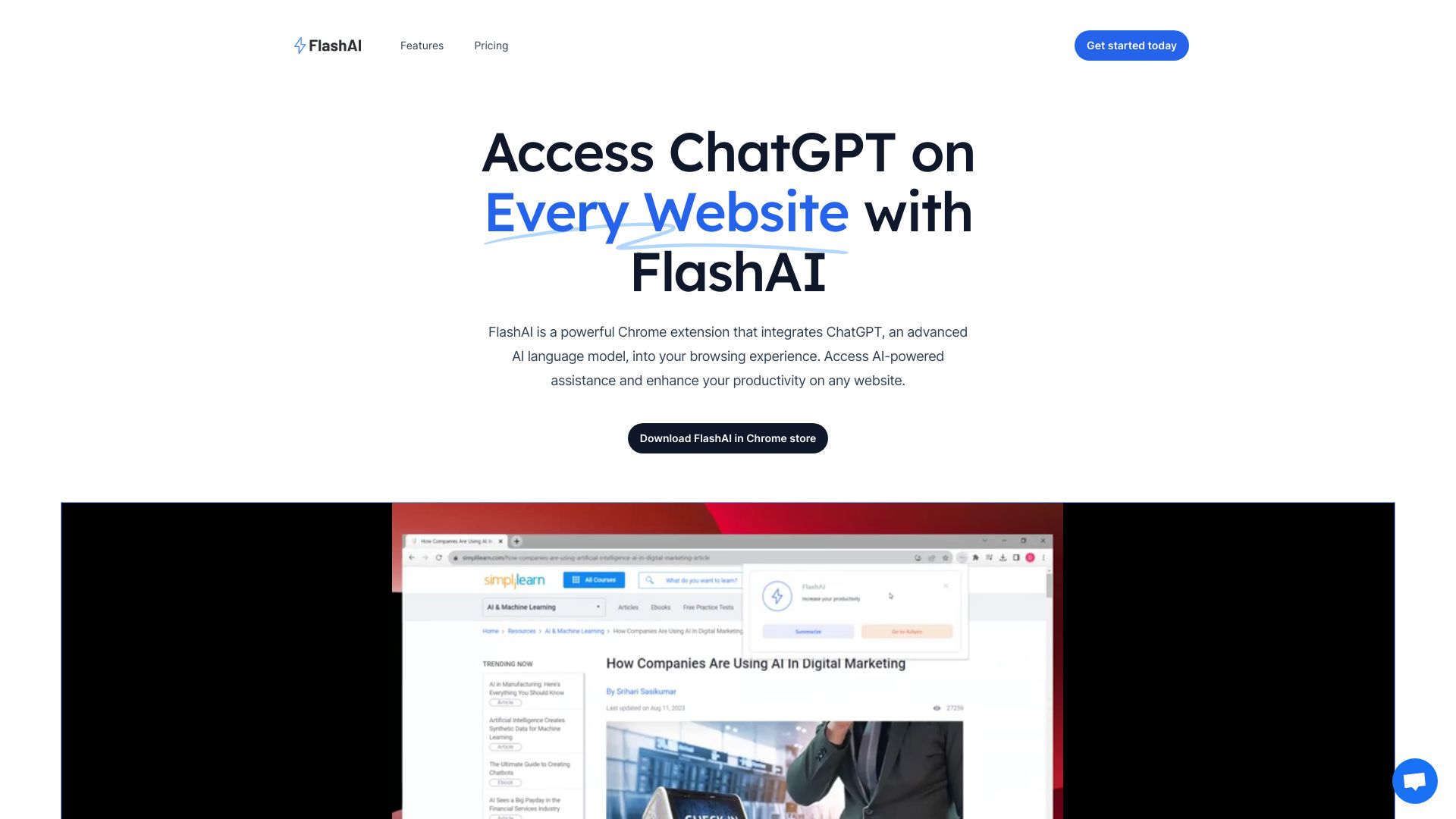
Chrome extension that adds ChatGPT to any website — summarize content, generate text, and use custom prompts instantly.
 AI Toolbar
Verified
Productivity Tools
AI Toolbar
Verified
Productivity Tools
Chrome extension that adds an AI assistant to any webpage for summarizing, translating, and generating text.
 Share by ChatGPT
Verified
AI YouTube & Web Summarizer + Instant Translator | TL...
Share by ChatGPT
Verified
AI YouTube & Web Summarizer + Instant Translator | TL...
Browser extension that summarizes any web page with ChatGPT and lets you share it directly to social media
 CheatGPT
Verified
Homework Helper
CheatGPT
Verified
Homework Helper
Chrome extension that answers Canvas quiz questions instantly without being detected by the LMS