
PDFChat
AI-powered PDF assistant — chat with your documents, analyze tables and figures, get instant answers
| What is it | AI-powered PDF assistant — chat with your documents, analyze tables and figures, get instant answers |
|---|---|
| Pricing | Freemium |
| Free tier | Yes |
| Platform | Web Application |
| API | Yes |
| Best for | analyzing research papers and academic documents, extracting insights from legal contracts and reports |
| Domain registered | 2023 |
Data updated Sept. 19, 2026
What does PDFChat do?
PDFChat is an AI-powered assistant that transforms how you interact with PDF documents. Instead of manually scrolling through pages, you can simply upload your PDF and start asking questions about the content. The tool understands your queries and provides instant answers by analyzing the text, tables, and figures within your document. It's like having a research assistant that's read your entire PDF and can answer any question you have about its contents.
What makes PDFChat stand out is its multimodal approach to document understanding. Unlike basic PDF tools that only search for keywords, PDFChat's AI can analyze complex elements like tables and figures, providing context-aware answers. The built-in code interpreter handles mathematical calculations from data tables, while the voice chat feature allows for hands-free interaction. Documents are processed in the background, so you can continue chatting while the AI analyzes complex elements.
This tool is particularly valuable for students analyzing research papers, legal professionals reviewing contracts, and researchers working with data-heavy documents. Imagine being able to ask 'What were the key findings in the methodology section?' or 'Show me all the data tables related to revenue growth' and getting precise answers with visual references. PDFChat turns hours of manual document review into minutes of conversational interaction, making document analysis more efficient and accessible.
Key features
What makes it stand outWho is PDFChat for?
Who benefits most from this toolPricing
Free tier available — start without a credit cardStarter
- 200 pages
- 50 question credits
- 0.5 additional page rate
- 0.5 additional credit rate
- 200 pages free per month
- 50 question credits free per month
- Additional Pages at $0.5 per page
- Additional question credits at $0.5 per credit
- Access to basic features
Pro
- 500 pages
- 2 reports
- 2 knowledge graphs
- 200 question credits
- 0.5 additional page rate
- 0.5 additional credit rate
- 500 pages free per month
- 200 question credits free per month
- Additional pages at $0.5 per page
- Additional question credits at $0.5 per credit
- 2 Free Report Generation per month
- 2 Free Knowledge Graph per month
Ultra
- 1,000 pages
- 5 reports
- 5 knowledge graphs
- 500 question credits
- 0.5 additional page rate
- 0.5 additional credit rate
- 1000 pages free per month
- 500 questions credits free per month
- Additional pages at $0.5 per page
- Additional question credits at $0.5 per credit
- 5 Free Report Generation per month
- 5 Free Knowledge Graph per month
Enterprise
- Multiple workspace
- Unlimited Question Credits
- Unlimited pages
- Share with others
- Dedicated Support
- Team Document Libraries
Trust & presence
Alternatives in Documents
 OCRMD
Verified
Documents
OCRMD
Verified
Documents
Convert PDFs and images to clean, editable Markdown text with AI-powered OCR extraction and formatting
 WorkProcedures
Verified
Documents
WorkProcedures
Verified
Documents
AI-powered SOP generator — describe a process, get an industry-specific, audit-ready procedure in under 2 minutes.
 Syntetica.ai
Verified
Documents
Syntetica.ai
Verified
Documents
No-code platform to design and automate AI content workflows — create presentations, contracts, courses, and more with reusable templates
 AI Doc Maker
Verified
Documents
AI Doc Maker
Verified
Documents
AI document generator — describe what you need, get formatted PDFs, Word docs, and spreadsheets instantly. No signup required.
 WriteDoc.ai
Verified
Documents
WriteDoc.ai
Verified
Documents
AI document generator — describe what you need, get professional documents, presentations, and visuals instantly.
 Boggl AI
Verified
Documents
Boggl AI
Verified
Documents
AI-powered product management workspace — generate requirements, test cases, release notes, and customer docs from simple inputs.
 GetTxt.AI
Verified
Documents
GetTxt.AI
Verified
Documents
Single API to extract text or markdown from PDFs, images, audio, and video files, with built-in translation and summarization.
 ReadmeChef
Verified
Documents
ReadmeChef
Verified
Documents
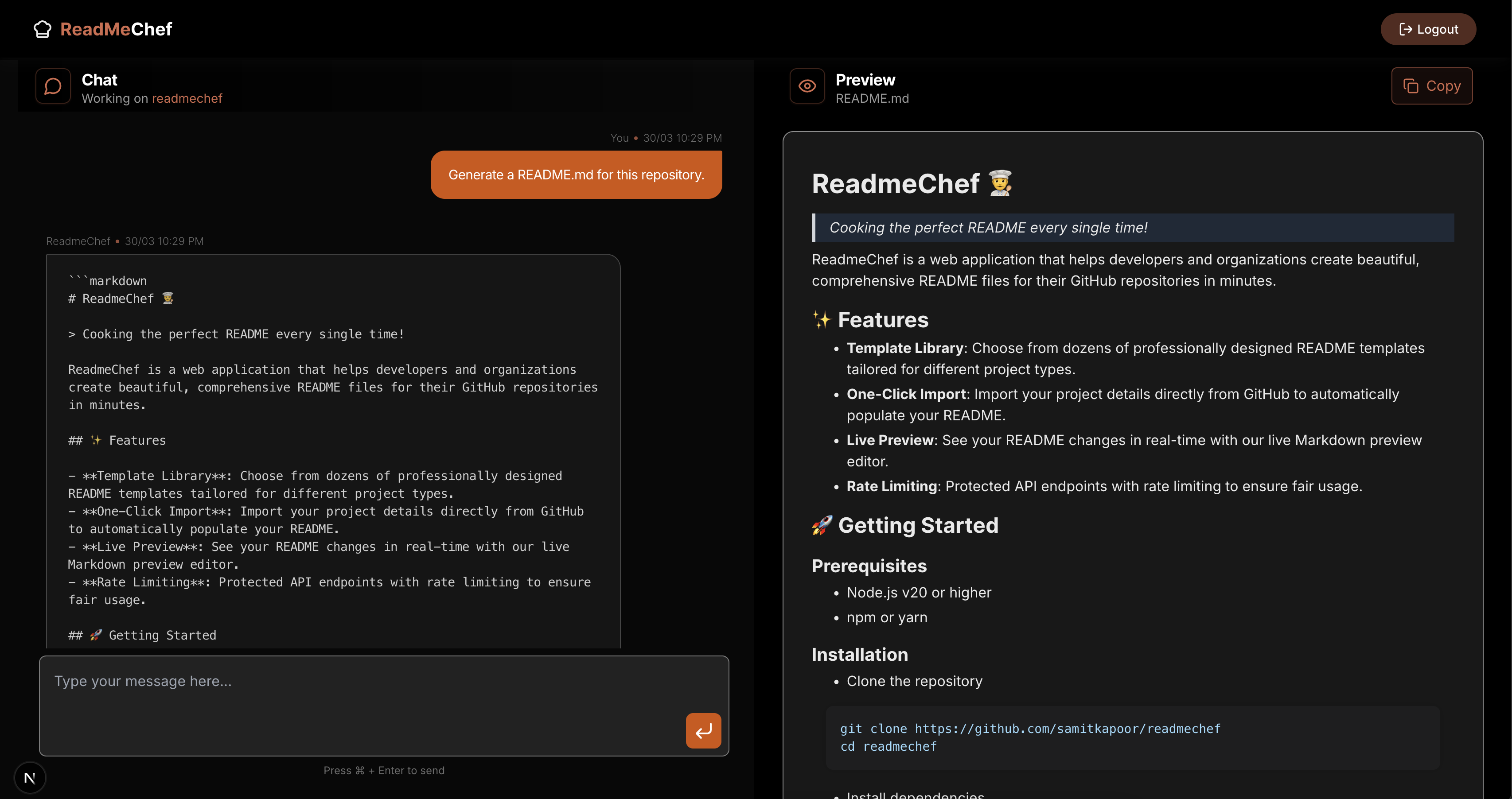
AI tool that connects to your GitHub/GitLab and automatically generates a tailored README file for your code repository.
Similar tools
 PaperChat
Verified
Research Tool
PaperChat
Verified
Research Tool
AI document chat tool — upload PDFs, ask questions, get instant summaries and answers with source references.
 Chat PDF AI
Verified
Knowledge Management
Chat PDF AI
Verified
Knowledge Management
AI-powered PDF assistant — chat with documents, get summaries, and translate content instantly
 PDFChat.com
Verified
Knowledge Management
PDFChat.com
Verified
Knowledge Management
AI chat app for professionals to analyze documents, interpret tables, and get source-cited answers.
 ChatPDF
Verified
Assistant
ChatPDF
Verified
Assistant
AI tool that lets you chat with PDFs — upload a document and ask questions to get instant summaries and answers.
 Docu-Chat
Verified
Knowledge Management
Docu-Chat
Verified
Knowledge Management
Chat with your PDFs and document images — ask questions and get summaries using AI.
 aiPDF
Verified
Research Tool
aiPDF
Verified
Research Tool
Chat with any PDF — upload documents, ask questions, and get AI-powered summaries with source references.
 AskYourPdf
Verified
Research Tool
AskYourPdf
Verified
Research Tool
AI PDF chat tool — upload documents, ask questions, and get instant answers with AI-powered summaries
 ChatPDF.ae
Verified
Knowledge
ChatPDF.ae
Verified
Knowledge
AI tool that lets you chat with PDFs — ask questions, get summaries, and extract insights instantly.