FileSpeech
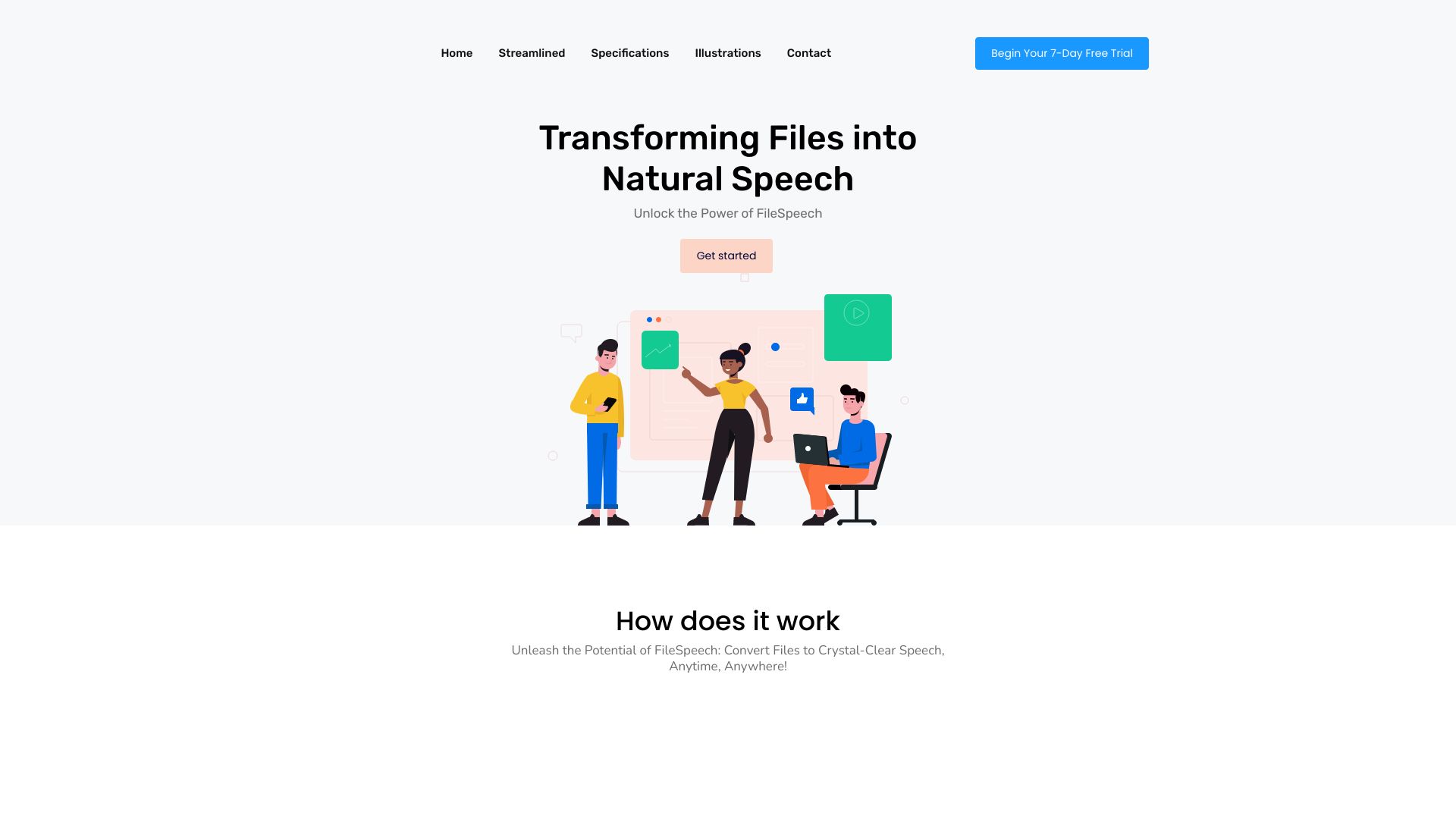
Convert PDFs, documents, and web pages into natural-sounding speech audio files for listening on the go.
| What is it | Convert PDFs, documents, and web pages into natural-sounding speech audio files for listening on the go. |
|---|---|
| Pricing | Unknown |
| Platform | Mobile App |
| Best for | Converting study materials to audio for listening, Creating voiceovers from written scripts |
| Domain registered | 2023 |
Data updated Sept. 19, 2026
What does FileSpeech do?
FileSpeech is a mobile application that converts various file types into natural-sounding speech audio. It takes PDF documents, web page links, or even physical documents scanned with your device's camera and transforms the text content into clear, intelligible speech. The app handles multiple input methods, making it easy to bring content from different sources into the conversion process.
The tool stands out with its focus on quality and flexibility. It uses advanced speech synthesis algorithms to ensure accurate pronunciation, proper intonation, and natural cadence in the generated audio. Users can choose from multiple languages and select from various natural-sounding voices to personalize their listening experience. A particularly useful feature is the offline mode, which allows users to access converted files without an internet connection, making it ideal for listening on the go.
FileSpeech is especially valuable for students who want to convert study materials into audio format, visually impaired users who need auditory access to written content, and content creators looking to quickly generate voiceovers from scripts. The app's case studies demonstrate real-world applications in educational accessibility, language learning, and customer support efficiency, showing how it helps users engage with written content in a more accessible and time-efficient manner.
Key features
What makes it stand outWho is FileSpeech for?
Who benefits most from this toolTrust & presence
Alternatives in Text-to-Speech
 AnyToSpeech
Verified
Text-to-Speech
AnyToSpeech
Verified
Text-to-Speech
Convert text, PDFs, images, and URLs to natural-sounding audio — create audiobooks, podcasts, and voiceovers instantly.
 PDF to MP3
Verified
Text-to-Speech
PDF to MP3
Verified
Text-to-Speech
Convert PDF documents into MP3 audio files for listening on the go.
 PDF2Audio
Verified
Text-to-Speech
PDF2Audio
Verified
Text-to-Speech
Upload any PDF and get an AI-narrated audio version — listen to documents instead of reading them
 Getpeech
Verified
Text-to-Speech
Getpeech
Verified
Text-to-Speech
AI text-to-speech app — turn ebooks, PDFs, articles, and even handwriting into natural-sounding audiobooks.
 FlowSpeech
Verified
Text-to-Speech
FlowSpeech
Verified
Text-to-Speech
AI text-to-speech studio with context-aware emotion, pause controls, and lifelike voices for audio production.
 AudiowaveAI
Verified
Text-to-Speech
AudiowaveAI
Verified
Text-to-Speech
AI text-to-speech tool that converts articles, PDFs, and documents into high-quality, natural-sounding audio for listening on the go.
 Mxspeech
Verified
Text-to-Speech
Mxspeech
Verified
Text-to-Speech
Online text-to-speech tool — convert text into natural-sounding voiceovers in 80+ languages with 800+ AI voices.
 Read PDF Aloud
Verified
Text-to-Speech
Read PDF Aloud
Verified
Text-to-Speech
Free online tool that reads PDFs aloud using AI voices — supports scanned documents, 142 languages, and MP3 export