
NeuralCam
AI photography app that guides composition, captures with smart modes, and auto-edits photos on iPhone
| What is it | AI photography app that guides composition, captures with smart modes, and auto-edits photos on iPhone |
|---|---|
| Pricing | Freemium |
| Free tier | Yes |
| Platform | Mobile App |
| Best for | taking better photos with real-time composition guidance, capturing high-quality images in low-light conditions |
| Domain registered | 2019 |
Data updated Sept. 19, 2026
What does NeuralCam do?
NeuralCam is an iPhone camera app that uses AI at every step of the photography process — from framing a shot to processing the final image. It replaces your default camera with a system that analyzes the scene, suggests better compositions, picks the optimal capture mode (Night Mode, SmartHDR, DeepFusion, or ProRAW), and then automatically edits the photo. The app's goal is to make professional-quality photos more accessible without requiring manual tweaking.
The app works in three stages. First, an AI Photo Coach gives real-time tips on composition, subject selection, angles, and lighting. It's like having a photographer whispering in your ear. Second, the Smart Capture System automatically selects the best capture mode based on the scene — for example, SmartHDR for high contrast or Night Mode for low light. It also uses SmartMERGE frame fusion to combine multiple frames for better detail and less noise. After capture, the app offers AI upscaling up to 48MP and a suite of auto-editing tools: portrait bokeh that works with any lens, intelligent illumination that brightens dark areas without washing out highlights, and color grading trained on professional photographers' work. You can still fine-tune everything in the quick editor.
NeuralCam is best for iPhone photographers who want better results without learning manual controls. Beginners get guided coaching and one-tap improvements. More experienced shooters can use the Pro subscription to unlock full control over bokeh, 20+ pro styles, and higher resolution upscaling. Real-world use cases include shooting in tricky lighting (concerts, sunsets, dim restaurants), improving portrait shots with natural-looking background blur, and preparing images for printing or cropping where extra resolution helps.
Key features
What makes it stand outWho is NeuralCam for?
Who benefits most from this toolTrust & presence
Alternatives in Photo Editor
 Neuralful AI
Verified
Photo Editor
Neuralful AI
Verified
Photo Editor
AI image editing and productivity apps — enhance, upscale, and edit photos on any platform.
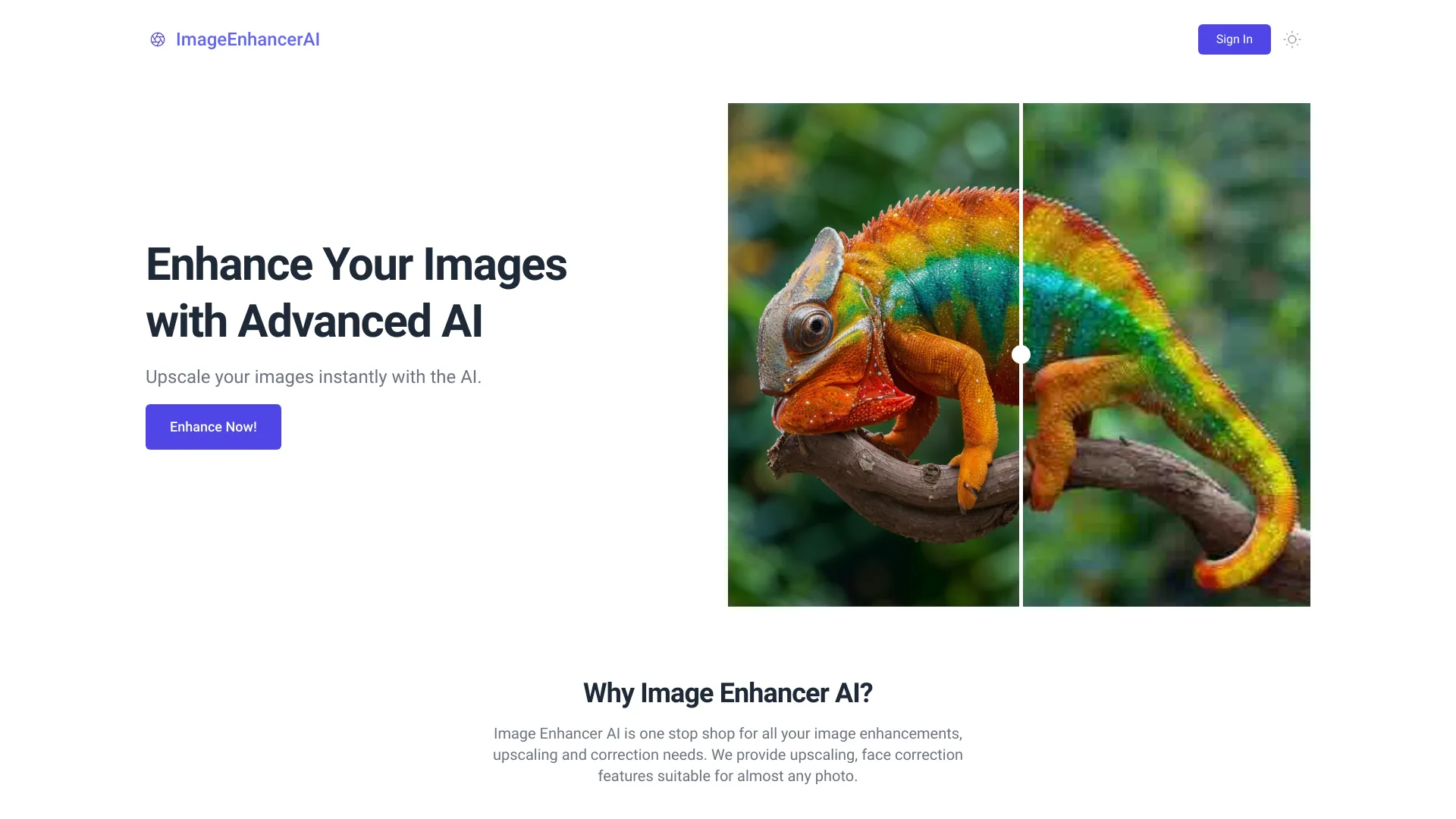 ImageEnhancerAI
Verified
Photo Editor
ImageEnhancerAI
Verified
Photo Editor
AI-powered image enhancement tool — upscale, retouch, remove backgrounds, and edit images through chat
 YouCam Online Editor
Verified
Photo Editor
YouCam Online Editor
Verified
Photo Editor
Online AI photo editor — enhance, retouch, generate images, and create videos in your browser
 NeuralPix
Verified
Photo Editor
NeuralPix
Verified
Photo Editor
AI photo editor — type a prompt to edit photos, animate changes into videos, and use free tools like eraser and blur.
 imagewith.ai
Verified
Photo Editor
imagewith.ai
Verified
Photo Editor
AI-powered image editor — upscale photos, remove backgrounds, and erase unwanted objects with one click.
 TinyArt
Verified
Photo Editor
TinyArt
Verified
Photo Editor
AI-powered photo editing suite — remove backgrounds, upscale images, erase objects, and generate new images from text
 AI Photo Editor
Verified
Photo Editor
AI Photo Editor
Verified
Photo Editor
AI-powered photo editor — upload any image, describe changes with text, and get an edited version in seconds.
 BeautyPlus Image Enhancer
Verified
Photo Editor
BeautyPlus Image Enhancer
Verified
Photo Editor
AI-powered online tool that enhances photo quality — reduces noise, sharpens blurry images, and improves resolution instantly
Similar tools
 EnhancePhoto AI
Verified
Image Upscaler
EnhancePhoto AI
Verified
Image Upscaler
Free online AI photo enhancer — upgrade blurry or low-res images up to 16K resolution instantly.
 Unblurimage AI
Verified
Image Upscaler
Unblurimage AI
Verified
Image Upscaler
AI-powered tool that removes blur, sharpens details, and upscales images with one-click processing.
 Photoroom
Verified
Product Photography
Photoroom
Verified
Product Photography
AI-powered photo editor that removes backgrounds, generates product visuals, and creates professional marketing assets in seconds.
 ai enhance image
Verified
Image Upscaler
ai enhance image
Verified
Image Upscaler
Free online tool to unblur, upscale, and enhance image quality with AI — get your first enhancement without signing up.