
GPT CLI
All-in-one AI command-line tool — generate git commits, shell commands, and more with natural language
| What is it | All-in-one AI command-line tool — generate git commits, shell commands, and more with natural language |
|---|---|
| Pricing | Unknown |
| Platform | Desktop Application |
| Best for | generating git commit messages, generating shell commands from descriptions |
| Domain registered | 2023 |
Data updated Sept. 19, 2026
What does GPT CLI do?
GPT CLI is an all-in-one command-line tool that brings ChatGPT directly into your terminal. It automates common developer tasks like writing Git commit messages, translating natural language into shell commands, and translating text between languages—all without leaving the command line. You install it with npm and then run simple commands like `gptcli commit` to get a commit message based on your current git diff, or `gptcli command 'list all js files'` to receive an executable shell command. It also includes plugins for weather updates, gitmoji emoji insertion, Notion integration, and audio transcription via Whisper.
The tool works through a plugin architecture that feels similar to GitHub Actions workflows. Each plugin is a standalone module that you can invoke with a `gptcli` subcommand. The core plugins are AI Commit, AI Command, AI Translate, AI Weather, AI gitmoji, CZ (Commitizen-style), Notion, and Whisper. The AI Commit plugin, for example, reads your staged changes from `git diff` and generates a conventional commit message, saving you from manually composing one. The AI Command plugin lets you describe what you want to do in plain English and then either copies the command to your clipboard or executes it directly. The system is designed to be extensible, so you can build your own plugins using the same workflow pattern.
GPT CLI is most useful for developers and DevOps engineers who spend a lot of time in the terminal and want to reduce friction in their daily workflow. It's especially handy for teams that want consistent, well-written commit messages without extra effort. The tool is straightforward—there's no heavy GUI, just a few commands that do exactly what they promise. If you're comfortable with npm and the command line, you'll find it a practical, no-nonsense way to add AI assistance to your Git and shell routines.
Key features
What makes it stand outWho is GPT CLI for?
Who benefits most from this toolTrust & presence
Alternatives in Developer Tools
 CommandAI
Verified
Developer Tools
CommandAI
Verified
Developer Tools
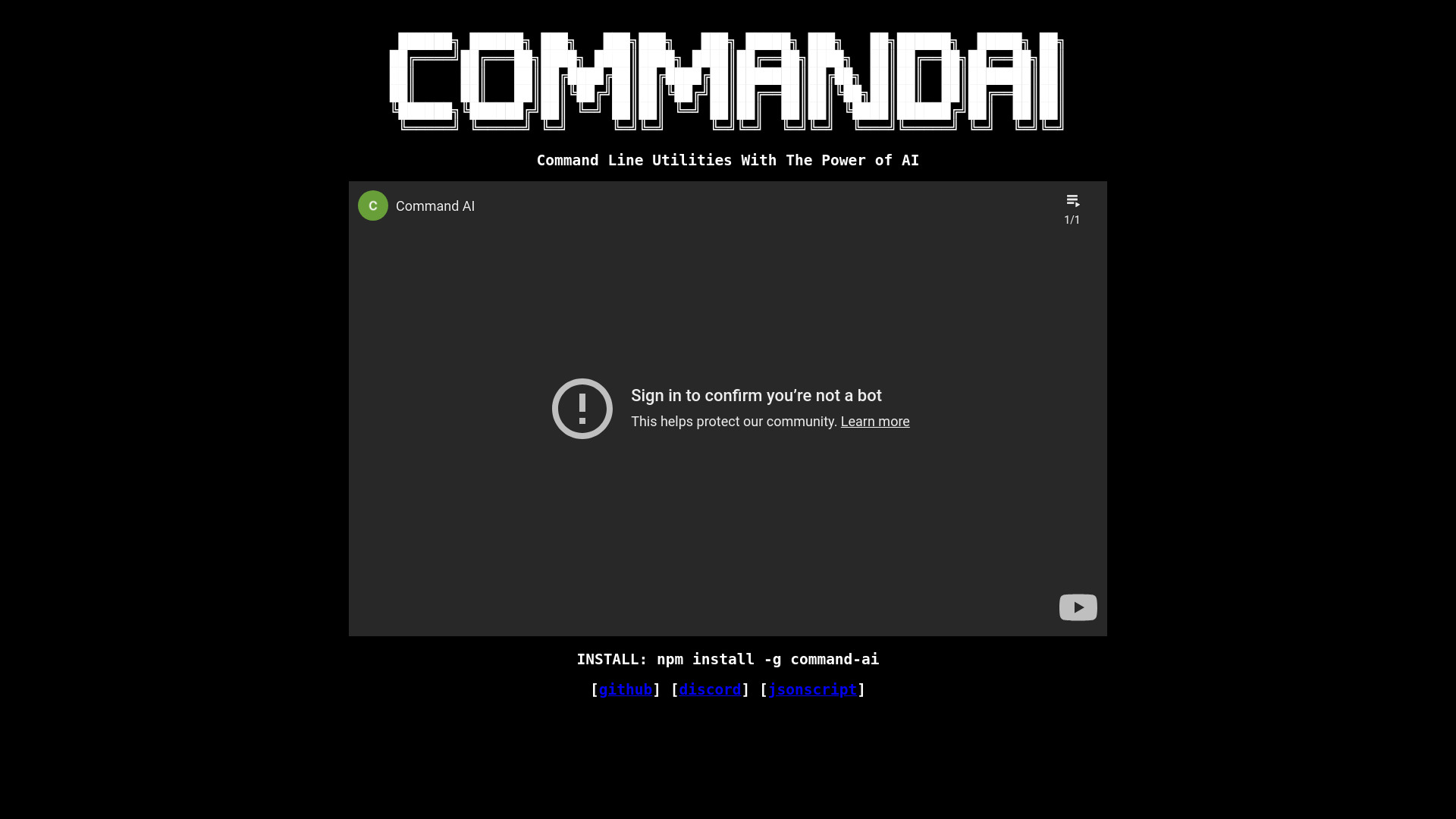
AI-powered command line tool — describe what you want, get the exact terminal command generated instantly
 GitFluence
Verified
Developer Tools
GitFluence
Verified
Developer Tools
AI-powered Git command generator — describe what you want to do and get the right command instantly.
 AICommit
Verified
Developer Tools
AICommit
Verified
Developer Tools
JetBrains IDE plugin that uses AI to generate commit messages from your code changes in one click.
 GiteAI
Verified
Developer Tools
GiteAI
Verified
Developer Tools
AI-powered Git commit message generator — automatically creates detailed, standardized commit messages from your code changes
 Prompt Studio
Verified
Developer Tools
Prompt Studio
Verified
Developer Tools
Plan and delegate coding tasks to multiple AI agents simultaneously from your terminal.
 Git Assistant
Verified
Developer Tools
Git Assistant
Verified
Developer Tools
AI-powered coding assistant that integrates GitHub with ChatGPT to help developers iterate and improve code through prompt engineering.
 prjct/cli
Verified
Developer Tools
prjct/cli
Verified
Developer Tools
A CLI tool that integrates with Claude Code to manage development workflows using natural language commands.
 HeyCLI
Verified
Developer Tools
HeyCLI
Verified
Developer Tools
AI-powered Linux command line assistant — describe what you want in plain English and get the correct terminal command.