
ChatDOC
AI that chats with your documents — ask questions, get instant answers with cited sources from PDFs, DOCs, and more.
| What is it | AI that chats with your documents — ask questions, get instant answers with cited sources from PDFs, DOCs, and more. |
|---|---|
| Pricing | Freemium |
| Free tier | Yes |
| Platform | Web Application |
| Best for | analyzing research papers and textbooks, extracting information from long reports and manuals |
| Domain registered | 2010 |
Data updated Sept. 19, 2026
What does ChatDOC do?
ChatDOC is an AI-powered tool that lets you have conversations with your documents. You simply upload files—including PDFs, Word documents, scanned pages, EPUBs, and text files—and then ask questions about the content. The AI reads and understands the text, allowing you to get instant answers without having to manually search through pages. It's particularly useful for dealing with long or complex documents where finding specific information can be time-consuming.
What sets ChatDOC apart is its ability to handle complex document elements and provide source citations. The tool can extract and analyze data from tables, recognize mathematical formulas, and even process information from images within your documents. When it provides an answer, it shows you exactly which page the information came from, making it easy to verify the source. The platform also supports translation across 25+ languages while maintaining the original document layout, and allows you to organize files into collections for better knowledge management.
This tool is especially valuable for students analyzing textbooks, researchers reviewing academic papers, and professionals working with technical documentation, legal contracts, or business reports. Whether you need to quickly find specific data points in a financial report, understand complex concepts in a research paper, or extract key information from a lengthy manual, ChatDOC turns the tedious process of document analysis into a simple conversation.
Key features
What makes it stand outWho is ChatDOC for?
Who benefits most from this toolPricing
Free tier available — start without a credit cardFree
- 60MB file size
- 20/day, 100 total questions
- 5/day, 10 total file uploads
- 300 pages per file
- 3 pages/file translate file
- 30 files per collection
- File upload limit
- Question limit
- Page limit per file
- Max file size
- OCR page
- Formula recognition
- Translate File
- File limit per collection
- Supported file type
Pro
- 200MB file size
- 300/day questions
- 300/30 days file uploads
- Unlimited pages per file
- Unlimited translate file
- Unlimited files per collection
- PDF, DOC, DOCX, SCAN, WEBSITE, EPUB, MD, TXT supported file types
- File upload limit
- Question limit
- Page limit per file
- Max file size
- OCR page
- TapSource
- Image Analysis
- Formula recognition
- Translate File
- File limit per collection
- Supported file type
Trust & presence
Gallery
Click any image to enlargeAlternatives in Research Tool
 ChattyDocs
Verified
Research Tool
ChattyDocs
Verified
Research Tool
AI document assistant — chat with PDFs, text files, and websites to get instant answers with cited sources
 AI ChatDocs
Verified
Research Tool
AI ChatDocs
Verified
Research Tool
Chat with your documents — upload PDFs, Word files, or websites and ask questions to get instant answers and summaries
 ChatDox AI
Verified
Research Tool
ChatDox AI
Verified
Research Tool
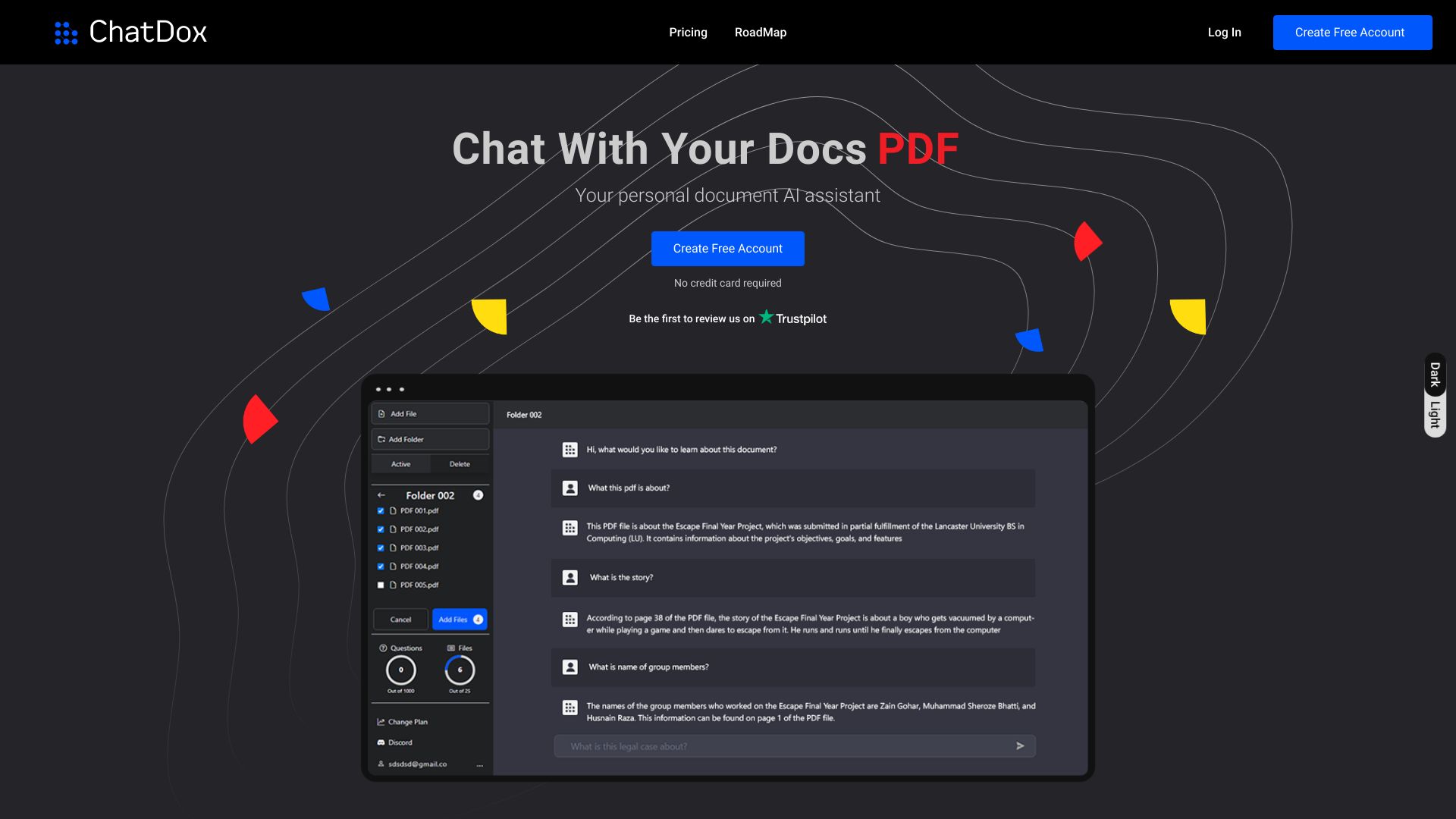
AI document intelligence platform — chat with PDFs, videos, audio, and websites to extract insights instantly.
 SearchMyDocs.ai
Verified
Research Tool
SearchMyDocs.ai
Verified
Research Tool
AI-powered document search tool — upload PDFs, docs, and spreadsheets, then chat with them to get instant answers.
 AskYourPdf
Verified
Research Tool
AskYourPdf
Verified
Research Tool
AI PDF chat tool — upload documents, ask questions, and get instant answers with AI-powered summaries
 aiPDF
Verified
Research Tool
aiPDF
Verified
Research Tool
Chat with any PDF — upload documents, ask questions, and get AI-powered summaries with source references.
 DeepPDF
Verified
Research Tool
DeepPDF
Verified
Research Tool
AI tool to chat with PDFs, translate, summarize, and analyze images and formulas within documents.
 talktopdf.ai
Verified
Research Tool
talktopdf.ai
Verified
Research Tool
Chat with your PDF documents to extract information and get answers instantly
Similar tools
 Chat With Docs
Verified
Knowledge
Chat With Docs
Verified
Knowledge
AI tool to chat with PDFs, Word docs, and more — ask questions and get instant answers with citations.
 ChatPDF
Verified
Assistant
ChatPDF
Verified
Assistant
AI tool that lets you chat with PDFs — upload a document and ask questions to get instant summaries and answers.
 ChatPDF.ae
Verified
Knowledge
ChatPDF.ae
Verified
Knowledge
AI tool that lets you chat with PDFs — ask questions, get summaries, and extract insights instantly.
 ChatwithData.ai
For Data Analytics
ChatwithData.ai
For Data Analytics
AI tool for analyzing documents — upload PDFs, Excel files, or databases and ask questions in plain language to get insights.