
Checkget
A browser extension that brings ChatGPT to any website — select text, press a hotkey, and get AI help instantly.
| What is it | A browser extension that brings ChatGPT to any website — select text, press a hotkey, and get AI help instantly. |
|---|---|
| Pricing | Freemium |
| Free tier | Yes |
| Platform | Chrome Extension |
| Best for | Quickly summarizing articles or reports directly on the webpage, Rephrasing and improving the tone of emails or social media posts |
| Domain registered | 2000 |
Data updated Sept. 19, 2026
What does Checkget do?
Checkget is a browser extension designed to put the power of ChatGPT right where you're working. Instead of constantly switching tabs to the OpenAI website, you can call up an AI assistant on any webpage or in any software by simply pressing a keyboard shortcut. Select any text, hit Cmd+K (Mac) or Alt+K (Windows), and Checkget pops up ready to help. It handles a wide range of text-based tasks, from simple fixes like correcting spelling to more complex operations like translation, summarization, and tone adjustment.
The tool aims to be smart about context. If you select an email draft, it might suggest polite reply options. If you highlight a block of code, it can switch to explanation mode. For users concerned about privacy, Checkget offers a local mode. This mode lets you use your own OpenAI API key, so your data goes directly to ChatGPT's servers, bypassing Checkget's systems entirely. The interface is clean, supports a dark theme, and offers tiered pricing from a free plan to premium options with more daily requests and access to GPT-4.
Checkget is most useful for anyone who frequently works with text online and wants to save time. Students can use it to quickly grasp complex articles, professionals can draft and polish communications without leaving their inbox, and writers can experiment with different phrasings on the fly. It turns the browser itself into a versatile AI-powered writing and research companion.
Key features
What makes it stand outWho is Checkget for?
Who benefits most from this toolTrust & presence
Alternatives in Writing Assistants
 ChatGPT To Help
Verified
Writing Assistants
ChatGPT To Help
Verified
Writing Assistants
Chrome extension that brings an AI writing assistant to any webpage for instant content creation and editing.
 AI Perfect Assistant
Verified
Writing Assistants
AI Perfect Assistant
Verified
Writing Assistants
Add ChatGPT directly into Microsoft Office, Google Workspace, and other apps to write, edit, and create content without switching tabs.
 Chatbot
Verified
Writing Assistants
Chatbot
Verified
Writing Assistants
AI chatbot web app that uses OpenAI's GPT-5 Mini model for conversation, writing help, and image analysis.
 PopboxGPT
Verified
Writing Assistants
PopboxGPT
Verified
Writing Assistants
AI Chrome extension — get instant GPT assistance on any webpage without switching tabs.
 Prompt Selected
Verified
Writing Assistants
Prompt Selected
Verified
Writing Assistants
Browser extension that runs custom ChatGPT prompts on any selected webpage text for grammar, translation, and summaries.
 TweetAssist.AI
Verified
Writing Assistants
TweetAssist.AI
Verified
Writing Assistants
AI browser extension that writes tweets and replies for you — choose a topic, pick a tone, get suggestions in seconds
 WebCopilot
Verified
Writing Assistants
WebCopilot
Verified
Writing Assistants
Browser extension that adds an AI writing assistant to any website — compose emails, posts, and formulas faster.
 RambleFix
Verified
Writing Assistants
RambleFix
Verified
Writing Assistants
Speak your thoughts, get polished writing — AI transcribes and enhances your voice recordings into emails, articles, and action plans.
Similar tools
 MaxAI.me
Assistant
MaxAI.me
Assistant
The Fastest Way To Use AI Anywhere Online. Formerly UseChatGPT.AI. Your AI-powered copilot for the web, powered by ChatGPT, Claude, Bard, and Bing AI. Ask AI anything in the sidebar. Compose with AI anywhere. Write better with confidence. Read easier and faster. Reply to any text in seconds. No country restrictions. ChatGPT (OpenAI) account is not required. We offer AI powered by ChatGPT to power the extension just as fast as ChatGPT Plus!
 ChatGPT Everywhere
Verified
Assistant
ChatGPT Everywhere
Verified
Assistant
Chrome extension that adds a ChatGPT sidebar to Gmail, Google Search, and any webpage for instant AI assistance.
 HighlightGPT
Verified
Assistant
HighlightGPT
Verified
Assistant
Browser extension — highlight any text on ChatGPT to ask questions, get explanations, translate, or save to memory in one tap
 Word Count Tool
Assistant
Word Count Tool
Assistant
Supercharge your productivity by using ChatGPT on any tab without hassle of copy-pasting with our easy-to-use Chrome extension. Improve your writing, generate blog posts and crush coding issues with ChatGPT keyboard shortcut.
 FlashAI
Verified
AI Summarizer
FlashAI
Verified
AI Summarizer
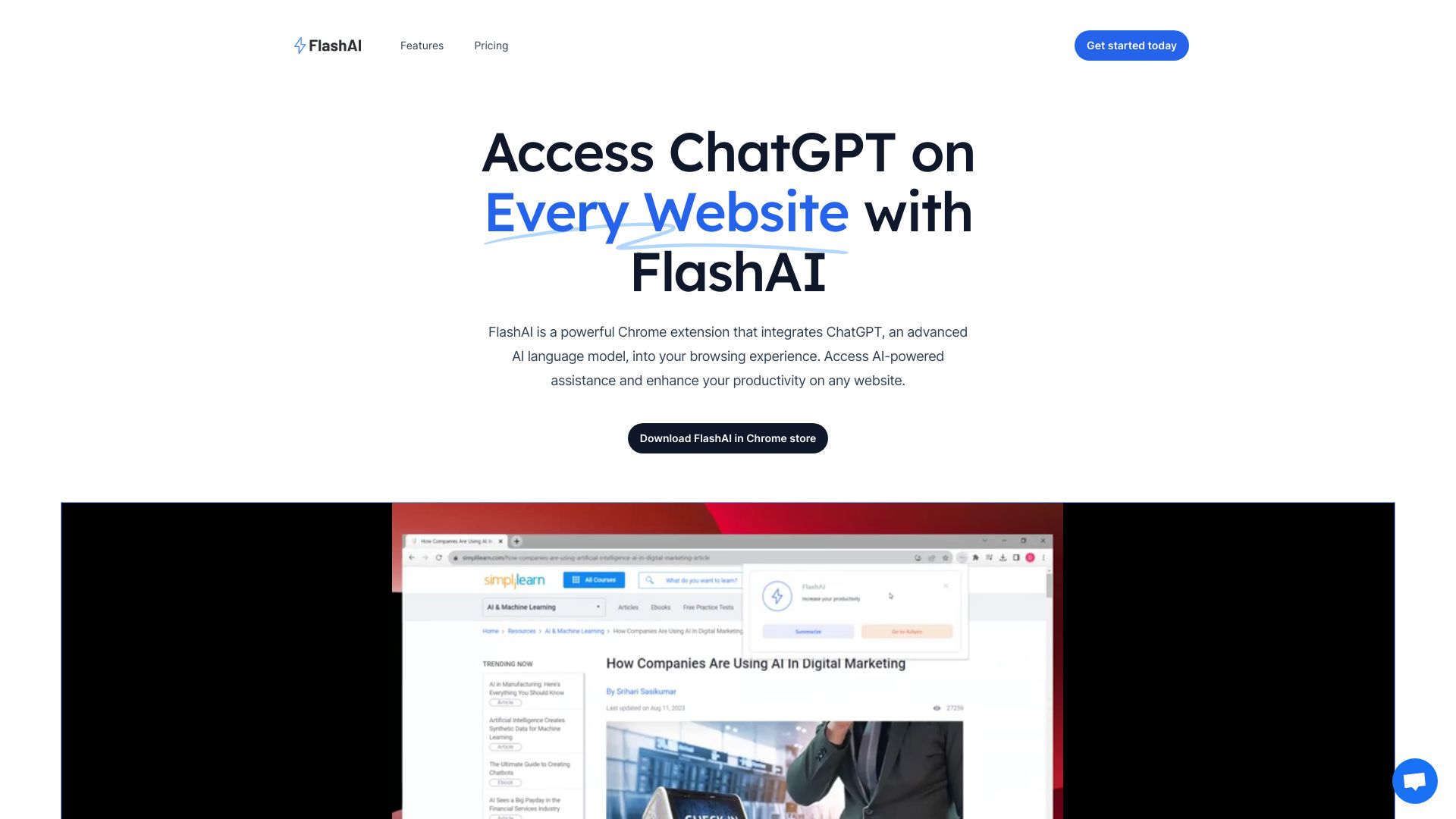
Chrome extension that adds ChatGPT to any website — summarize content, generate text, and use custom prompts instantly.
 AI Toolbar
Verified
Productivity Tools
AI Toolbar
Verified
Productivity Tools
Chrome extension that adds an AI assistant to any webpage for summarizing, translating, and generating text.
 Torq AI
Verified
Assistant
Torq AI
Verified
Assistant
Chrome extension that brings ChatGPT-powered email, text processing, and web search to your browser.