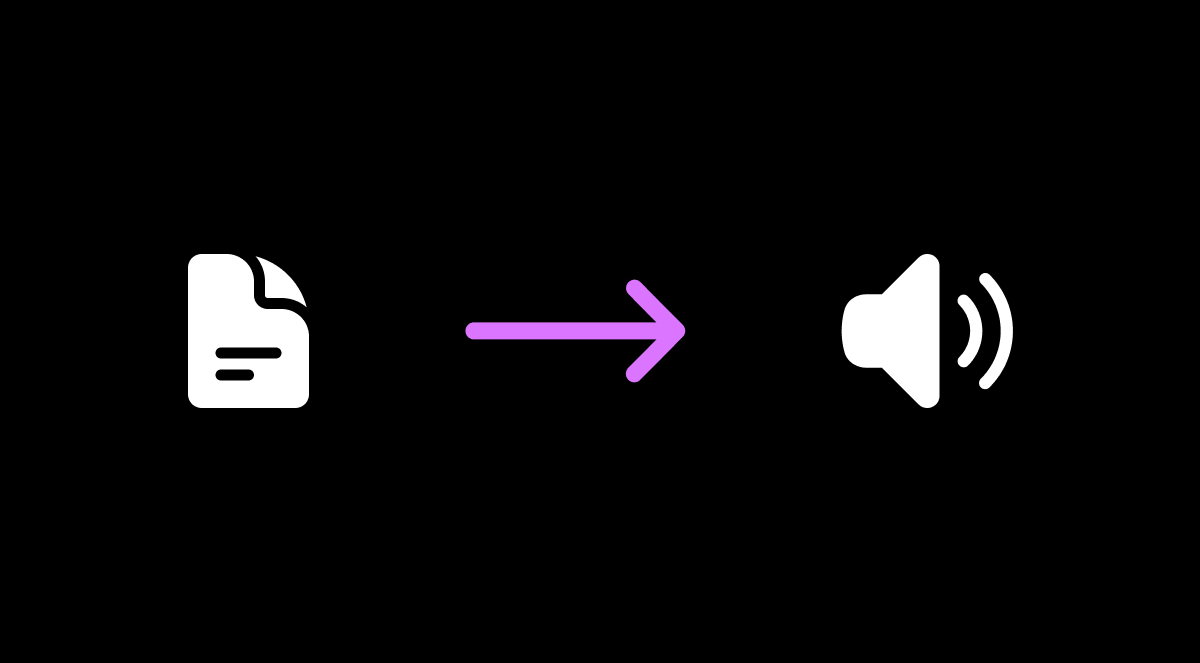
Article Audio - Convert Articles To Audio
Paste a link to any article, pick a voice, and listen to it instead of reading — simple text-to-speech for the web.
| What is it | Paste a link to any article, pick a voice, and listen to it instead of reading — simple text-to-speech for the web. |
|---|---|
| Pricing | Freemium |
| Free tier | Yes |
| Platform | Web Application |
| Best for | listening to news articles while driving, consuming long-form content hands-free |
| Domain registered | 2022 |
Data updated Sept. 19, 2026
What does Article Audio - Convert Articles To Audio do?
Article Audio is a no-fuss tool that turns written articles into spoken audio. You drop in a URL, choose a language and voice, hit convert, and the tool reads the article back to you in a natural-sounding voice. It’s essentially a text-to-speech wrapper for web content — no sign-up required to try it, and the interface is clean and straightforward.
The tool runs on Thundercontent’s engine, which gives it a selection of voices and speaking styles (like “Chat” or more formal tones). You can pick from multiple languages and adjust the voice’s personality. Once the audio is generated, you can add tags to organize your recordings and share them with others. There’s a free tier (implied by the “Upgrade Pro” button) that lets you test the basics, though specific limits aren’t shown on the page.
This is ideal for anyone who wants to consume articles hands-free — commuters, multitaskers, or people with visual impairments. If you have a queue of long reads you never get to, Article Audio turns them into something you can listen to while walking or doing chores. It doesn’t try to be more than it is: a quick, reliable way to get from text to audio without extra clutter.
Key features
What makes it stand outWho is Article Audio - Convert Articles To Audio for?
Who benefits most from this toolTrust & presence
Alternatives in Text-to-Speech
 article2audio
Verified
Text-to-Speech
article2audio
Verified
Text-to-Speech
Convert web articles to natural-sounding audio with AI that interprets images, tables, and complex text.
 Audioread
Verified
Text-to-Speech
Audioread
Verified
Text-to-Speech
AI text-to-speech tool — convert articles, PDFs, and emails into podcasts for listening in Spotify or Apple Podcasts.
 PDF2Audio
Verified
Text-to-Speech
PDF2Audio
Verified
Text-to-Speech
Upload any PDF and get an AI-narrated audio version — listen to documents instead of reading them
 makeaudio
Verified
Text-to-Speech
makeaudio
Verified
Text-to-Speech
AI text-to-speech tool — convert up to 100k characters of text into natural-sounding audio in 16 languages.
 Texttovoice.online
Verified
Text-to-Speech
Texttovoice.online
Verified
Text-to-Speech
Convert text into realistic, emotional speech with a wide range of voices and languages.
 EchoReads
Verified
Text-to-Speech
EchoReads
Verified
Text-to-Speech
Convert blog articles into audio podcasts instantly using AI voice synthesis
 Read It
Verified
Text-to-Speech
Read It
Verified
Text-to-Speech
AI text-to-speech tool that turns newsletters and articles into a personal podcast feed.
 AudiowaveAI
Verified
Text-to-Speech
AudiowaveAI
Verified
Text-to-Speech
AI text-to-speech tool that converts articles, PDFs, and documents into high-quality, natural-sounding audio for listening on the go.