
Capture
AI-powered tool that captures your screen and instantly answers any question about what's on it.
| What is it | AI-powered tool that captures your screen and instantly answers any question about what's on it. |
|---|---|
| Pricing | Unknown |
| Platform | Web Application |
| Works with | Integrately |
| Best for | documenting web design elements, capturing website references |
| Domain registered | 2016 |
Data updated Sept. 19, 2026
What does Capture do?
Capture is a desktop application that lets you take a screenshot of anything on your screen and ask questions about it. You simply press a keyboard shortcut to capture an area, type your question in the pop-up window, and the AI provides an immediate answer. It works with text, images, code, graphs, and UI elements, making it a versatile tool for getting instant context and information without switching between apps or manually searching for explanations.
The tool uses advanced AI models to analyze the visual and textual content within your screenshot. It doesn't just perform OCR; it understands the context of what it sees. You can ask it to explain a complex graph, summarize a long article, debug a piece of code, translate text, or even describe what's happening in a photo. Its standout feature is its simplicity and speed, operating entirely from your desktop with a minimal, focused interface.
This is ideal for students researching topics, developers troubleshooting code, analysts interpreting data charts, or anyone who frequently needs quick explanations without interrupting their workflow. A student could capture a difficult paragraph from a digital textbook and ask for a simpler summary. A programmer could screenshot an error message and get an immediate explanation and potential fixes. It turns any static information on your screen into an interactive learning and problem-solving session.
Key features
What makes it stand outWho is Capture for?
Who benefits most from this toolTrust & presence
Alternatives in Assistant
 Crade AI
Verified
Assistant
Crade AI
Verified
Assistant
AI desktop assistant that sees your screen to help with spreadsheets, writing, code, and more.
 Chatbox
Verified
Assistant
Chatbox
Verified
Assistant
Desktop and mobile AI assistant app — chat with documents, generate code, create images, and access multiple AI models in one interface
 Dot Copilot
Verified
Assistant
Dot Copilot
Verified
Assistant
Mobile AI assistant that extracts info from your screen — track expenses, manage tasks, translate text, and engage on social media.
 WeAccess.Ai
Verified
Assistant
WeAccess.Ai
Verified
Assistant
AI-powered platform that makes websites, media, and documents accessible for people with visual, hearing, and mobility impairments
 PopAir
Verified
Assistant
PopAir
Verified
Assistant
A native macOS app that gives you AI chat, image generation, and productivity tools inside any other application.
 NativeMind
Verified
Assistant
NativeMind
Verified
Assistant
NativeMind brings the latest AI models to your browser—powered by Ollama and fully local. It gives you fast, private access to models like Deepseek, Qwen, and LLaMA—all running on your device.
 Tikpal
Verified
Assistant
Tikpal
Verified
Assistant
AI voice assistant with multi-agent intelligence for creative workflows and task management.
 CastReader
Verified
Assistant
CastReader
Verified
Assistant
AI reading assistant that reads any webpage aloud and explains foreign or complex text in your language
Similar tools
 Shotup AI
Knowledge Management
Shotup AI
Knowledge Management
AI-powered screenshot organizer — automatically learns from your screenshots and answers questions about them
 SnippAI
Verified
OCR
SnippAI
Verified
OCR
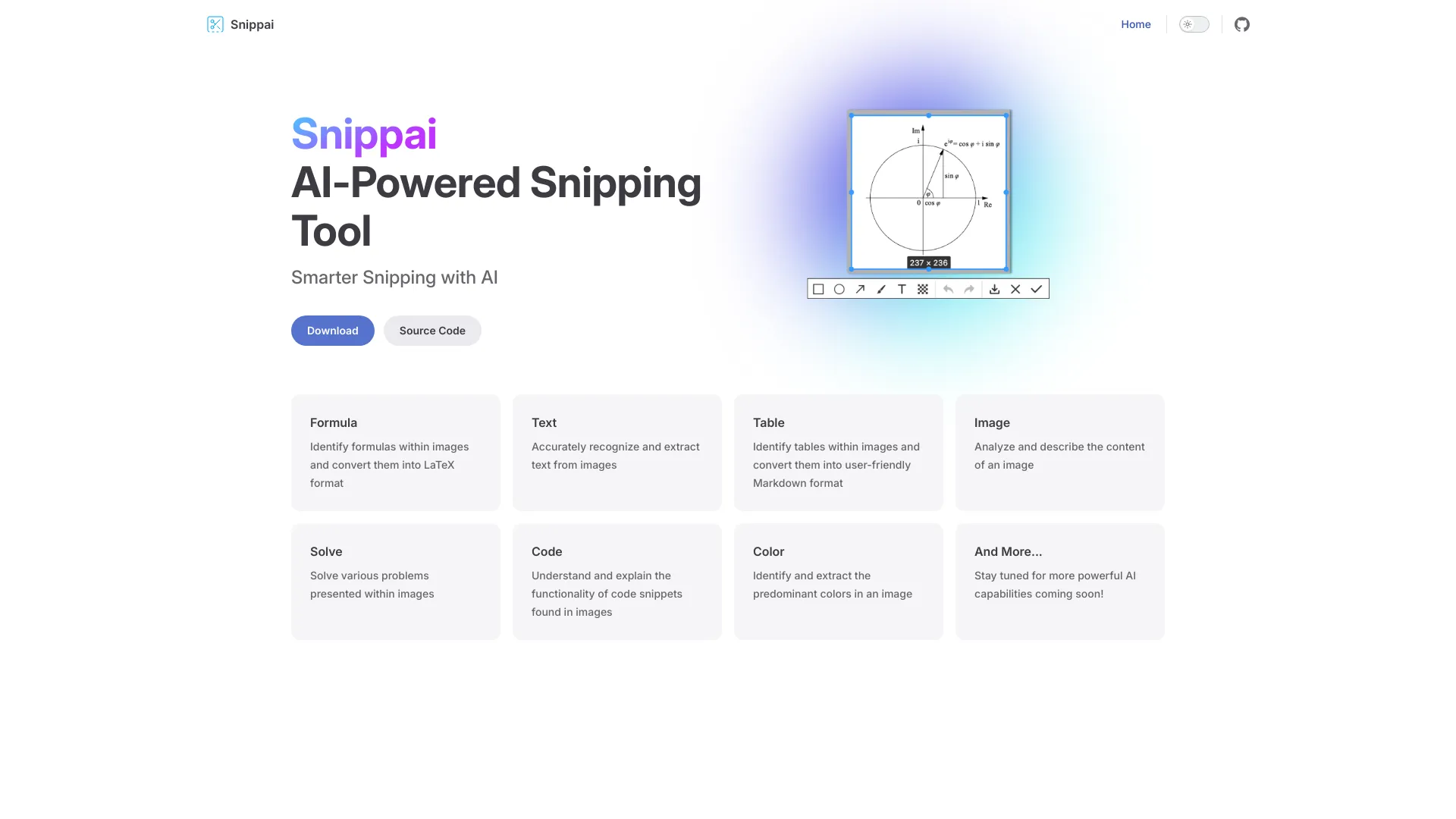
AI-powered snipping tool that extracts text, formulas, tables, and code from screenshots
 Fenêtre Capture Tool
Verified
Productivity Tools
Fenêtre Capture Tool
Verified
Productivity Tools
Free Windows app for capturing, annotating, and sharing screenshots and screen recordings with audio.
 UIsnapper
Verified
Developer Tools
UIsnapper
Verified
Developer Tools
Upload UI screenshots, get detailed AI prompts to recreate the design in coding tools like Cursor.
 Screenshot to Code
Verified
Developer Tools
Screenshot to Code
Verified
Developer Tools
Upload a screenshot or video of a UI and get production-ready HTML/CSS, React, or Vue code in seconds.
 Pincue
Verified
Bug Reports
Pincue
Verified
Bug Reports
Chrome extension that captures web elements with screenshots and exports feedback as markdown for AI agents to fix.
 SynthAnswer AI
Verified
Homework Helper
SynthAnswer AI
Verified
Homework Helper
AI study assistant — capture homework questions from your screen and get step-by-step explanations in seconds.
Works with Integrately
View all → OpenAI
Verified
Models
OpenAI
Verified
Models
AI platform offering ChatGPT for conversation, an API for developers, and business solutions — all powered by GPT models.
 Picsart
Verified
Photo Editor
Picsart
Verified
Photo Editor
AI-powered creative suite for photo editing, design templates, and AI image generation — all in one platform.
 Happy Scribe
Verified
Transcription
Happy Scribe
Verified
Transcription
AI transcription and subtitling tool — convert audio/video to text, generate captions, and translate in 120+ languages.
 Anthropic
Verified
Models
Anthropic
Verified
Models
AI research and product company building safe, capable assistants like Claude
 Aircall
Verified
Customer Service
Aircall
Verified
Customer Service
AI-powered business phone system with live call coaching, automated workflows, and 24/7 AI agents for customer support.
 Trello
Verified
Productivity Tools
Trello
Verified
Productivity Tools
AI-powered project management tool to organize tasks, track progress, and collaborate with teams using boards, lists, and cards.
 Wrike
Verified
Productivity Tools
Wrike
Verified
Productivity Tools
AI-powered enterprise work management platform that automates tasks, provides insights, and coordinates teams.
 Brevo
Verified
AI Marketing
Brevo
Verified
AI Marketing
All-in-one marketing platform with AI — send emails, SMS, automate campaigns, and manage customer relationships in one place.