
Simple Commenter
Visual feedback tool for websites — clients add comments directly on web pages instead of sending emails
| What is it | Visual feedback tool for websites — clients add comments directly on web pages instead of sending emails |
|---|---|
| Pricing | Paid — from €17.99/mo |
| Free tier | No |
| Platform | Web Application |
| API | Yes |
| Best for | collecting client feedback on website designs, replacing email chains with structured feedback |
| Domain registered | 2024 |
Data updated Aug. 1, 2026
What does Simple Commenter do?
Simple Commenter is a website feedback tool that lets clients and team members add comments directly onto web pages. Instead of sending emails or PDFs with vague descriptions like 'change the button on the homepage,' users can click on the specific element they want to modify and leave a contextual comment. This eliminates the back-and-forth communication that often slows down web projects.
The tool works by adding a small script to your website, which activates a commenting interface. Clients can hover over page elements, click to add comments, and even upload image files to show exactly what changes they want. For the development team, Simple Commenter provides a centralized dashboard to manage all feedback, with options to mark comments as resolved and integrate with tools like Slack, Trello, and Jira. The system sends email notifications when new feedback arrives, keeping everyone in the loop.
Simple Commenter is particularly useful for web developers, design agencies, and freelancers who need to collect precise feedback from non-technical clients. It streamlines the review process for website launches, redesigns, and ongoing maintenance. By putting comments directly on the live site, it ensures that feedback is specific, actionable, and easy to understand for everyone involved.
Key features
What makes it stand outWho is Simple Commenter for?
Who benefits most from this toolPricing
Solo
- 2 users
- Unlimited domains
- 3 clients per project
- PDF & image feedback
- WordPress extension
- Chrome extension
- AI MCP service
- 5 GB storage
- 100 MB per file
Team
Everything in Solo, plus:
- 10 users
- Integrations
- Webhook
- Custom themes
- Automatic screenshots
- 50 GB storage
- 500 MB per file
Business
Everything in Team, plus:
- 25 users
- 500 GB storage
- 5 GB per file
- Priority support and onboarding
- SSO
- Custom domain
- Custom email domain
- Whitelisting
Enterprise
Everything in Business, plus:
- Unlimited users and projects
- SSO / SAML
- Advanced permissions + admin controls
- Dedicated onboarding + training
- Priority support with SLA
- Custom contracts + invoicing
- API access + custom integrations
- Logs storage
- API user provisioning
- API comments endpoint
Trust & presence
Gallery
Click any image to enlargeAlternatives in Non-AI Communication
 Nextcloud
Verified
Non-AI Communication
Nextcloud
Verified
Non-AI Communication
Self-hosted content collaboration platform — file sync, chat, video calls, office editing, and AI assistant in one private cloud suite
Similar tools
 Commenter.ai
Verified
AI Copywriting
Commenter.ai
Verified
AI Copywriting
AI-powered LinkedIn comment generator — write authentic, engaging replies in your voice in seconds
 Comment Explorer
Verified
Data Mining
Comment Explorer
Verified
Data Mining
Free YouTube comment analyzer — measure sentiment, engagement, and topics in your video comments
 Comment Generator
Verified
Writing Assistants
Comment Generator
Verified
Writing Assistants
AI browser extension that generates personalized social media comments for Instagram, LinkedIn, and Threads posts
 Simpler.ai
Verified
Writing Assistants
Simpler.ai
Verified
Writing Assistants
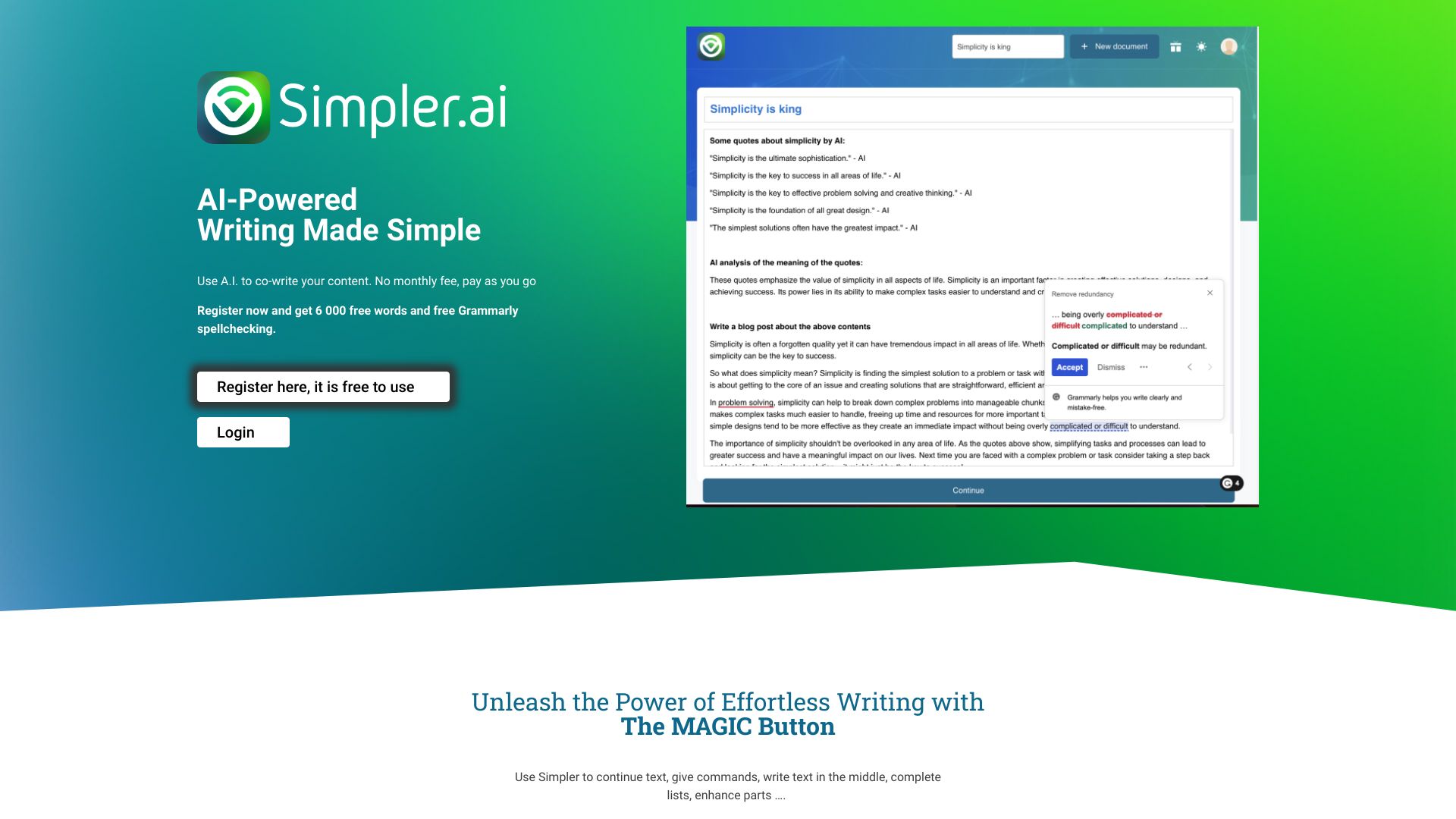
AI writing assistant with a 'Magic' button to continue, enhance, or brainstorm text in any document.
 Vibe Annotations
Verified
Developer Tools
Vibe Annotations
Verified
Developer Tools
A browser extension that lets you drop visual notes on a webpage and send them directly to AI coding agents for instant fixes.
 Comment2Content
Verified
Outline Generator
Comment2Content
Verified
Outline Generator
AI tool for YouTube creators — analyzes video comments and generates ready-to-film video outlines based on audience requests.
 AI Social Replier
Verified
AI Social Media
AI Social Replier
Verified
AI Social Media
Chrome extension that uses AI to automatically generate and post replies to social media comments.
 Velt
Verified
Developer Tools
Velt
Verified
Developer Tools
Add collaborative features like comments, multiplayer editing, and video huddles to your web app with a developer SDK.