
UnInbox
Open-source collaborative email for teams — manage shared inboxes, assign workflows, and comment on conversations.
| What is it | Open-source collaborative email for teams — manage shared inboxes, assign workflows, and comment on conversations. |
|---|---|
| Pricing | Freemium — from $12/mo |
| Free tier | Yes |
| Platform | Web Application |
| API | Yes |
| Best for | Managing a shared support@ or sales@ email address as a team, Tracking email task statuses to avoid duplicate replies or missed messages |
| Domain registered | 2023 |
Data updated Sept. 19, 2026
What does UnInbox do?
UnInbox is a collaborative email platform built for teams. It replaces the chaos of forwarding emails or dealing with long reply-all chains with shared spaces. In these spaces, team members can comment on email conversations and reply from a shared address, like support@ or sales@. It also lets you create an unlimited number of email addresses for different purposes, all managed from one place.
What makes UnInbox stand out is its focus on workflow and transparency. Each email conversation can be assigned a status, so everyone knows if a query is pending, in progress, or resolved. This eliminates the common problem of wondering if someone already replied. The platform is open-source, offering the option for self-hosting and customization. For businesses that need deeper integration, the Pro plan provides SMTP and API access.
This tool is a strong fit for small businesses, startups, and customer support teams that handle email collectively. It's useful for groups tired of using a single inbox password or messy forwarding rules. Real-world use includes a team managing customer inquiries through a shared help@ address while tracking who is handling what, or a startup using separate addresses for admin, billing, and partnerships without paying for multiple individual mailboxes.
Key features
What makes it stand outWho is UnInbox for?
Who benefits most from this toolPricing
Free tier available — start without a credit cardFree
- @uninbox.me email address
- Personal Spaces
- 3 Workflows per Space
- 7 day raw email retention
- Community/email support
Pro
Everything in Plus, plus:
- Everything in Plus
- Unlimited Custom Domains
- Teams
- Unlimited Shared & Public Spaces
- SMTP & API Access
- Convo Assignees
- Priority Chat Support
- Video Call Support
Enterprise
Everything in Pro, plus:
- 30 minimum users
- 30 Users Minimum
- Everything in Pro
- Dedicated Instance
- Custom IP
- SAML SSO
- 10 year convo activity history
- 10 year raw email retention
- Dedicated Onboarding
- Org Wide Video Call Support
Trust & presence
Gallery
Click any image to enlargeAlternatives in Email Client
 Superhuman
Verified
Email Client
Superhuman
Verified
Email Client
Fast email client for professionals — prioritize, read, and reply to messages in half the time
Similar tools
 Shared Inbox by Canary
Verified
Productivity Tools
Shared Inbox by Canary
Verified
Productivity Tools
AI-powered shared inbox – auto-assigns, drafts replies, and tracks everything for your team
 Superinbox
Verified
Assistant
Superinbox
Verified
Assistant
AI email assistant that drafts replies and organizes your inbox automatically — works inside Gmail and Outlook
 Inbox Zero
Verified
Assistant
Inbox Zero
Verified
Assistant
AI email assistant that organizes your inbox, drafts replies in your voice, and helps unsubscribe from unwanted emails
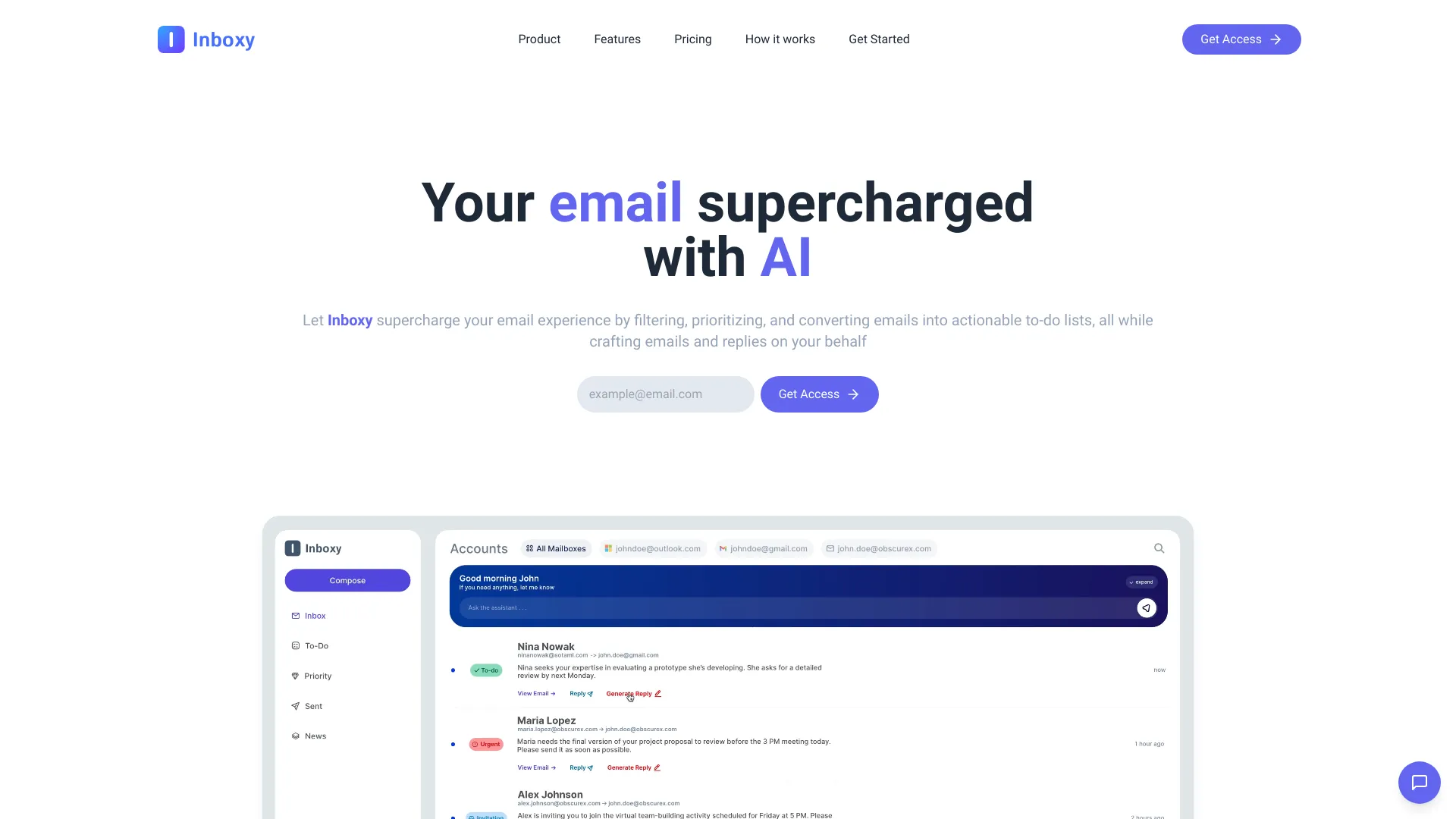 Inboxy
Verified
Productivity Tools
Inboxy
Verified
Productivity Tools
AI-powered email management tool — automatically sorts, prioritizes, and helps you respond to your inbox.
 Zero Inbox
Verified
Productivity Tools
Zero Inbox
Verified
Productivity Tools
AI-powered email organizer that automatically clears your inbox and unsubscribes from unwanted emails in seconds.
 Inboxly AI
Verified
Assistant
Inboxly AI
Verified
Assistant
AI mailbox that organizes and responds to messages from all your social and public links in one place.
 Spike
Verified
AI Workspace
Spike
Verified
AI Workspace
AI-powered email app that transforms your inbox into a chat-like workspace with summaries, collaboration tools, and smart sorting
 Kinso AI
Assistant
Kinso AI
Assistant
AI-powered unified inbox that aggregates messages, drafts replies in your voice, and prioritizes what matters most.