
BentoHub
Build a stylish bento grid for your GitHub profile — enter your details, customize the layout, and copy the code.
| What is it | Build a stylish bento grid for your GitHub profile — enter your details, customize the layout, and copy the code. |
|---|---|
| Pricing | Unknown |
| Platform | Web Application |
| Best for | Creating a visually appealing GitHub profile, Showcasing skills and links in a structured layout |
| Domain registered | 2018 |
Data updated March 8, 2026
What does BentoHub do?
BentoHub is a web tool that helps you create a modern, grid-based layout for your GitHub profile's README. You fill in your personal and professional details—like your name, job role, skills, and social links—and the tool generates a visual 'bento box' style card. This card provides a quick, attractive overview of who you are and what you do, right at the top of your GitHub page. It's a simple way to make your developer profile stand out.
The tool works by letting you input information into a form, with a live preview that updates as you type. Once you're happy with how it looks, BentoHub gives you two code options: clean Markdown or HTML. You just copy the code and paste it directly into your GitHub README file. It doesn't require any design skills or complex setup, making the process quick and straightforward.
BentoHub is most useful for software developers, students, and tech professionals who want to improve their GitHub presence. It's perfect for anyone applying for jobs, showcasing their projects, or simply wanting to present a more polished and professional image to the open-source community. The tool turns a basic text-based profile into a visually engaging introduction.
Key features
What makes it stand outWho is BentoHub for?
Who benefits most from this toolTrust & presence
Alternatives in Non-AI Developer Tools
 Zread
Verified
Non-AI Developer Tools
Zread
Verified
Non-AI Developer Tools
Read and explore GitHub repositories — add private repos, browse trending code, and connect via CLI or MCP.
 Dokifly
Verified
Non-AI Developer Tools
Dokifly
Verified
Non-AI Developer Tools
No-code HTML to PDF API — design templates in a dashboard or describe documents in plain English, then generate from n8n, Make, or Bubble.
Similar tools
 GitFolio
Verified
Resume Builder
GitFolio
Verified
Resume Builder
AI-powered resume builder that creates professional profiles from your GitHub activity and experience.
 Readmekraft
Verified
Developer Tools
Readmekraft
Verified
Developer Tools
AI-powered tool that generates professional GitHub READMEs, contributing guidelines, and codes of conduct for developers.
 Rift-code
Verified
Developer Tools
Rift-code
Verified
Developer Tools
Visual GitHub repo mapping tool — connects to your repo, generates architecture diagrams, lets you ask questions.
 README Gen
Verified
Writing Assistants
README Gen
Verified
Writing Assistants
AI-powered tool that automatically generates professional README files for GitHub projects in seconds.
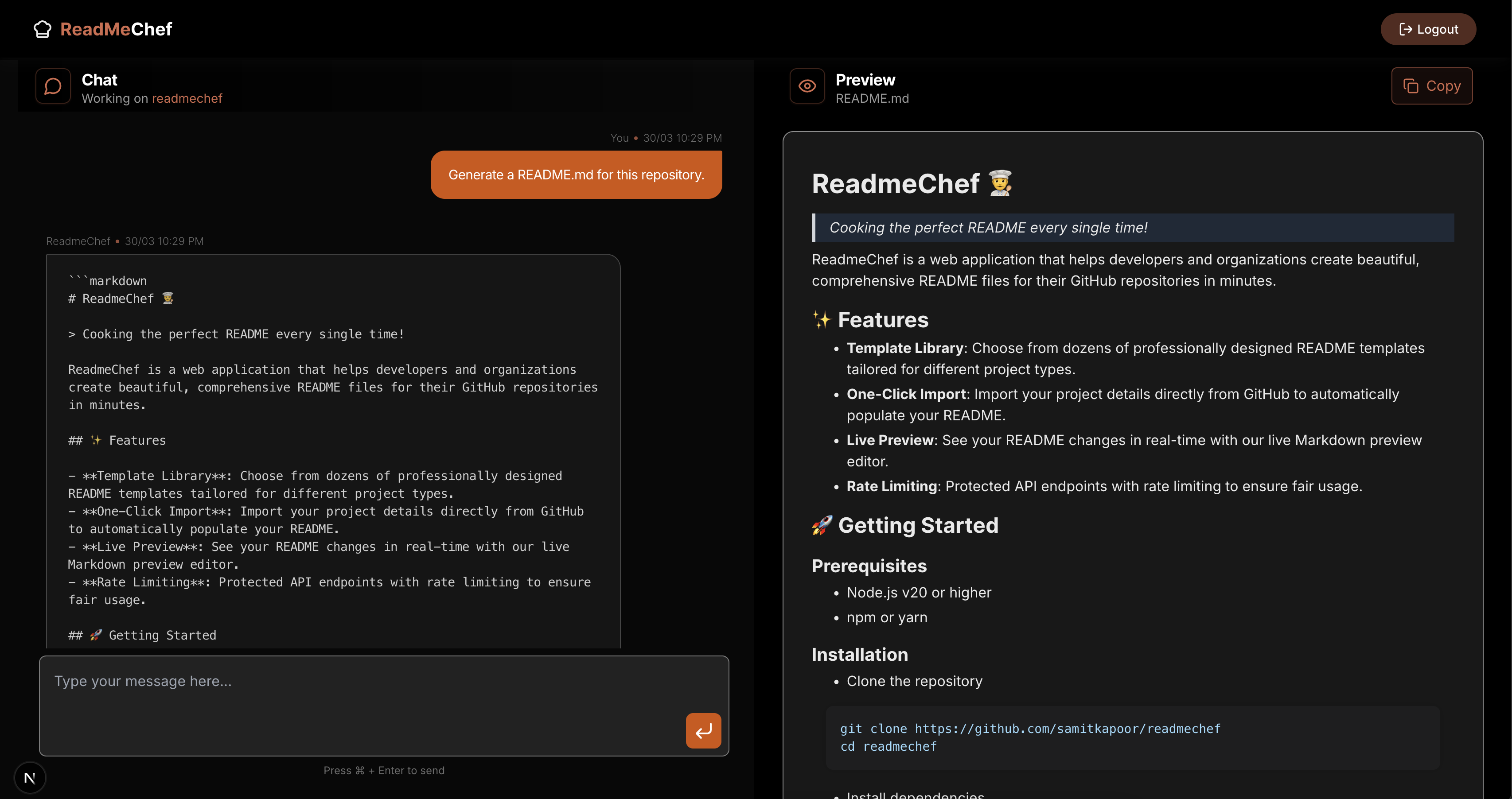 ReadmeChef
Verified
Documents
ReadmeChef
Verified
Documents
AI tool that connects to your GitHub/GitLab and automatically generates a tailored README file for your code repository.
 Bito
Verified
Developer Tools
Bito
Verified
Developer Tools
Bito builds AI developer tools for teams working with complex codebases. At the Bito’s core is AI Architect. It’s a codebase intelligence server that creates a dynamic knowledge graph of your codebase. It learns how systems actually fit together, instead of treating them as disconnected files. That intelligence powers AI coding workflows and code reviews across coding agents, pull requests, and IDEs. Use Bito’s AI Architect via MCP or deploy AI Code Reviews directly in Git.
 BitaHub
Verified
Developer Tools
BitaHub
Verified
Developer Tools
Cloud GPU rental platform for AI research — rent A100, RTX 4090, and other GPUs by the hour with integrated tools.
 Gitdocs AI
Verified
Developer Tools
Gitdocs AI
Verified
Developer Tools
AI-powered tool that connects to your GitHub repository and automatically generates professional README files.