MarkDown
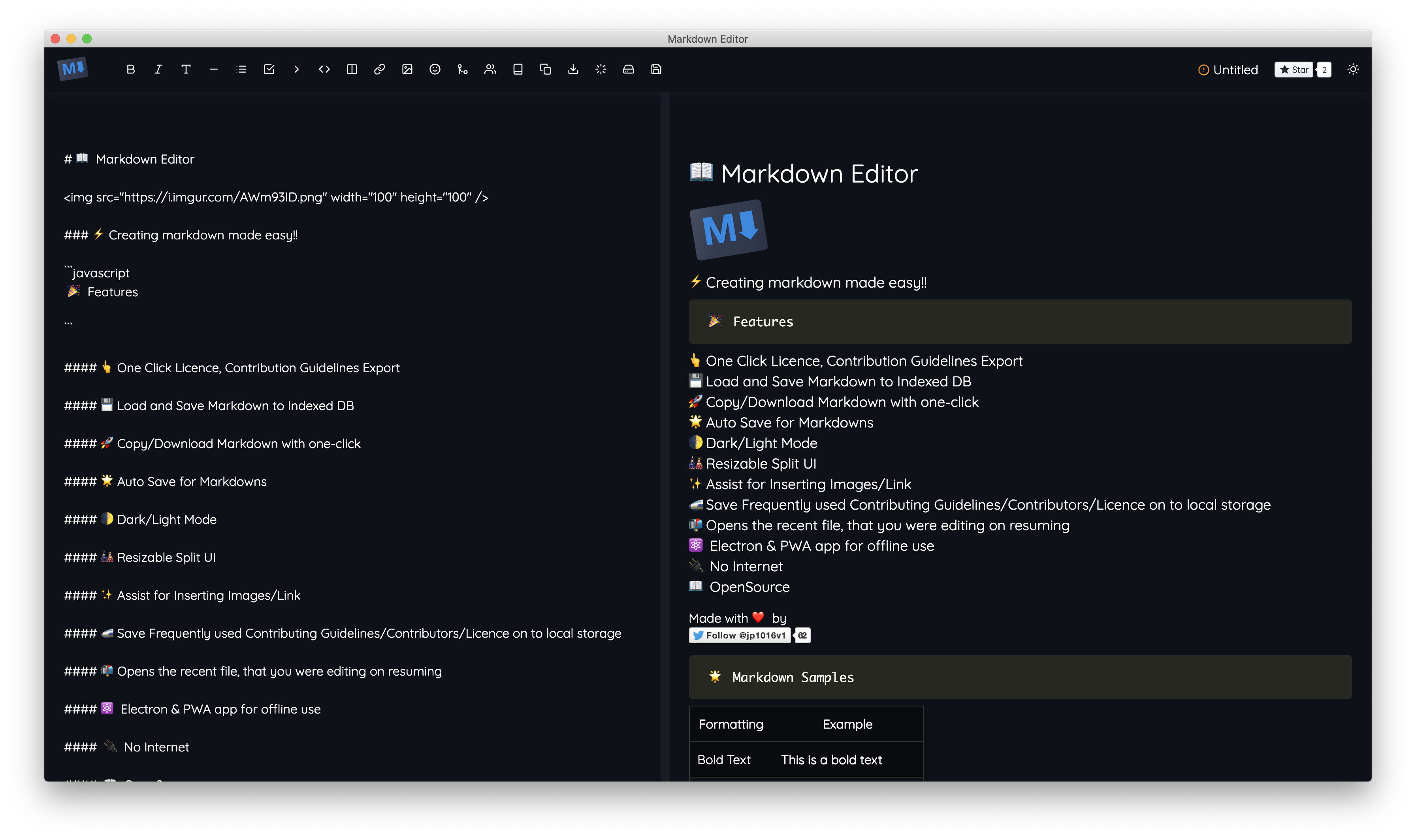
A WYSIWYG editor for writing Markdown with offline support, easy export, and built-in helpers.
| What is it | A WYSIWYG editor for writing Markdown with offline support, easy export, and built-in helpers. |
|---|---|
| Pricing | Unknown |
| Platform | Web Application |
| Works with | Make |
| Best for | writing technical documentation, creating README files for GitHub |
Data updated Sept. 19, 2026
What does MarkDown do?
MarkDown is a web-based editor designed to make writing Markdown simpler. It provides a 'What You See Is What You Get' interface, so you can click buttons to format text, insert links, or add images without memorizing syntax. Your work is automatically saved locally in your browser's storage, allowing you to access and edit your documents even without an internet connection. It also includes handy assistants for inserting common elements like emojis and code blocks with syntax highlighting.
The tool stands out with its focus on practical helpers for common tasks. It has dedicated panels for adding images and links by just filling in a URL and title. For open-source project maintainers, it offers one-click insertion of standard licenses, contribution guidelines, and contributor lists, remembering your preferences for future use. You can work in a split-pane view to see your raw Markdown and a live preview side-by-side, and export your finished document with a single click.
MarkDown is most useful for developers, technical writers, and anyone who regularly needs to produce formatted documentation, blog posts, or README files. Its offline capability makes it reliable for writing on the go, and the built-in templates save time on repetitive project setup tasks. It's a straightforward, no-fuss editor that removes the friction from writing in Markdown.
Key features
What makes it stand outWho is MarkDown for?
Who benefits most from this toolAlternatives in Non-AI Developer Tools
 Dokifly
Verified
Non-AI Developer Tools
Dokifly
Verified
Non-AI Developer Tools
No-code HTML to PDF API — design templates in a dashboard or describe documents in plain English, then generate from n8n, Make, or Bubble.
 Zread
Verified
Non-AI Developer Tools
Zread
Verified
Non-AI Developer Tools
Read and explore GitHub repositories — add private repos, browse trending code, and connect via CLI or MCP.
Similar tools
 Markdown Writer
Verified
Writing Assistants
Markdown Writer
Verified
Writing Assistants
Free online markdown editor with live preview, synced scrolling, math, diagrams, and PDF export
 Amarkdown
Verified
Writing Assistants
Amarkdown
Verified
Writing Assistants
A web-based Markdown editor that builds websites, integrates databases, and includes AI writing tools.
 markitdown
Verified
Developer Tools
markitdown
Verified
Developer Tools
Convert PDF, Word, Excel, and other files into clean Markdown for AI workflows — no install needed.
 AnyDoc Online
Verified
File Converter
AnyDoc Online
Verified
File Converter
Convert documents, spreadsheets, images, and PDFs to clean Markdown — all in your browser.
 AiEditor
Verified
Developer Tools
AiEditor
Verified
Developer Tools
Open-source rich text editor with built-in AI features like translation, optimization, and code generation
 Markdown Studio
Verified
Prompts
Markdown Studio
Verified
Prompts
Free AI markdown editor with prompt testing, token counting, and multi-model comparison
 Shy Editor
Verified
Writing Assistants
Shy Editor
Verified
Writing Assistants
An AI-native writing environment with integrated grammar checking, feedback, and organizational tools for all types of text.
 PDFtoMD
Verified
OCR
PDFtoMD
Verified
OCR
Free online tool that converts PDFs (including scanned pages) to clean Markdown in seconds
Works with Make
View all → Picsart
Verified
Photo Editor
Picsart
Verified
Photo Editor
AI-powered creative suite for photo editing, design templates, and AI image generation — all in one platform.
 Photoroom
Verified
Product Photography
Photoroom
Verified
Product Photography
AI-powered photo editor that removes backgrounds, generates product visuals, and creates professional marketing assets in seconds.
 Aircall
Verified
Customer Service
Aircall
Verified
Customer Service
AI-powered business phone system with live call coaching, automated workflows, and 24/7 AI agents for customer support.
 Trello
Verified
Productivity Tools
Trello
Verified
Productivity Tools
AI-powered project management tool to organize tasks, track progress, and collaborate with teams using boards, lists, and cards.
 Suno
Verified
Music Generator
Suno
Verified
Music Generator
Suno is building a future where anyone can make great music. Whether you're a shower singer or a charting artist, we break barriers between you and the song you dream of making. No instrument needed, just imagination. From your mind to music.
 Wrike
Verified
Productivity Tools
Wrike
Verified
Productivity Tools
AI-powered enterprise work management platform that automates tasks, provides insights, and coordinates teams.
 MongoDB
Verified
Development
MongoDB
Verified
Development
A modern database platform that natively stores and queries vector data for AI applications alongside operational data.
 UiPath
Verified
Automation
UiPath
Verified
Automation
Enterprise automation platform that uses AI agents and robots to automate complex business processes and workflows.