
VoiceDash
AI voice typing tool that transcribes speech, removes filler words, and polishes text in real-time.
| What is it | AI voice typing tool that transcribes speech, removes filler words, and polishes text in real-time. |
|---|---|
| Pricing | Freemium — from $15/mo |
| Free tier | Yes |
| Platform | Desktop Application |
| API | Yes |
| Best for | dictating emails and documents, transcribing meeting notes or interviews |
| Domain registered | 2025 |
Data updated Sept. 19, 2026
What does VoiceDash do?
VoiceDash is a desktop application that turns your spoken words into clean, edited text. You talk, and it types for you in real-time, but it goes beyond basic dictation. The tool listens to your natural speech, transcribes it instantly, and then applies AI to polish the result. This means it strips out filler words like "um" and "ah," fixes grammatical errors, and delivers text that's ready to send or publish without a round of manual editing. It works system-wide, so you can use it in your email client, word processor, note-taking app, or any other program on your Mac or Windows computer.
What sets VoiceDash apart is its focus on delivering finished text, not just a raw transcript. The 'Smart Text Editing' feature is the core of this, actively cleaning up your speech as you go. For frequent users, features like a Personal Dictionary ensure it learns names and technical terms correctly, and Snippet Libraries let you save and insert common phrases with a voice command. The company also highlights a partnership with OpenAI focused on data privacy, stating that it offers zero data retention for enterprise users.
This tool is a strong fit for anyone who needs to produce written content but prefers speaking or wants to work faster. Professionals who spend their days writing emails or reports can draft them verbally. Writers and content creators can capture ideas or first drafts without touching the keyboard. Students and researchers can also use it to transcribe lectures or verbalize their notes, turning spoken thoughts into structured text efficiently.
Key features
What makes it stand outWho is VoiceDash for?
Who benefits most from this toolPricing
Free tier available — start without a credit cardFree
- 1,000 words per month
- Basic voice-to-text
- Filler word removal
- Mac & Windows support
- Email support
Pro
- Unlimited words
- Advanced AI editing
- Personal dictionary
- Snippet library
- Priority support
- All platforms
Teams
Everything in Pro, plus:
- Up to 5 team members (with option to add more)
- Shared snippet libraries
- Dedicated support
Trust & presence
Gallery
Click any image to enlargeAlternatives in Writing Assistants
 WriteVoice
Verified
Writing Assistants
WriteVoice
Verified
Writing Assistants
AI keyboard that turns your spoken thoughts into perfectly formatted text for emails, messages, and notes.
 Voicetype AI
Writing Assistants
Voicetype AI
Writing Assistants
AI dictation tool that writes 9x faster than typing, adapting its tone to match the app you're using.
 Typeless
Verified
Writing Assistants
Typeless
Verified
Writing Assistants
AI voice dictation tool that turns natural speech into polished text — removes filler words, auto-formats, and adapts tone across applications.
 VoiceAppear
Verified
Writing Assistants
VoiceAppear
Verified
Writing Assistants
Speech-to-text software for Windows and Mac — dictate emails and documents three times faster than typing.
 Dictanote
Verified
Writing Assistants
Dictanote
Verified
Writing Assistants
Voice In is a chrome extension that lets you dictate directly into many websites. Voice In uses the power of speech-to-text to let you type emails in Gmail or send messages in Slack or respond to customer requests in Zendesk or write a blog post on Wordpress.
 Utter.to
Verified
Writing Assistants
Utter.to
Verified
Writing Assistants
Voice-to-text tool that transcribes speech into polished writing across all your apps — 4x faster than typing.
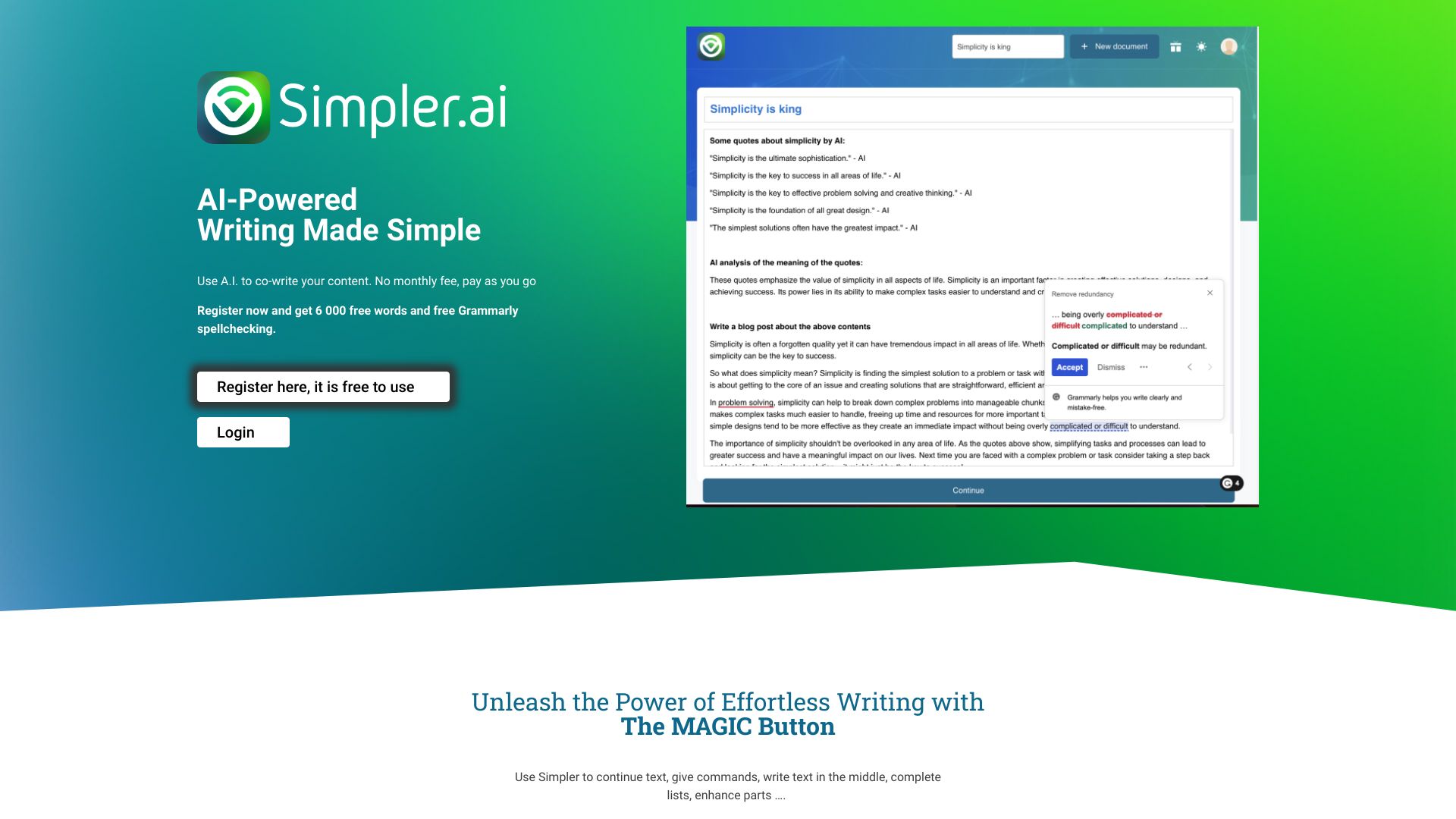 Simpler.ai
Verified
Writing Assistants
Simpler.ai
Verified
Writing Assistants
AI writing assistant with a 'Magic' button to continue, enhance, or brainstorm text in any document.
 WhisperWizard
Verified
Writing Assistants
WhisperWizard
Verified
Writing Assistants
MacOS desktop app that transcribes speech to text and uses ChatGPT to refine it into polished emails, documents, and more.
Similar tools
 TalkToText
Verified
Productivity Tools
TalkToText
Verified
Productivity Tools
Voice-to-text tool that types for you in any app — speak to write emails, documents, and messages 10x faster.
 AI Dictation
Verified
Transcription
AI Dictation
Verified
Transcription
Voice-to-text tool that transcribes and polishes your speech into clean writing — works offline and in any app.
 VoiceToText
Verified
Transcription
VoiceToText
Verified
Transcription
AI-powered speech-to-text tool — convert your voice or audio files to text in real-time with over 30 languages supported.
 Free Speech to Text Online, Voice Typing & Transcription
Verified
Transcription
Free Speech to Text Online, Voice Typing & Transcription
Verified
Transcription
Online speech-to-text tool for voice typing notes and transcribing audio/video files quickly and privately.
 dictate.
Verified
Productivity Tools
dictate.
Verified
Productivity Tools
Speech-to-text keyboard for iPhone and dictation tool for Mac — turns your voice into clean, formatted text in any app.