
Your Own AI
Open source desktop app for running AI models locally on your computer for complete privacy.
| What is it | Open source desktop app for running AI models locally on your computer for complete privacy. |
|---|---|
| Pricing | Contact for Pricing |
| Free tier | No |
| Platform | Desktop Application |
| Best for | Using AI without sharing data with third parties, Experimenting with AI models offline |
| Domain registered | 2025 |
Data updated Sept. 19, 2026
What does Your Own AI do?
Your Own AI is an upcoming desktop application that lets you run artificial intelligence models directly on your personal computer. The tool is being built from the ground up to operate locally, meaning all AI processing happens on your machine without an internet connection. This approach ensures that your data, prompts, and interactions never leave your device, addressing a primary concern for users who are hesitant to use cloud-based AI services due to privacy risks or data handling policies. The core function is to provide a private environment for AI tasks that would typically require sending information to a remote server.
The application is open source, which means its code is publicly available for anyone to inspect, modify, and verify. This transparency is a key differentiator, moving beyond the 'trust us' model of many proprietary services. The developers initially created a cloud AI service but decided that true privacy could only be guaranteed with a local, open-source solution. The upcoming desktop app is a relaunch of this concept, focusing on a self-contained user experience where you have full control over the AI models and your data.
Your Own AI is ideal for individuals and developers for whom data sovereignty is non-negotiable. It suits use cases where confidentiality is paramount, such as processing sensitive documents, personal notes, or proprietary business information. By running AI locally, users can explore AI capabilities without compromising their privacy, making it a practical choice for security-focused professionals, researchers, and anyone who wants to experiment with AI technology on their own terms.
Key features
What makes it stand outWho is Your Own AI for?
Who benefits most from this toolTrust & presence
Gallery
Click any image to enlargeAlternatives in Assistant
 RAGNA Desktop
Verified
Assistant
RAGNA Desktop
Verified
Assistant
A 100% private AI multitool that runs locally on your desktop, no internet required, for automating tasks securely.
 Atomic Bot
Verified
Assistant
Atomic Bot
Verified
Assistant
One-click desktop app to run a local, private OpenClaw AI assistant on your computer.
 Petclaw AI
Verified
Assistant
Petclaw AI
Verified
Assistant
A desktop AI pet that runs locally on your computer, helping with tasks via voice commands and offering digital companionship.
 Dot App
Verified
Assistant
Dot App
Verified
Assistant
Local AI assistant that runs offline — chat with your documents and get answers without sending data to the cloud.
 lmChatGPTtfy
Verified
Assistant
lmChatGPTtfy
Verified
Assistant
Browser extension that adds 'Ask ChatGPT' buttons to any webpage for instant AI assistance
 MacCopilot
Verified
Assistant
MacCopilot
Verified
Assistant
Native macOS AI assistant — select any screen area and chat with GPT-4o, ClaudeAI, or Gemini about it instantly
 Twine
Verified
Assistant
Twine
Verified
Assistant
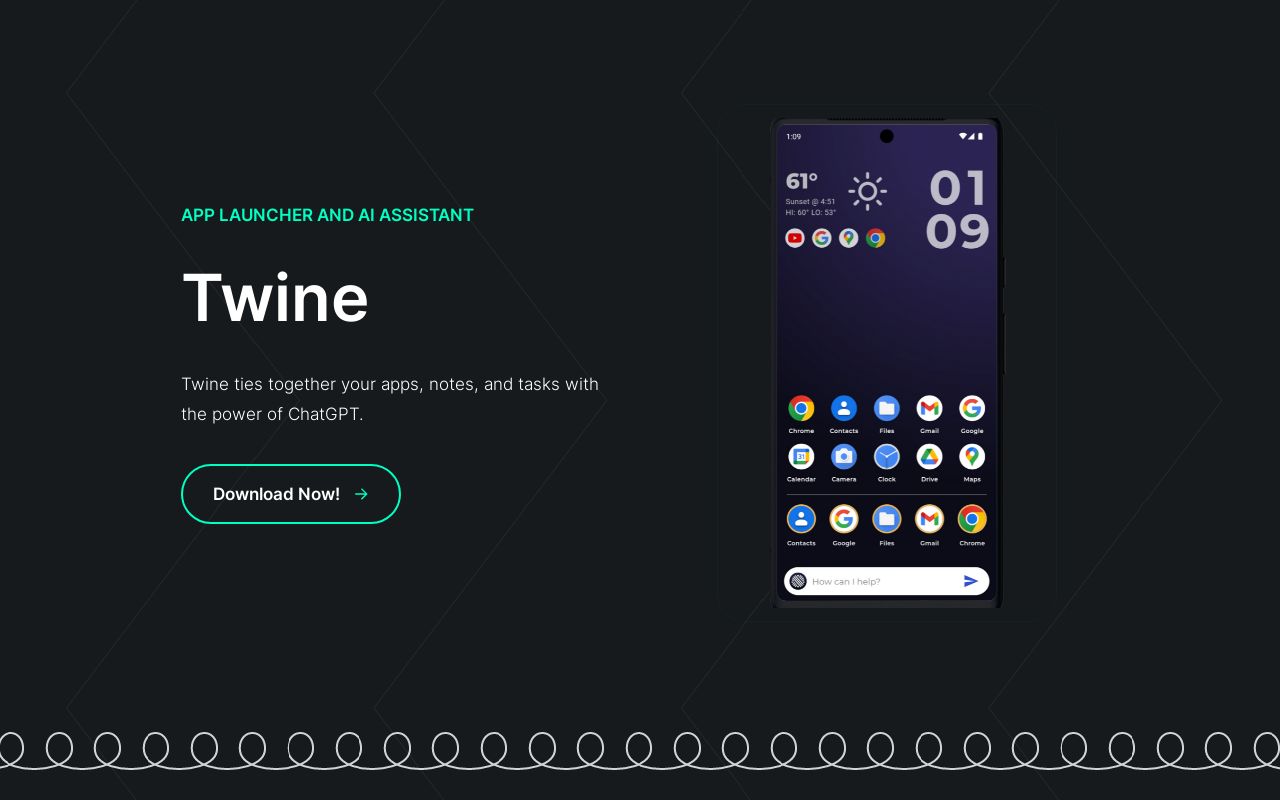
Android launcher with ChatGPT built in — ask questions, create notes, and manage tasks from your homescreen
 Talk2Page
Verified
Assistant
Talk2Page
Verified
Assistant
Chrome extension that lets you chat with any webpage using AI — ask questions and get instant answers about the content.
Similar tools
 local.ai
Verified
AI inference
local.ai
Verified
AI inference
Desktop app for running AI models offline — download, verify, and use models without internet or GPU.
 Privacy AI
Verified
Models
Privacy AI
Verified
Models
Offline AI chatbot hub — runs powerful open-source models locally on iPhone, iPad, and Mac for ultimate privacy
 LocalBot AI
Verified
Customer Service
LocalBot AI
Verified
Customer Service
AI front desk that answers calls, texts, and DMs, then books appointments and follows up automatically — 24/7 in multiple languages.
 OpenOwl
Verified
Automation
OpenOwl
Verified
Automation
AI desktop automation tool — connects to your AI assistant to control apps, click buttons, and complete tasks on your computer.
 Jan
Verified
Chat & Assistants
Jan
Verified
Chat & Assistants
Open-source desktop app to run AI models locally — chat privately without API fees or internet
 Chatpad AI
Verified
Chat & Assistants
Chatpad AI
Verified
Chat & Assistants
Free, open-source ChatGPT interface with local data storage and desktop app support.