
TalkToText
Voice-to-text tool that types for you in any app — speak to write emails, documents, and messages 10x faster.
| What is it | Voice-to-text tool that types for you in any app — speak to write emails, documents, and messages 10x faster. |
|---|---|
| Pricing | Freemium — from $9/mo |
| Free tier | Yes |
| Platform | Desktop Application |
| Best for | writing emails and messages, document creation |
| Domain registered | 2026 |
Data updated Sept. 19, 2026
What does TalkToText do?
TalkToText is a desktop application that converts your spoken words into text, allowing you to write by talking instead of typing. It works across your entire operating system, inserting text directly into any application you use, from Slack and Gmail to Notion and VS Code. The core function is simple: you press a hotkey, speak naturally, and your words appear as text almost instantly, with the tool handling punctuation and formatting automatically.
The tool offers two distinct modes to suit different needs. The 'Type for Me' mode provides straightforward, high-accuracy dictation, transcribing your speech exactly as you say it. The 'Write for Me' mode uses AI to go a step further, polishing your spoken ideas into more professional prose, adjusting tone, and improving grammar. A key differentiator is that all audio processing happens locally on your device, ensuring your conversations remain completely private and are not sent to the cloud.
TalkToText is particularly useful for anyone who needs to produce a lot of text quickly. Professionals can draft emails and reports faster, students can take notes more efficiently, and developers can write code comments or documentation without leaving their workflow. By significantly reducing the time spent typing, it helps users reclaim hours in their day, making it a practical tool for boosting productivity across various tasks.
Key features
What makes it stand outWho is TalkToText for?
Who benefits most from this toolPricing
Free tier available — start without a credit cardFree
- 3 credits
- Works in any app
- 28+ languages
- All platforms (Win/Mac/Linux/Android/iOS)
Monthly
- Unlimited transcriptions
- AI text polishing
- Works in any app
- 28+ languages
- All platforms (Win/Mac/Linux/Android/iOS)
Lifetime
- Pay once, never again
- Free minor & major updates
- Priority support
- Unlimited transcriptions
- AI text polishing
- Works in any app
- 28+ languages
- All platforms (Win/Mac/Linux/Android/iOS)
- Early access to features
Lifetime Team
- Unlimited transcriptions
- AI text polishing
- Works in any app
- 28+ languages
- All platforms (Win/Mac/Linux/Android/iOS)
- Priority support
- Early access to features
Trust & presence
Gallery
Click any image to enlargeAlternatives in Productivity Tools
 dictate.
Verified
Productivity Tools
dictate.
Verified
Productivity Tools
Speech-to-text keyboard for iPhone and dictation tool for Mac — turns your voice into clean, formatted text in any app.
 Willow Voice
Verified
Productivity Tools
Willow Voice
Verified
Productivity Tools
AI voice dictation tool — speak into any app on your Mac, Windows, or iPhone to type 5x faster.
 ToDoIt
Verified
Productivity Tools
ToDoIt
Verified
Productivity Tools
Voice-powered to-do list — speak your tasks, get an organized list with AI recommendations.
 TalkTastic
Verified
Productivity Tools
TalkTastic
Verified
Productivity Tools
MacOS voice dictation tool — speak instead of type in any app, with AI-powered context understanding
 SpeakoFlow
Verified
Productivity Tools
SpeakoFlow
Verified
Productivity Tools
Free, open-source voice-to-text dictation tool for Windows, Mac, and Linux — speak into any app at over 150 words per minute.
 Wispr Flow
Verified
Productivity Tools
Wispr Flow
Verified
Productivity Tools
Voice-to-text AI that turns speech into clear, polished writing in every app
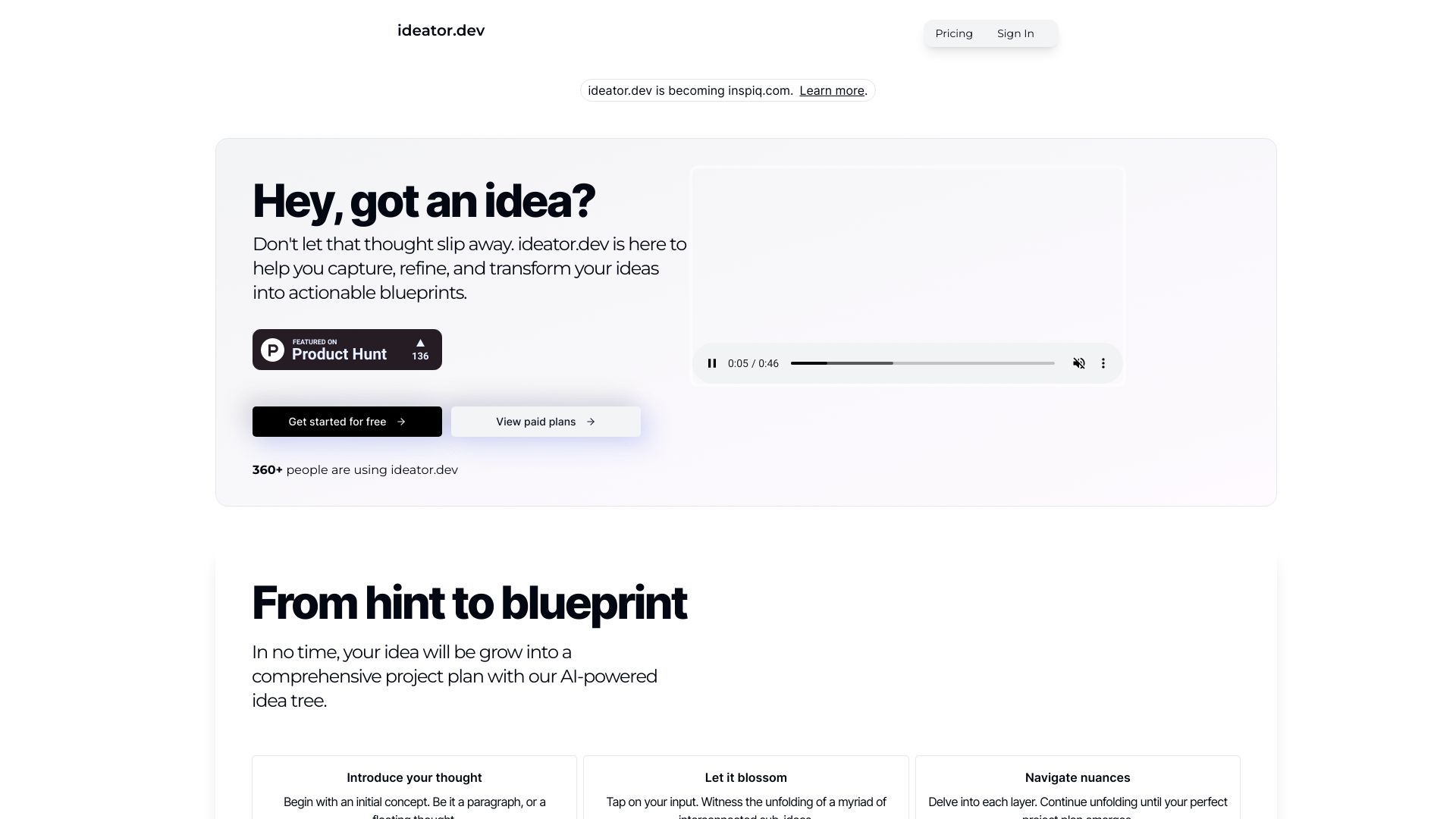 Inspiq
Verified
Productivity Tools
Inspiq
Verified
Productivity Tools
AI-powered idea tree tool that expands your thoughts into detailed, actionable plans and blueprints.
 Lakshya
Verified
Productivity Tools
Lakshya
Verified
Productivity Tools
AI-powered mobile productivity app for task scheduling, goal tracking, and accountability partnerships
Similar tools
 TalkToType
Verified
Meeting Assistant
TalkToType
Verified
Meeting Assistant
Desktop app that lets you dictate into any app and record meetings without a bot — text lands where your cursor is
 Utter.to
Verified
Writing Assistants
Utter.to
Verified
Writing Assistants
Voice-to-text tool that transcribes speech into polished writing across all your apps — 4x faster than typing.
 Voicetype AI
Writing Assistants
Voicetype AI
Writing Assistants
AI dictation tool that writes 9x faster than typing, adapting its tone to match the app you're using.
 TalkText
Verified
Rewriter
TalkText
Verified
Rewriter
MacOS dictation tool that turns your spoken words into polished text, removing filler words and improving clarity.
 Typeless
Verified
Writing Assistants
Typeless
Verified
Writing Assistants
AI voice dictation tool that turns natural speech into polished text — removes filler words, auto-formats, and adapts tone across applications.