
Scanned.to
AI-powered tool that converts scanned PDFs and images into fully editable, translatable documents while preserving the original layout.
| What is it | AI-powered tool that converts scanned PDFs and images into fully editable, translatable documents while preserving the original layout. |
|---|---|
| Pricing | Freemium — from $20/mo |
| Free tier | Yes |
| Platform | Web Application |
| API | Yes |
| Best for | translating international contracts and invoices, digitizing handwritten notes and academic papers |
| Domain registered | 2025 |
Data updated Sept. 19, 2026
What does Scanned.to do?
Scanned.to is a web-based tool that uses artificial intelligence to transform static documents into editable files. It goes beyond basic text extraction by reconstructing the entire document, including tables, columns, headers, and the original layout. You can upload a scanned PDF, JPG, PNG, or HEIC file and download a fully editable Word document or a searchable PDF. The tool also provides the option to create a shareable web page link for the converted document.
The core of Scanned.to is its advanced OCR (Optical Character Recognition) engine, which is trained to handle both printed and handwritten text with high accuracy. A standout feature is the integrated translation capability, which uses neural networks optimized for specific document types like legal, medical, and technical papers to translate content into over 50 languages without altering the document's format. The service includes analytics for shared documents, allowing you to see viewing statistics.
This tool is particularly useful for business professionals dealing with multilingual contracts, students digitizing research notes, and developers who can integrate its capabilities via an API. It addresses the common frustration of losing formatting when converting scans, making it a practical solution for anyone who needs to edit or translate documents that originated as physical copies or image files.
Key features
What makes it stand outWho is Scanned.to for?
Who benefits most from this toolPricing
Free tier available — start without a credit cardPay-as-you-go
- Document OCR conversion
- Basic translation
- File storage and sharing
- Pages never expire
- No monthly commitment
Lite
- Advanced OCR recognition
- Can edit the output
- File storage and sharing
- File size limit 100MB
Pro
- All advanced features
- Bulk upload processing
- File storage and sharing
- File size limit 300MB
- Priority support
Volume+
Everything in Pro, plus:
- Custom volume processing
- Advanced bulk features
Trust & presence
Gallery
Click any image to enlargeAlternatives in OCR
 super.AI
Verified
OCR
super.AI
Verified
OCR
AI-powered document processing platform — automate workflows for invoices, shipping docs, and forms with no code.
 Inkscribe AI
Verified
OCR
Inkscribe AI
Verified
OCR
AI-powered OCR tool that extracts, edits, translates, and digitizes text from documents with high accuracy.
 OCR Solutions
Verified
OCR
OCR Solutions
Verified
OCR
Process official documents in seconds with AI-powered OCR, ID reading, and face recognition
 Deep OCR
Verified
OCR
Deep OCR
Verified
OCR
Extract clean text from images, PDFs, and screenshots — review, clean, and export as editable text or Markdown
 Deepseek OCR
Verified
OCR
Deepseek OCR
Verified
OCR
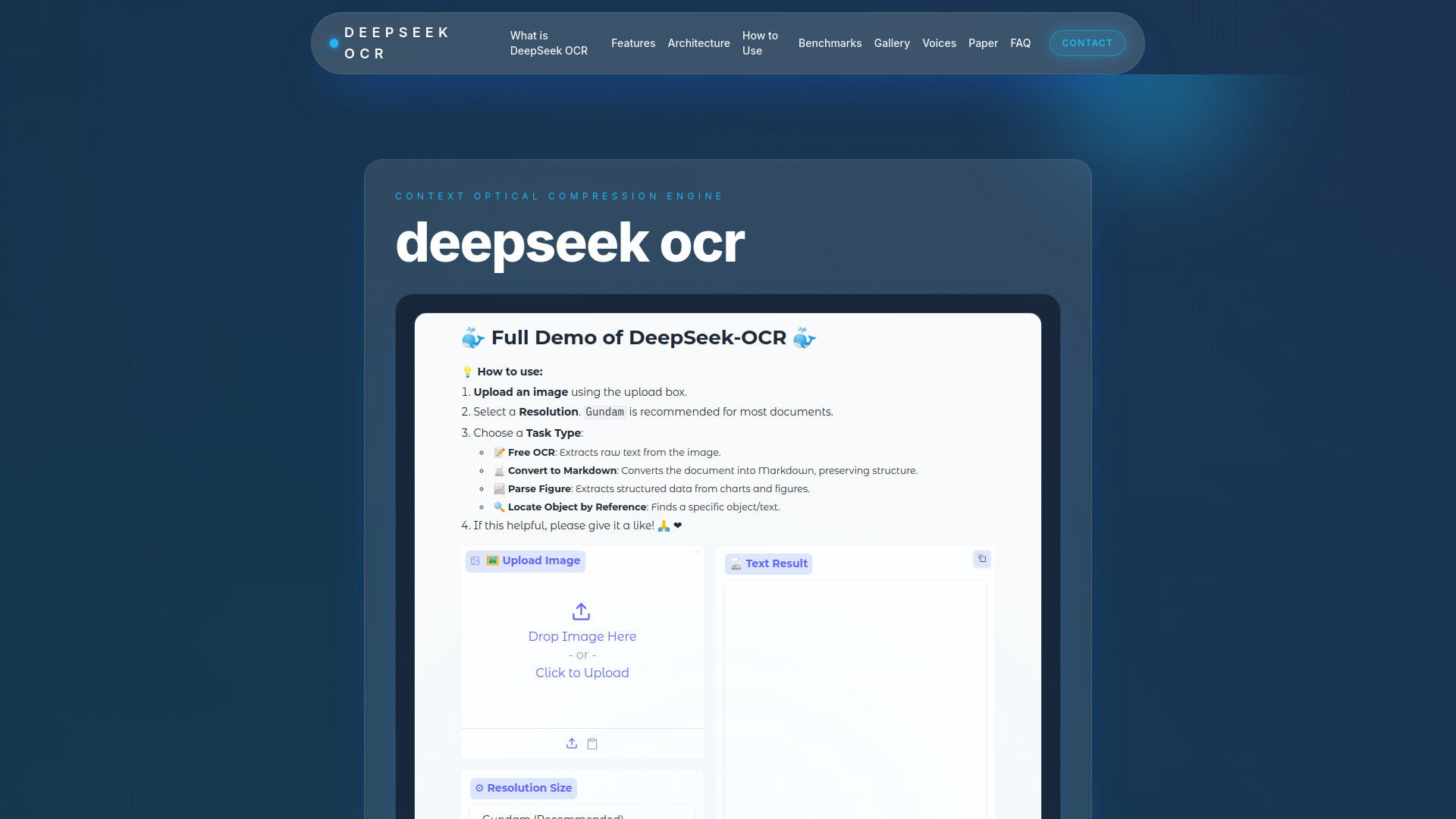
AI-powered OCR tool that extracts text, layout, and diagrams from documents in 100+ languages with high accuracy.
 imgtotext.ai
Verified
OCR
imgtotext.ai
Verified
OCR
AI-powered OCR tool — upload an image and get the text extracted instantly, supporting multiple languages and handwritten notes.
 FreeOCR.AI
Verified
OCR
FreeOCR.AI
Verified
OCR
Turn images into editable text with AI OCR — supports 100+ languages, no signup required
 jpgtotext.com
Verified
OCR
jpgtotext.com
Verified
OCR
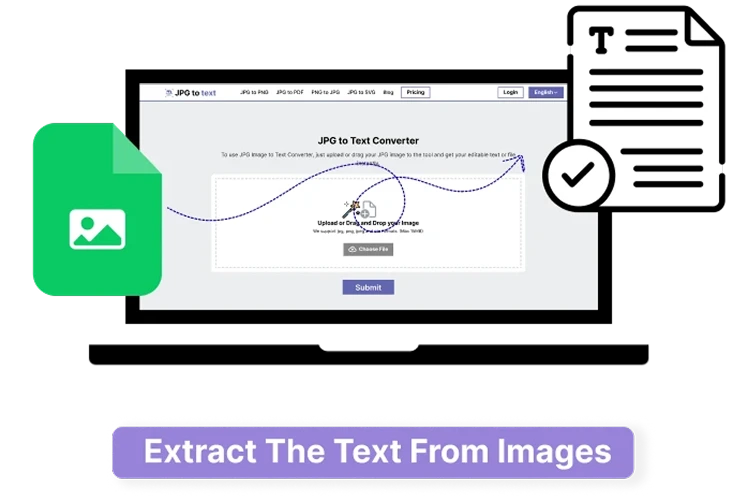
Free online OCR tool that extracts editable text from JPG, PNG, and other image formats in seconds
Similar tools
 didocs.ai
Verified
Knowledge Management
didocs.ai
Verified
Knowledge Management
AI document assistant — upload PDFs, Word docs, or web links, then ask questions and get summaries in seconds.
 Invofox
Verified
Data Mining
Invofox
Verified
Data Mining
AI document parsing API that extracts, validates, and autocompletes data from invoices, receipts, and other documents
 Docusplit AI
Verified
Productivity Tools
Docusplit AI
Verified
Productivity Tools
AI-powered PDF tool — upload a multi-document PDF, get split and intelligently named files in seconds
 aOCR
Verified
Data Mining
aOCR
Verified
Data Mining
AI-powered OCR API that extracts structured data from documents, PDFs, and images with high accuracy.
 SkillRaptor
Verified
Knowledge Management
SkillRaptor
Verified
Knowledge Management
Turn your process documents into AI-ready skill files that teach ChatGPT, Claude, and others to work like you.
 OCRMD
Verified
Documents
OCRMD
Verified
Documents
Convert PDFs and images to clean, editable Markdown text with AI-powered OCR extraction and formatting
 AudioConvert
Verified
Transcription
AudioConvert
Verified
Transcription
Free AI audio-to-text converter — upload a file or paste a link, get accurate transcripts with speaker labels and summaries in seconds
 Maskr.io
Verified
Background Remover
Maskr.io
Verified
Background Remover
AI image editing platform — remove backgrounds, upscale, erase objects, and compress images with free browser-based tools.