
Xdash
Умный AI-чат для тех, кому важна приватность. Здесь можно не только общаться, но и загружать свои файлы, чтобы работа шла быстрее и эффективнее.
| Что это | Умный AI-чат для тех, кому важна приватность. Здесь можно не только общаться, но и загружать свои файлы, чтобы работа шла быстрее и эффективнее. |
|---|---|
| Цены | Unknown |
| Платформа | Web Application |
| Хорошо подходит для | researching complex topics, finding answers to specific questions |
| Домен зарегистрирован | 2024 |
Данные обновлены 3 октября 2026 г.
Что делает Xdash?
Xdash — это максимально простой AI-чат, созданный для тех, кто ценит свое время. Главная фишка здесь в том, что можно начать приватную сессию прямо на главной странице: никакой возни с регистрацией, просто вводите запрос и получаете ответ. В чат можно прикреплять файлы, так что инструмент отлично подходит для суммаризации документов, выжимки главных тезисов или быстрого поиска ответов в своих материалах. По сути, это лаконичный AI-ассистент, где приоритет отдан скорости и приватности.
Что действительно выделяет Xdash на фоне остальных — акцент на временных приватных чатах. Вам не нужно заводить аккаунт или переживать, что данные останутся на сервере. Интерфейс предельно минималистичен: поле ввода, кнопка прикрепления файла и кнопка отправки. Никакого визуального шума, лишних настроек или запутанных меню. Просто общаетесь с AI и получаете результат. Кстати, работа с файлами реализована очень удобно: закидываете PDF, Word-документ или изображение, и AI сразу учитывает их содержимое в контексте беседы.
Xdash идеально подойдет всем, кому нужна быстрая и конфиденциальная помощь AI без лишних надстроек. Фрилансеры, студенты и профи, которым нужно оперативно сократить отчет, набросать идеи или получить «второе мнение» по тексту, точно оценят такой подход. Также это отличный выбор для тех, кто заботится о приватности и не хочет логиниться или хранить историю переписки. Если вам нужен легкий AI-чат без обязательств, который умеет работать с файлами, Xdash — именно то, что нужно.
Ключевые возможности
Что выделяет инструментДля кого Xdash?
Кому подходит этот инструментДоверие и присутствие
Альтернативы в категории Чаты и ассистенты — прочее
 Ask an AI
Проверено
Чаты и ассистенты — прочее
Ask an AI
Проверено
Чаты и ассистенты — прочее
Бесплатный AI-инструмент для ответов на вопросы: просто спросите о чём угодно и мгновенно получите развёрнутый ответ от AI-ассистента.
 Ask AI Questions Online
Проверено
Чаты и ассистенты — прочее
Ask AI Questions Online
Проверено
Чаты и ассистенты — прочее
Бесплатный веб-инструмент на базе AI для поиска ответов. Просто введите любой вопрос и получите мгновенный ответ за считанные секунды.
 Bagoodex
Проверено
Чаты и ассистенты — прочее
Bagoodex
Проверено
Чаты и ассистенты — прочее
AI-чат с веб-поиском и генерацией изображений — задавайте вопросы, получайте ответы, создавайте контент и генерируйте картинки в одном месте.
 askyoutube
Проверено
Чаты и ассистенты — прочее
askyoutube
Проверено
Чаты и ассистенты — прочее
Теперь с любым видео на YouTube можно буквально пообщаться: задавайте вопросы, мгновенно вытягивайте главные инсайты и получайте точные таймкоды, чтобы не пересматривать ролик целиком.
 AI Chat for Search
Проверено
Чаты и ассистенты — прочее
AI Chat for Search
Проверено
Чаты и ассистенты — прочее
Удобное расширение для браузера, которое выводит ответы AI прямо рядом с результатами поиска в Google, Bing и других сервисах.
 brayden.ai
Проверено
Чаты и ассистенты — прочее
brayden.ai
Проверено
Чаты и ассистенты — прочее
Умный AI-чатбот, который поможет разобраться в ваших документах. Просто загружаете файлы в форматах PDF, TXT, EPUB или других, и задаете любые вопросы по содержимому — бот быстро найдет ответы.
 Gemini & Gemini Advanced
Проверено
Чаты и ассистенты — прочее
Gemini & Gemini Advanced
Проверено
Чаты и ассистенты — прочее
Ваш личный AI-помощник, с которым можно просто общаться. Он поможет набросать текст, составить план, собрать информацию по сложной теме или разобраться в чем-то новом.
 Socratic Lab
Проверено
Чаты и ассистенты — прочее
Socratic Lab
Проверено
Чаты и ассистенты — прочее
Это платформа для дискуссий на базе AI. Здесь можно вступить в тематические сообщества, задавать вопросы и получать ответы от реальных людей, которым помогает AI.
Похожие инструменты
 instantanswers.xyz
Проверено
Знания
instantanswers.xyz
Проверено
Знания
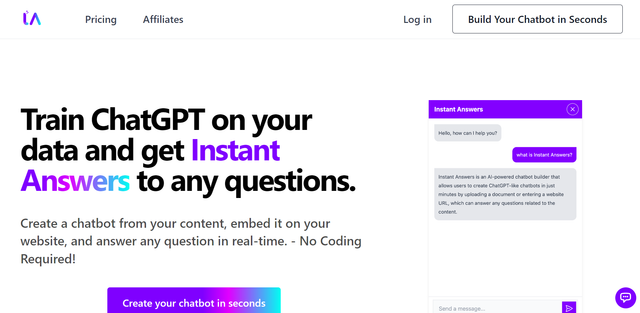
AI-инструмент, который мгновенно отвечает на вопросы пользователей — скорее всего, через поиск или чат-интерфейс.
 Emdash
Проверено
Знания
Emdash
Проверено
Знания
Умный органайзер для цитат из книг на базе AI: чтобы знания действительно усваивались.
 AnswerThis
Проверено
Инструмент для исследований
AnswerThis
Проверено
Инструмент для исследований
Это ваш личный AI-помощник по исследованиям. Он умеет искать научные статьи в базе из 300M+ публикаций и на их основе составлять черновики обзоров литературы с четкими ссылками на источники.
 AskWiki
Знания
AskWiki
Знания
Это поисковик на базе AI, который не просто кидает вас в список ссылок, а сам изучает Wikipedia и выдает готовый, лаконичный ответ.
 AssistxApp
Проверено
Инструмент для исследований
AssistxApp
Проверено
Инструмент для исследований
Это ваш личный AI-помощник по исследованиям. Он берет на себя всю рутину: быстро находит нужные цитаты, делает краткие выжимки из объемных статей и помогает структурировать обзоры литературы.
 Bhindi AI
Проверено
Помощники в написании текстов
Bhindi AI
Проверено
Помощники в написании текстов
Этот AI-инструмент помогал создавать и управлять креативным контентом, но проект закрылся. Теперь вместо него работает Mogra.
 Mowgly
Каталог AI-инструментов
Mowgly
Каталог AI-инструментов
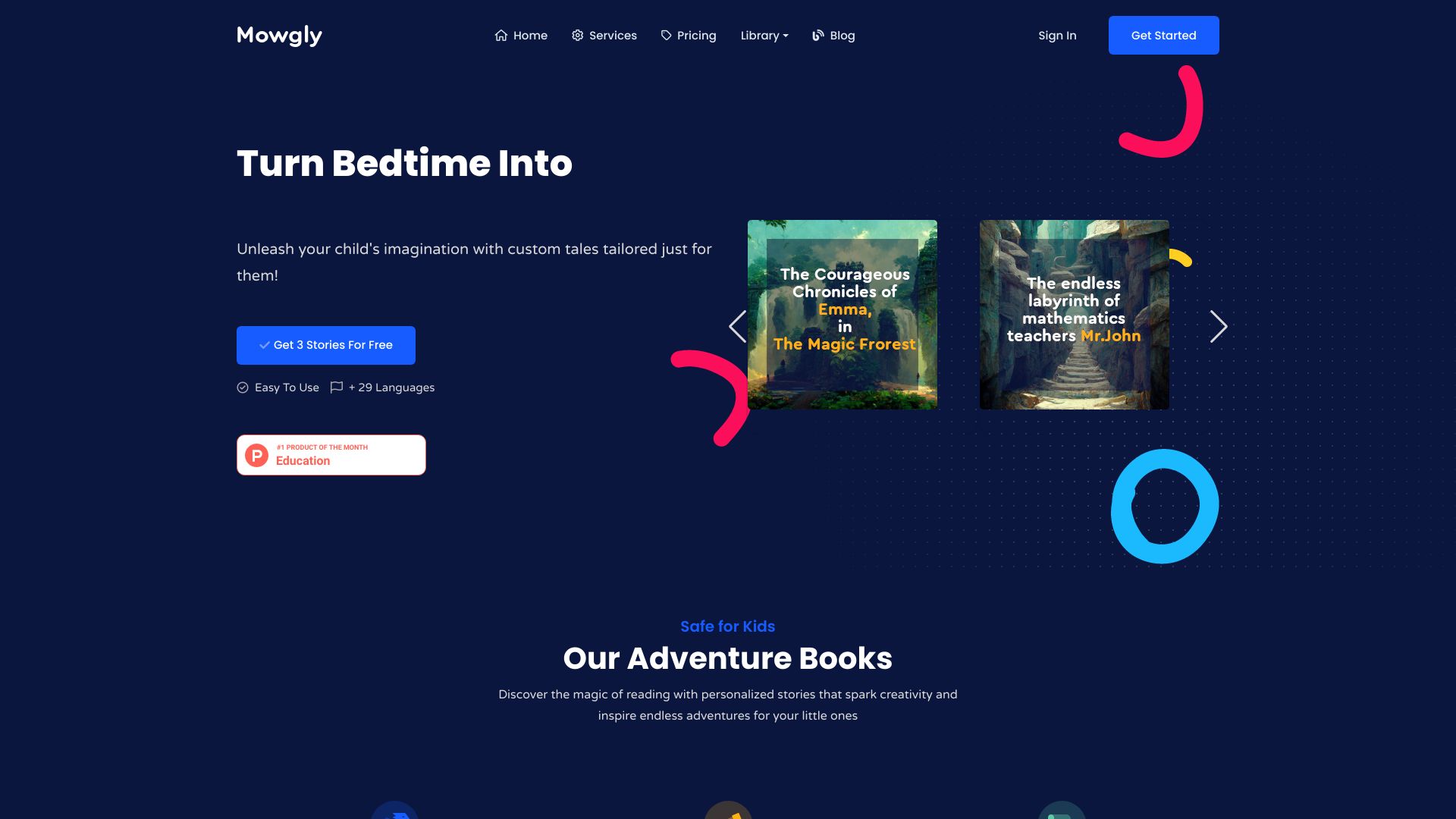
Это агрегатор AI-инструментов, который собирает разные модели и приложения в одном месте. Больше не нужно переключаться между десятком вкладок — всё самое полезное теперь доступно через один удобный интерфейс.