
BentoHub
Crea una cuadrícula estilo bento elegante para tu perfil de GitHub: introduce tus datos, personaliza el diseño y copia el código.
| Qué es | Crea una cuadrícula estilo bento elegante para tu perfil de GitHub: introduce tus datos, personaliza el diseño y copia el código. |
|---|---|
| Precios | Unknown |
| Plataforma | Web Application |
| Ideal para | Creating a visually appealing GitHub profile, Showcasing skills and links in a structured layout |
| Dominio registrado | 2018 |
Datos actualizados 8 de marzo de 2026
¿Qué hace BentoHub?
BentoHub es una herramienta web que te ayuda a crear un diseño moderno basado en cuadrículas para el README de tu perfil de GitHub. Rellenas tus datos personales y profesionales —como tu nombre, puesto de trabajo, habilidades y enlaces a redes sociales— y la herramienta genera una tarjeta visual al estilo "bento box". Esta tarjeta ofrece una visión general rápida y atractiva de quién eres y qué haces, justo en la parte superior de tu página de GitHub. Es una forma sencilla de hacer que tu perfil de desarrollador destaque.
La herramienta funciona permitiéndote introducir información en un formulario, con una vista previa en tiempo real que se actualiza mientras escribes. Una vez que estés conforme con el aspecto, BentoHub te ofrece dos opciones de código: Markdown limpio o HTML. Solo tienes que copiar el código y pegarlo directamente en tu archivo README de GitHub. No requiere habilidades de diseño ni una configuración compleja, lo que hace que el proceso sea rápido y directo.
BentoHub es más útil para desarrolladores de software, estudiantes y profesionales tecnológicos que quieran mejorar su presencia en GitHub. Es perfecto para cualquier persona que esté solicitando empleo, mostrando sus proyectos o que simplemente quiera presentar una imagen más pulida y profesional a la comunidad de código abierto. La herramienta convierte un perfil básico basado en texto en una presentación visualmente atractiva.
Características principales
Qué la hace destacar¿Para quién es BentoHub?
Quién saca más provecho de esta herramientaConfianza y presencia
Alternativas en Otras herramientas de desarrollo (sin IA)
 Zread
Verificada
Otras herramientas de desarrollo (sin IA)
Zread
Verificada
Otras herramientas de desarrollo (sin IA)
Lee y explora repositorios de GitHub: añade repositorios privados, busca código tendencia y conéctate vía CLI o MCP.
 Dokifly
Verificada
Otras herramientas de desarrollo (sin IA)
Dokifly
Verificada
Otras herramientas de desarrollo (sin IA)
API de HTML a PDF sin código: diseña plantillas en un panel o describe documentos en inglés sencillo y genéralos desde n8n, Make o Bubble.
 Parseable
Verificada
Otras herramientas de desarrollo (sin IA)
Parseable
Verificada
Otras herramientas de desarrollo (sin IA)
Open source telemetry datalake — unify logs, metrics, and traces with 80x lower cost and full queryability
Herramientas similares
 GitFolio
Verificada
Creador de currículums
GitFolio
Verificada
Creador de currículums
Creador de currículums con IA que genera perfiles profesionales a partir de tu experiencia y actividad en GitHub.
 Readmekraft
Verificada
Herramientas para desarrolladores
Readmekraft
Verificada
Herramientas para desarrolladores
Herramienta impulsada por IA que genera READMEs de GitHub, guías de contribución y códigos de conducta profesionales para desarrolladores.
 Rift-code
Verificada
Herramientas para desarrolladores
Rift-code
Verificada
Herramientas para desarrolladores
Herramienta de mapeo visual de repositorios de GitHub: se conecta a tu repo, genera diagramas de arquitectura y permite hacer preguntas.
 README Gen
Verificada
Asistentes de escritura
README Gen
Verificada
Asistentes de escritura
Herramienta impulsada por IA que genera automáticamente archivos README profesionales para proyectos de GitHub en segundos.
 ReadmeChef
Verificada
Documentos
ReadmeChef
Verificada
Documentos
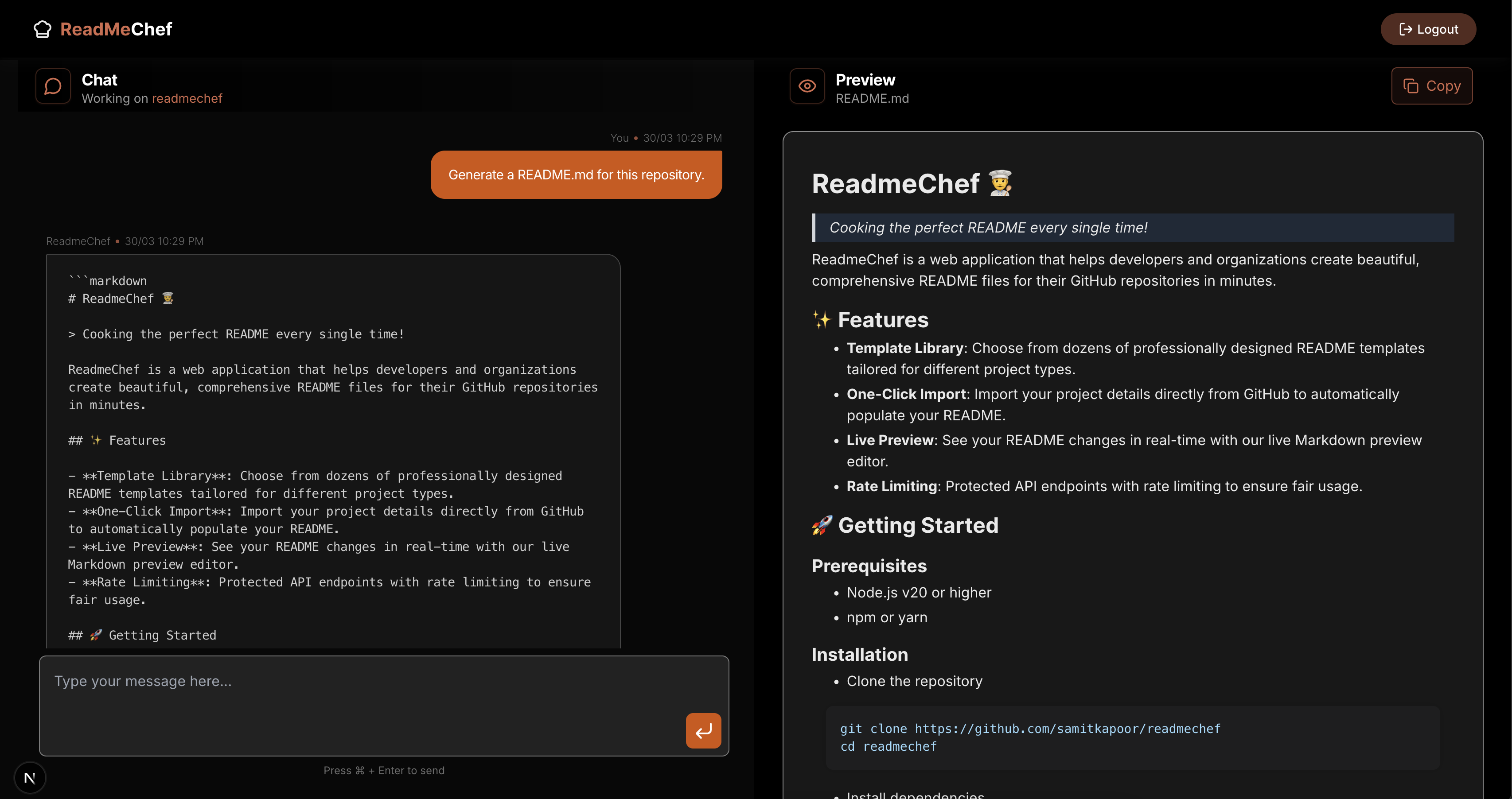
Herramienta de IA que se conecta a tu GitHub/GitLab y genera automáticamente un archivo README personalizado para tu repositorio de código.
 Bito
Verificada
Herramientas para desarrolladores
Bito
Verificada
Herramientas para desarrolladores
Bito crea herramientas de IA para desarrolladores en equipos que trabajan con bases de código complejas. Su núcleo es AI Architect, un servidor de inteligencia de bases de código que crea un grafo de conocimiento dinámico. Aprende cómo encajan los sistemas en realidad, en lugar de tratarlos como archivos desconectados. Esa inteligencia impulsa flujos de trabajo de programación con IA y revisiones de código en agentes de programación, pull requests e IDEs. Usa AI Architect de Bito vía MCP o despliega AI Code Reviews directamente en Git.
 BitaHub
Verificada
Herramientas para desarrolladores
BitaHub
Verificada
Herramientas para desarrolladores
Plataforma de alquiler de GPU en la nube para investigación de IA: alquila A100, RTX 4090 y otras GPU por hora con herramientas integradas.
 Gitdocs AI
Verificada
Herramientas para desarrolladores
Gitdocs AI
Verificada
Herramientas para desarrolladores
Herramienta impulsada por IA que se conecta a tu repositorio de GitHub y genera automáticamente archivos README profesionales.