
Claude design
AI assistant for chat, coding, content creation, and data analysis, available on web, desktop, and mobile.
| What is it | AI assistant for chat, coding, content creation, and data analysis, available on web, desktop, and mobile. |
|---|---|
| Pricing | Paid |
| Free tier | Yes |
| Platform | Web Application |
| API | Yes |
| Best for | brainstorming ideas and project planning, writing and editing documents or code |
| Domain registered | 1995 |
Data updated Sept. 19, 2026
What does Claude design do?
Claude is an AI assistant you can talk to directly in a chat interface or use within your existing apps. It's designed to help with a wide range of tasks, from writing and editing content to generating code, analyzing data, and processing uploaded images and text. You can access it through a web browser, a desktop app, or mobile apps for iOS and Android. It also integrates with tools like Slack, Google Workspace, Excel, and Chrome to work where you already do.
What makes Claude stand out is its suite of specialized tools and its flexible access. Claude Code is a focused environment for programming tasks, while Claude Cowork is a collaborative space for brainstorming and building projects. The platform offers different AI models (Opus, Sonnet, Haiku) suited for various needs, from quick answers to deep analysis. A feature called 'extended thinking' helps it tackle complex, multi-step problems. You can also connect it to other services and tools through connectors.
This tool is useful for a broad audience. Individual users, from students to professionals, can use it for daily help with writing, research, and coding. Teams and businesses can leverage its collaborative features and integrations to improve productivity. Developers will appreciate the API and the ability to build custom integrations. Whether you're drafting an email, debugging a script, or analyzing a report, Claude acts as a versatile digital helper.
Key features
What makes it stand outWho is Claude design for?
Who benefits most from this toolPricing
Free tier available — start without a credit cardOpus 4.7
- 5 input tokens
- 25 output tokens
- 0.5 prompt caching read
- 6.25 prompt caching write
- Prompt caching
Sonnet 4.6
- 3 input tokens
- 15 output tokens
- 0.3 prompt caching read
- 3.75 prompt caching write
- Prompt caching
Haiku 4.5
- 1 input tokens
- 5 output tokens
- 0.1 prompt caching read
- 1.25 prompt caching write
- Prompt caching
Trust & presence
Gallery
Click any image to enlargeAlternatives in Chat & Assistants
 Claude AI
Verified
Chat & Assistants
Claude AI
Verified
Chat & Assistants
AI assistant that helps with writing, coding, analysis, and research — chat, generate content, or connect it to your tools
 Claude
Verified
Chat & Assistants
Claude
Verified
Chat & Assistants
An AI assistant for writing, coding, analysis, and creative tasks, with a focus on safety and accuracy.
 Ano.chat
Verified
Chat & Assistants
Ano.chat
Verified
Chat & Assistants
Team chat app with built-in Claude Code AI agents that work alongside your team in channels and execute real tasks.
 FineChat.ai
Verified
Chat & Assistants
FineChat.ai
Verified
Chat & Assistants
Free online access to advanced AI chatbot with multimodal capabilities — no login required
 ChatGPT
Verified
Chat & Assistants
ChatGPT
Verified
Chat & Assistants
AI chatbot that answers questions, writes content, and assists with tasks through conversational text.
 Chatgot
Verified
Chat & Assistants
Chatgot
Verified
Chat & Assistants
All-in-one AI chatbot assistant for chatting, writing, coding, PDF analysis, and image generation - no sign-up required
 AiBERT
Verified
Chat & Assistants
AiBERT
Verified
Chat & Assistants
AI assistant inside WhatsApp — generate images, transcribe audio, chat with PDFs, and get instant AI replies.
 Deuz A.I
Verified
Chat & Assistants
Deuz A.I
Verified
Chat & Assistants
AI chat assistant that uses multiple LLMs for deep research, autonomous agent tasks, and content creation.
Similar tools
 Claude-devtools
Verified
Developer Tools
Claude-devtools
Verified
Developer Tools
Desktop app that shows the detailed logs from your Claude Code sessions — reveals hidden thinking, tool calls, and file changes.
 Claude Cowork
Verified
Assistant
Claude Cowork
Verified
Assistant
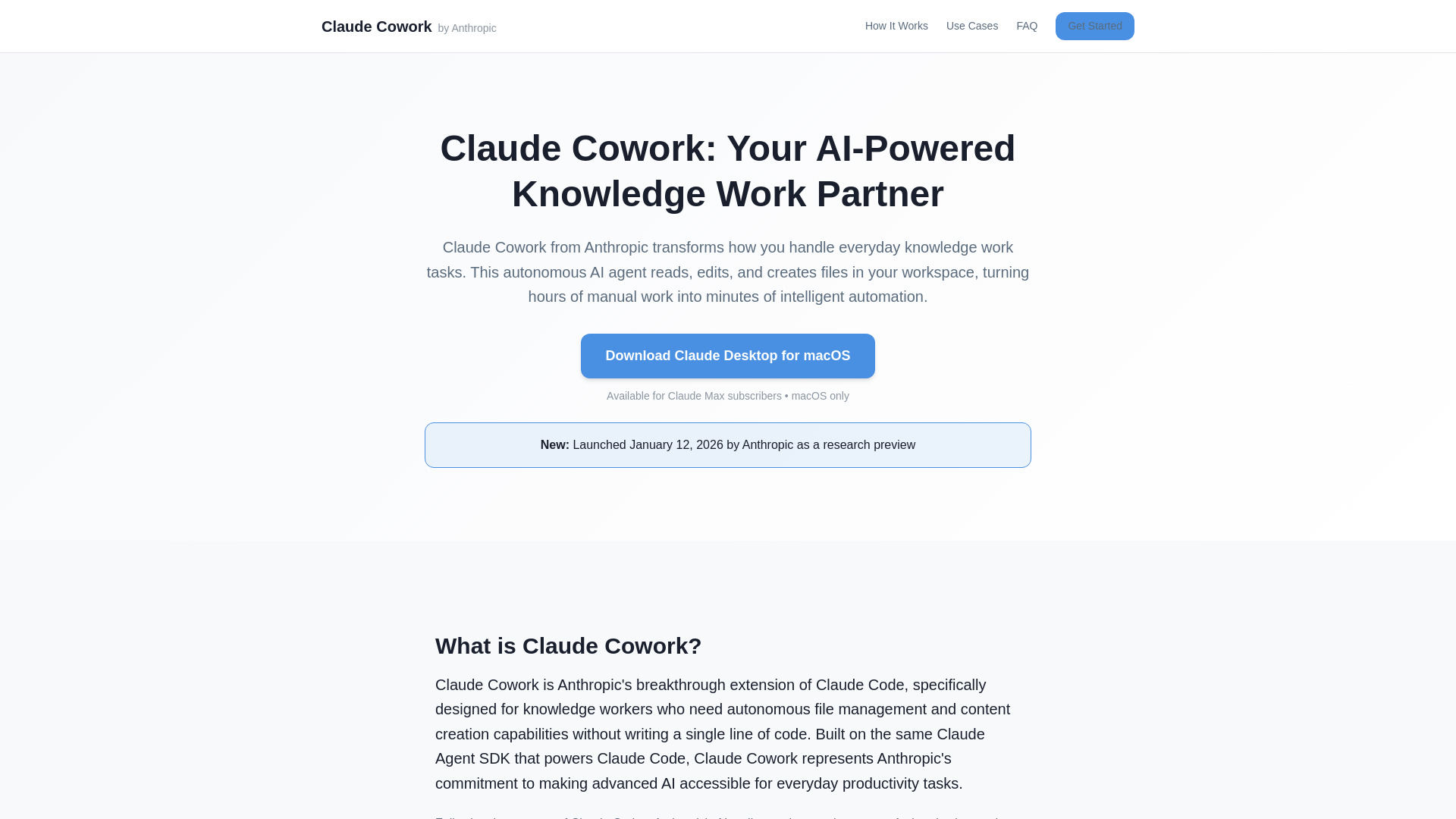
AI assistant that reads, edits, and creates files in your workspace — automate document tasks without coding
 AgentKit
Verified
Developer Tools
AgentKit
Verified
Developer Tools
Pre-built AI agent kits for Claude Code — specialized subagents automate coding, testing, and marketing workflows.
 Claude Code auto-fix
Verified
Developer Tools
Claude Code auto-fix
Verified
Developer Tools
Automatically fixes GitHub pull requests by responding to CI failures and review comments
 claude-share
Verified
Developer Tools
claude-share
Verified
Developer Tools
Share your Claude Code subscription securely with friends via command-line proxy
 OpenIT
Verified
Assistant
OpenIT
Verified
Assistant
A local AI helpdesk that uses Claude Code to handle IT tickets and automate fixes from your desktop.