PDFtoMD
Free online tool that converts PDFs (including scanned pages) to clean Markdown in seconds
| What is it | Free online tool that converts PDFs (including scanned pages) to clean Markdown in seconds |
|---|---|
| Pricing | Freemium — from $15.9/mo |
| Free tier | Yes |
| Platform | Web Application |
| Best for | converting PDF documents to Markdown for note-taking in Obsidian or Notion, preprocessing PDFs for AI workflows like RAG pipelines and summarizers |
| Domain registered | 2026 |
Data updated Sept. 19, 2026
What does PDFtoMD do?
PDFtoMD is a straightforward web tool that turns PDF files into Markdown — no sign-up required for the first few conversions. You drop a PDF in, and it spits out a .md file with headings, lists, and paragraphs properly formatted. Scanned documents and image-based PDFs are handled too, thanks to built-in AI-powered OCR that reads the text and reconstructs tables, formulas, and even seals as structured Markdown. The free tier gives you 10 pages per day, which is plenty for light use.
How does it work? For digital PDFs (like exports from Word or Google Docs), the tool reads the text layer directly, so you get high-fidelity output without OCR noise. For scans, free accounts get fast line-level OCR, while paid plans unlock a Vision mode that uses a state-of-the-art vision model to preserve complex layouts. Conversion happens in seconds for most documents. Your output is saved to your account history, so you can re-copy or re-download it later. There's nothing to install — it's all in the browser.
Who should use this? Anyone who regularly needs to extract text from PDFs for editing, note-taking, or publishing. It's great for writers moving between Obsidian or Notion, developers who want to version-control documentation, and researchers preprocessing PDFs for AI workflows (RAG pipelines, summarizers, etc.). If you only need a few pages a day, the free plan is all you need. For heavier use, the paid plans (starting at $15.90/month) bump up the page and file size limits.
Key features
What makes it stand outWho is PDFtoMD for?
Who benefits most from this toolPricing
Free tier available — start without a credit cardBasic
- 10 pages per day
- 10 pages per file
- 10 pages free every day
- Up to 10 pages per file
- Standard OCR mode
- Vision mode
- Conversion history
Starter
- 20 pages per file
- 1,000 pages per month
- 1,000 pages per month
- Up to 20 pages per file
- Standard OCR mode
- Vision mode
- Conversion history
- Email support
Professional
- 100 pages per file
- 3,000 pages per month
- 3,000 pages per month
- Up to 100 pages per file
- Standard OCR mode
- Vision mode
- Conversion history
- Priority support
Enterprise
- 200 pages per file
- 30,000 pages per month
- 30,000 pages per month
- Up to 200 pages per file
- Standard OCR mode
- Vision mode
- Conversion history
- Dedicated support
Trust & presence
Gallery
Click any image to enlargeAlternatives in OCR
 file2markdown
Verified
OCR
file2markdown
Verified
OCR
Convert PDFs, Word docs, spreadsheets, and images into clean Markdown for LLMs and RAG pipelines
 Deep OCR
Verified
OCR
Deep OCR
Verified
OCR
Extract clean text from images, PDFs, and screenshots — review, clean, and export as editable text or Markdown
 Ocr2Edit
Verified
OCR
Ocr2Edit
Verified
OCR
Extract and convert text from images, PDFs, and scanned documents into editable formats like Word, Excel, and PowerPoint.
 ScanRead
Verified
OCR
ScanRead
Verified
OCR
Free OCR tool — extract text from images, PDFs, and screenshots in seconds
 i2OCR
Verified
OCR
i2OCR
Verified
OCR
Free online tool that extracts editable text from images and scanned PDFs in 128 languages.
 imagetotext.io
Verified
OCR
imagetotext.io
Verified
OCR
Free online OCR tool — extract text from images, screenshots, and scanned documents with a simple drag-and-drop interface.
 @imagetotext.me
Verified
OCR
@imagetotext.me
Verified
OCR
Free online OCR tool — upload an image, extract editable text instantly, and copy or download it.
 HandOCR
Verified
OCR
HandOCR
Verified
OCR
Free online OCR tool — convert images and PDFs to editable text instantly using AI.
Similar tools
 OCRMD
Verified
Documents
OCRMD
Verified
Documents
Convert PDFs and images to clean, editable Markdown text with AI-powered OCR extraction and formatting
 markitdown
Verified
Developer Tools
markitdown
Verified
Developer Tools
Convert PDF, Word, Excel, and other files into clean Markdown for AI workflows — no install needed.
 AnyDoc Online
Verified
File Converter
AnyDoc Online
Verified
File Converter
Convert documents, spreadsheets, images, and PDFs to clean Markdown — all in your browser.
 LightPDF
Verified
Productivity Tools
LightPDF
Verified
Productivity Tools
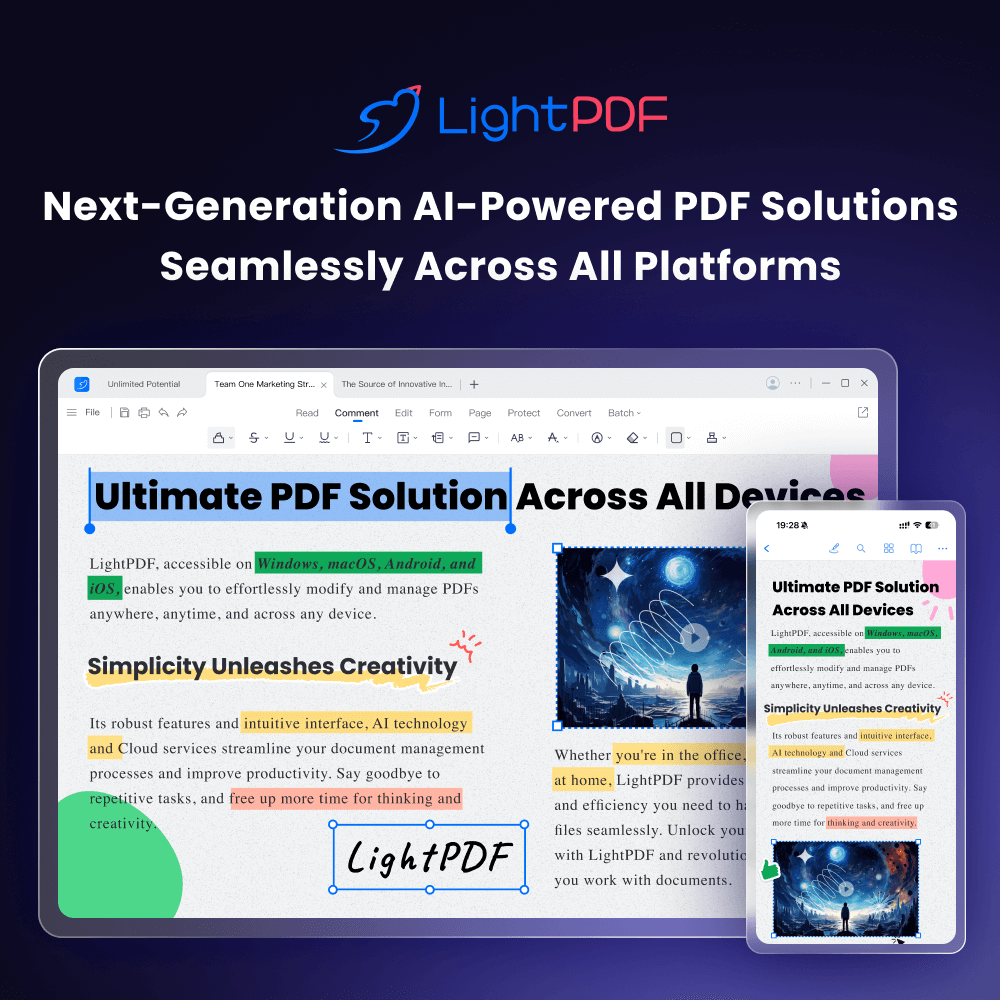
AI-powered online PDF editor — edit, convert, OCR, sign, and chat with your documents across all devices.