
AnyDoc Online
Convert documents, spreadsheets, images, and PDFs to clean Markdown — all in your browser.
| What is it | Convert documents, spreadsheets, images, and PDFs to clean Markdown — all in your browser. |
|---|---|
| Pricing | Paid — from $9.99/mo |
| Free tier | Yes |
| Platform | Web Application |
| Best for | preparing documents for AI RAG pipelines and LLM context, migrating mixed file collections into a knowledge base |
| Domain registered | 2026 |
Data updated Aug. 8, 2026
What does AnyDoc Online do?
AnyDoc Online is a browser-based tool that converts a wide range of file types — including Word documents, PowerPoint presentations, Excel spreadsheets, HTML, CSV, JSON, XML, IPYNB notebooks, EPUB ebooks, ZIP archives, PDFs, and common image formats — into clean, structured Markdown. Instead of juggling separate converters for each format, you drop everything into one interface and get consistent output. The tool works entirely in your browser, so files you select from your device never leave your computer.
Beyond basic conversion, AnyDoc handles a few tricky scenarios. It includes automatic OCR for scanned PDFs and image-only pages, turning non-selectable text into Markdown. Tables and spreadsheets get converted into Markdown tables, keeping headers and values together. You can queue multiple files at once and process them as a batch, then preview each result before downloading. Finished Markdown files can be downloaded individually or packed into a ZIP. The interface is straightforward: upload or fetch a file URL, optionally enable OCR, and hit convert.
AnyDoc is useful for anyone who needs to get document content into a text-friendly format for AI workflows, knowledge bases, or publishing. Developers prepping context for RAG pipelines, content teams migrating old reports, and analysts pulling data from mixed file collections will find it saves time. Because processing is local, it suits people handling sensitive files who want to avoid uploading to a cloud service. It is not a flashy tool — it solves one problem well: turning messy documents into Markdown you can actually use.
Key features
What makes it stand outWho is AnyDoc Online for?
Who benefits most from this toolPricing
Free tier available — start without a credit cardPro Plan
- Unlimited file conversions
- Unlimited OCR processing for images and PDFs
- Process up to 30 files at once
- Max file size: 300MB (vs. 20MB on Free)
- Supports DOCX, XLSX, PPTX, PDF, HTML, etc.
Lifetime Plan
- Unlimited file conversions
- Unlimited OCR processing for images and PDFs
- Process up to 30 files at once
- Max file size: 300MB (vs.20MB on Free)
- Supports DOCX, XLSX, PPTX, PDF, HTML, etc.
- Pay once, enjoy lifetime access
Business Plan
Everything in Lifetime Plan, plus:
- All features included in the Lifetime Plan
- Create up to 3 organizations
- Add up to 50 members in total across all organizations
Trust & presence
Gallery
Click any image to enlargeSimilar tools
 markitdown
Verified
Developer Tools
markitdown
Verified
Developer Tools
Convert PDF, Word, Excel, and other files into clean Markdown for AI workflows — no install needed.
 AI Spaceship
Verified
Documents Generator
AI Spaceship
Verified
Documents Generator
Free online tools for converting documents (PDF, DOC, DOCX) to Markdown format.
 PDFtoMD
Verified
OCR
PDFtoMD
Verified
OCR
Free online tool that converts PDFs (including scanned pages) to clean Markdown in seconds
 Monkt
Verified
Data Mining
Monkt
Verified
Data Mining
Convert PDFs, Word docs, web pages and more into clean Markdown or structured JSON for AI processing
 LightPDF
Verified
Productivity Tools
LightPDF
Verified
Productivity Tools
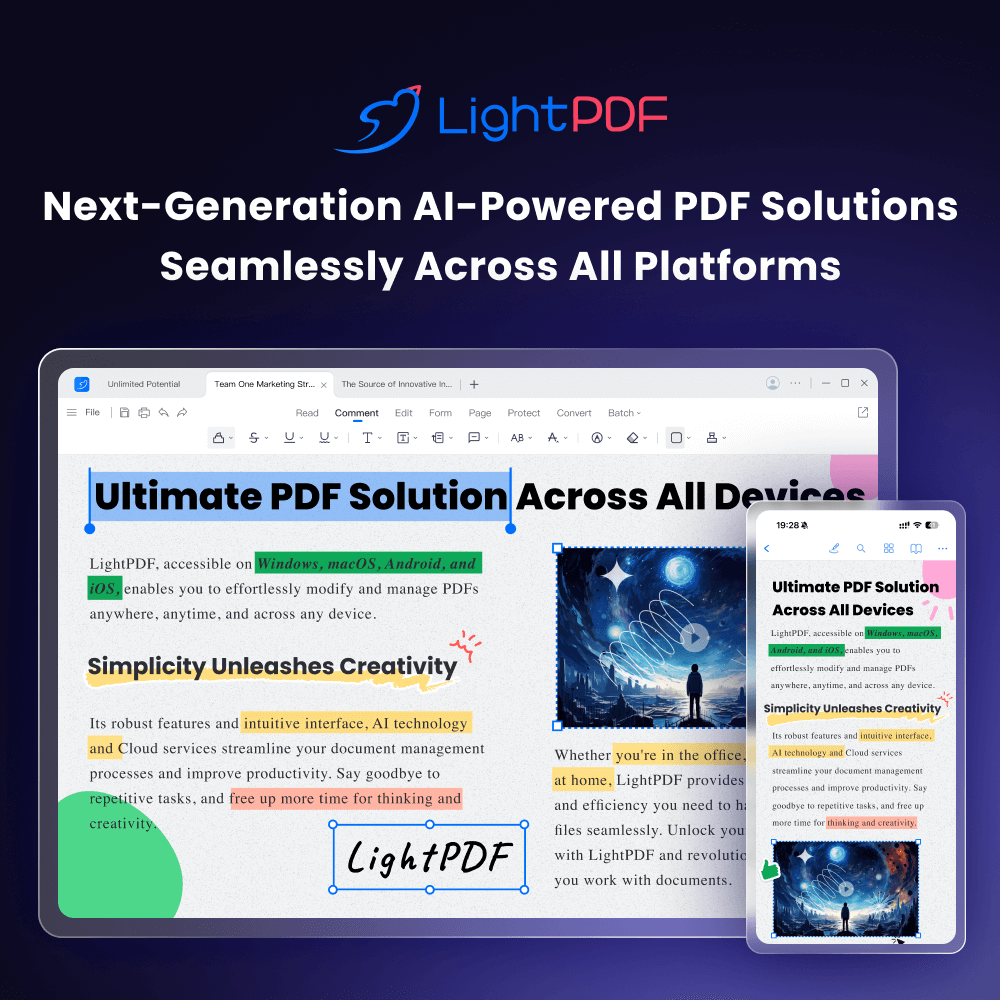
AI-powered online PDF editor — edit, convert, OCR, sign, and chat with your documents across all devices.
 Doc2X
Verified
OCR
Doc2X
Verified
OCR
AI-powered PDF/Image OCR tool that extracts formulas and tables, converts to Word/LaTeX/HTML/Markdown, and translates PDFs with bilingual comparison.
 ReadDocs
Verified
Knowledge Management
ReadDocs
Verified
Knowledge Management
AI tool that summarizes PDFs, Word docs, and images — get a clean summary, key points, and instant Q&A.
 LDX hub
Verified
Data Mining
LDX hub
Verified
Data Mining
AI-powered document processing APIs that turn unstructured text, PDFs, and images into structured data and editable formats.