
PDF Editor
Free online PDF editor — modify text, add signatures, annotate documents, and use AI-powered tools for rewriting and translation.
| What is it | Free online PDF editor — modify text, add signatures, annotate documents, and use AI-powered tools for rewriting and translation. |
|---|---|
| Pricing | Freemium — from $4/mo |
| Free tier | Yes |
| Platform | Web Application |
| Best for | editing contracts and forms, annotating study materials |
| Domain registered | 2016 |
Data updated Sept. 19, 2026
What does PDF Editor do?
PDF Editor is a comprehensive web-based tool that lets you modify PDF documents directly in your browser without installing software. You can edit existing text, change fonts and formatting, add new content, insert images, and annotate documents with highlights and drawings. The tool also includes signature capabilities, allowing you to draw, upload, or type signatures directly onto documents for contracts and forms.
What sets PDF Editor apart is its AI-powered functionality integrated alongside traditional editing tools. The AI can instantly translate content between languages, rewrite passages, generate new text, and summarize lengthy sections of documents. Files are processed securely with end-to-end encryption and automatically deleted from servers within two hours of editing. The platform supports uploads from local devices, Dropbox, and Google Drive, with a clean interface that makes navigation between pages straightforward.
This tool is particularly valuable for students needing to annotate study materials, office workers handling contracts and reports, and small business owners managing documents like invoices and forms. The free version handles files up to 50MB, while paid subscriptions unlock larger file sizes and additional tools like Video Candy and Image Candy, making it a versatile solution for everyday PDF editing needs.
Key features
What makes it stand outWho is PDF Editor for?
Who benefits most from this toolPricing
Free tier available — start without a credit cardWeb + Desktop FREE
- limited file size
- Access to PDF Candy Web
- Access to PDF Candy Desktop
- No ads
- No account needed
Web Monthly
- Access to PDF Candy Web
- No hourly limits
- File size up to 500 MB
- High priority processing
Desktop + Web Yearly
- Access to PDF Candy Web
- Access to PDF Candy Desktop
- No hourly limits
- File size up to 500 MB
- High priority processing
- Video Candy WEB
- Image Candy WEB
Desktop + Web Lifetime
- Access to PDF Candy Web
- Access to PDF Candy Desktop
Trust & presence
Gallery
Click any image to enlargeSimilar tools
 PDFTranslator.org
Verified
Translation
PDFTranslator.org
Verified
Translation
AI-powered tool that translates PDF documents while preserving original formatting across 100+ languages — completely free
 PDF Translator & Editor
Verified
Translate
PDF Translator & Editor
Verified
Translate
Translate PDFs, Word, Excel, and images to 136 languages while preserving the original layout and formatting.
 PDFT.AI
Verified
Translation
PDFT.AI
Verified
Translation
AI-powered PDF translator — upload any document, select languages, get a translated copy with original formatting preserved
 PDFgear
Verified
Documents Generator
PDFgear
Verified
Documents Generator
Free, AI-powered PDF editor — read, edit, convert, sign, and summarize PDFs across all devices without subscriptions
 LightPDF
Verified
Productivity Tools
LightPDF
Verified
Productivity Tools
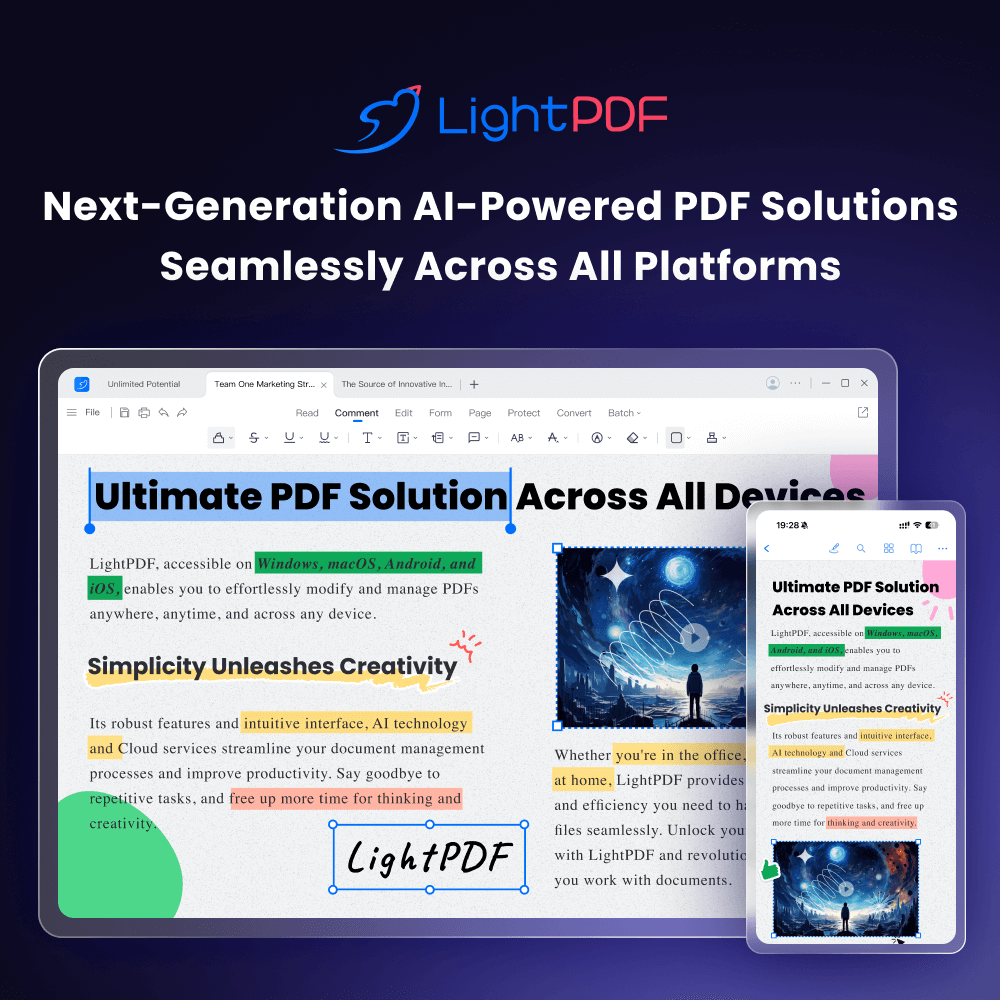
AI-powered online PDF editor — edit, convert, OCR, sign, and chat with your documents across all devices.
 SwifDoo PDF
Verified
Productivity Tools
SwifDoo PDF
Verified
Productivity Tools
AI-powered PDF editor for Windows and Mac — edit text, convert formats, sign documents, and chat with your PDFs.
 Free AI PDF Reader
Verified
Education
Free AI PDF Reader
Verified
Education
Upload a PDF and use AI to summarize, translate, and answer questions about its content instantly.
 Free Doc Translator
Verified
Translation
Free Doc Translator
Verified
Translation
AI-powered document translation tool — upload PDFs, Word docs, and more to get accurate translations in over 120 languages.