
LM Studio
🤖 • Run LLMs on your laptop, entirely offline 📚 • Chat with your local documents 👾 • Use models through the in-app Chat UI or an OpenAI compatible local server
| What is it | 🤖 • Run LLMs on your laptop, entirely offline 📚 • Chat with your local documents 👾 • Use models through the in-app Chat UI or an OpenAI compatible local server |
|---|---|
| Pricing | Unknown |
| Platform | Desktop Application |
| API | Yes |
| Best for | Experimenting with open-source LLMs offline, Developing applications with a local AI backend |
| Domain registered | 2024 |
Data updated Sept. 19, 2026
What does LM Studio do?
LM Studio is a desktop application that lets you discover, download, and run a wide variety of open-source large language models directly on your own computer. It provides a clean, intuitive interface where you can browse models from Hugging Face, download them, and then interact with them through a built-in chat UI. Everything runs entirely offline, meaning your data stays private and you don't need an internet connection to use your chosen model once it's downloaded. It's designed to make powerful AI models accessible to everyone, not just developers.
The tool stands out by offering a completely local, offline experience and an OpenAI-compatible local server, which means you can use it as a backend for other applications that are built to work with OpenAI's API. A particularly powerful feature is the 'Playground' mode, which allows you to run multiple AI models simultaneously and combine their capabilities. It also includes a helpful compatibility checker that estimates whether a specific model will run well on your hardware based on your system's specs, preventing frustrating performance issues.
This tool is a fantastic solution for developers, researchers, and AI enthusiasts who want to experiment with different LLMs without relying on cloud services, dealing with API costs, or compromising on data privacy. Real-world use cases include prototyping applications that use local AI, conducting private research with sensitive data, and simply learning about how different open-source models perform without any coding required.
Key features
What makes it stand outWho is LM Studio for?
Who benefits most from this toolTrust & presence
Alternatives in Chatbot
 LLM Playground
Verified
Chatbot
LLM Playground
Verified
Chatbot
Open-source AI chat platform — talk to any model, roleplay with 237k+ characters, or code with a built-in editor
 HanaVerse
Verified
Chatbot
HanaVerse
Verified
Chatbot
Web-based chat interface for local AI models — connect to your Ollama server and chat with open-source models
 AI21 Maestro
Verified
Chatbot
AI21 Maestro
Verified
Chatbot
HAIMKE is a deep neural language model that turns human-written sentences into full-fledged text. Use it to draft your next blog post, essay, love letter or anything that comes to mind. Have fun! Tag your creation using #madewithHAIMKE
 Taiga
Verified
Chatbot
Taiga
Verified
Chatbot
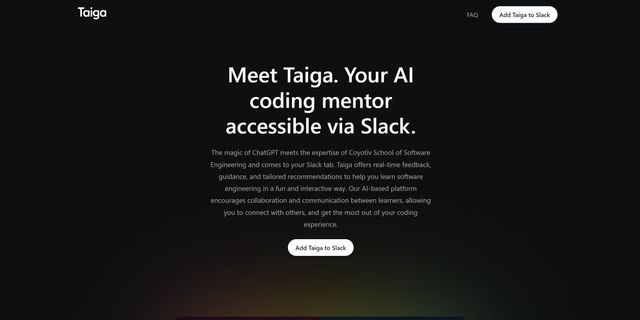
Taiga, your AI coding mentor, integrates Coyotiv School of Software Engineering's expertise into your Slack workspace. Providing instant feedback and guidance, Taiga enriches your engineering journey interactively and fosters collaborative team dialogues.
 reachat
Verified
Chatbot
reachat
Verified
Chatbot
Open-source React library for building customizable AI chat interfaces that work with any backend or LLM.
 Making Chatbots
Verified
Chatbot
Making Chatbots
Verified
Chatbot
Tutorials and open-source projects for Genesys Cloud chatbots, AI agents, and contact center automation
 wit.ai
Verified
Chatbot
wit.ai
Verified
Chatbot
Natural language processing platform — build voice and text interfaces for apps, bots, and devices
 Botcore
Verified
Chatbot
Botcore
Verified
Chatbot
Enterprise AI agent deployment platform — build, integrate, and manage AI agents for customer service and automation.
Similar tools
 LLMChat
Verified
Chat & Assistants
LLMChat
Verified
Chat & Assistants
Open-source, privacy-focused desktop app for AI chat, research, and agentic workflows using your own API keys.
 AnythingLLM
Verified
AI Workspace
AnythingLLM
Verified
AI Workspace
Desktop AI workspace — chat with your documents, use AI agents, and run models locally with full privacy.
 Jan
Verified
Chat & Assistants
Jan
Verified
Chat & Assistants
Open-source desktop app to run LLMs locally — private, offline, and customizable
 Ava PLS
Verified
LLM
Ava PLS
Verified
LLM
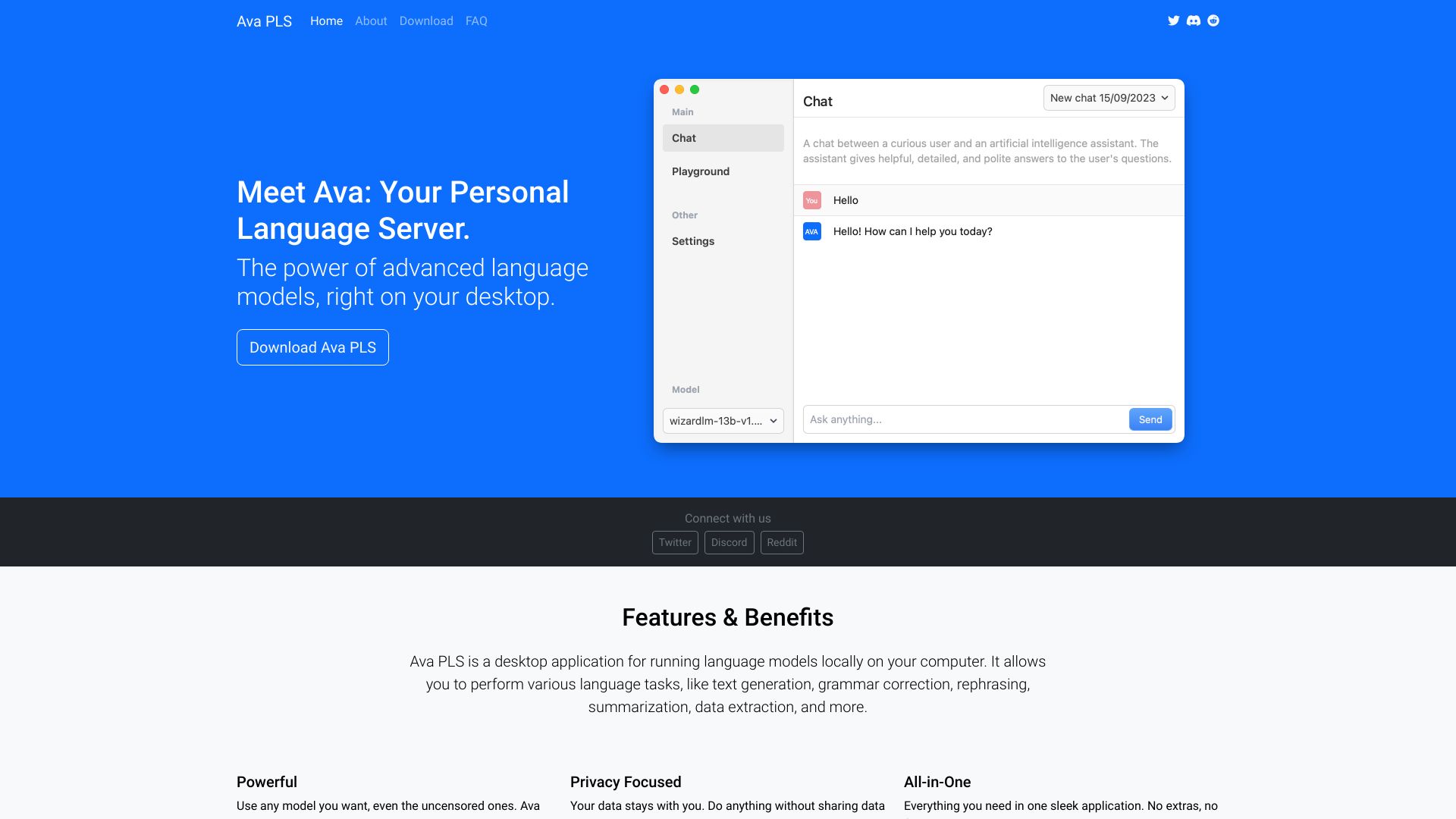
Open-source desktop app to run AI language models locally on your computer.
 ModelHub
Verified
Developer Tools
ModelHub
Verified
Developer Tools
A macOS menu bar app to discover, download, and manage local LLMs, integrating with Ollama, LM Studio, and Hugging Face.
 Sanctum AI
Verified
Models
Sanctum AI
Verified
Models
Run powerful AI models locally on your computer — your data stays private and never leaves your device.
 Lmstudio.ai
Verified
Assistant
Lmstudio.ai
Verified
Assistant
Desktop app to run open LLMs locally, with an agent for document editing, coding, and voice transcription
 LocalBot AI
Verified
Customer Service
LocalBot AI
Verified
Customer Service
AI front desk that answers calls, texts, and DMs, then books appointments and follows up automatically — 24/7 in multiple languages.