
SwifDoo PDF
AI-powered PDF editor for Windows and Mac — edit text, convert formats, sign documents, and chat with your PDFs.
| What is it | AI-powered PDF editor for Windows and Mac — edit text, convert formats, sign documents, and chat with your PDFs. |
|---|---|
| Pricing | Paid — from $2.88/mo |
| Free tier | Yes |
| Platform | Desktop Application |
| Best for | editing contracts and reports, converting scanned documents to editable text |
| Domain registered | 2020 |
Data updated Sept. 19, 2026
What does SwifDoo PDF do?
SwifDoo PDF is a desktop application for Windows and macOS that handles almost any task you can throw at a PDF. It lets you edit text and images directly within a PDF file, convert documents to and from formats like Word and Excel, add electronic signatures, and manage files by merging, splitting, or compressing them. It also includes optical character recognition (OCR) to turn scanned documents into editable and searchable text.
What makes SwifDoo PDF stand out is its integration of AI features directly into the PDF workflow. You can chat with a document to ask questions about its content, get automatic summaries of lengthy reports, translate text within the PDF, and use AI to proofread or rewrite sections. The interface presents these tools alongside traditional editing functions, aiming to be a single hub for document tasks.
This tool is a solid fit for anyone who regularly works with PDFs but wants to move beyond basic viewing. Office professionals can use it to edit contracts and create signed agreements. Students and researchers can benefit from quickly summarizing academic papers or translating foreign texts. For small business owners dealing with invoices, forms, and manuals, having editing, conversion, and signing tools in one place can streamline daily document chores.
Key features
What makes it stand outWho is SwifDoo PDF for?
Who benefits most from this toolPricing
Free tier available — start without a credit cardMonthly Plan
- Access to all SwifDoo PDF features
- 1 end device per plan
- Free upgrade service and tech support
Quarterly Plan
- Access to all SwifDoo PDF features
- 1 end device per plan
- Free upgrade service and tech support
Yearly Plan
- Access to all SwifDoo PDF features
- 2 end devices per plan
- Free upgrade service and tech support
2-Year Plan
- Access to all SwifDoo PDF features
- 2 end devices per plan
- Free upgrade service and tech support
Perpetual Plan (1 PC)
- Access to all SwifDoo PDF features
- 1 end device per plan
- Lifetime free upgrades and tech support
Trust & presence
Gallery
Click any image to enlargeAlternatives in Productivity Tools
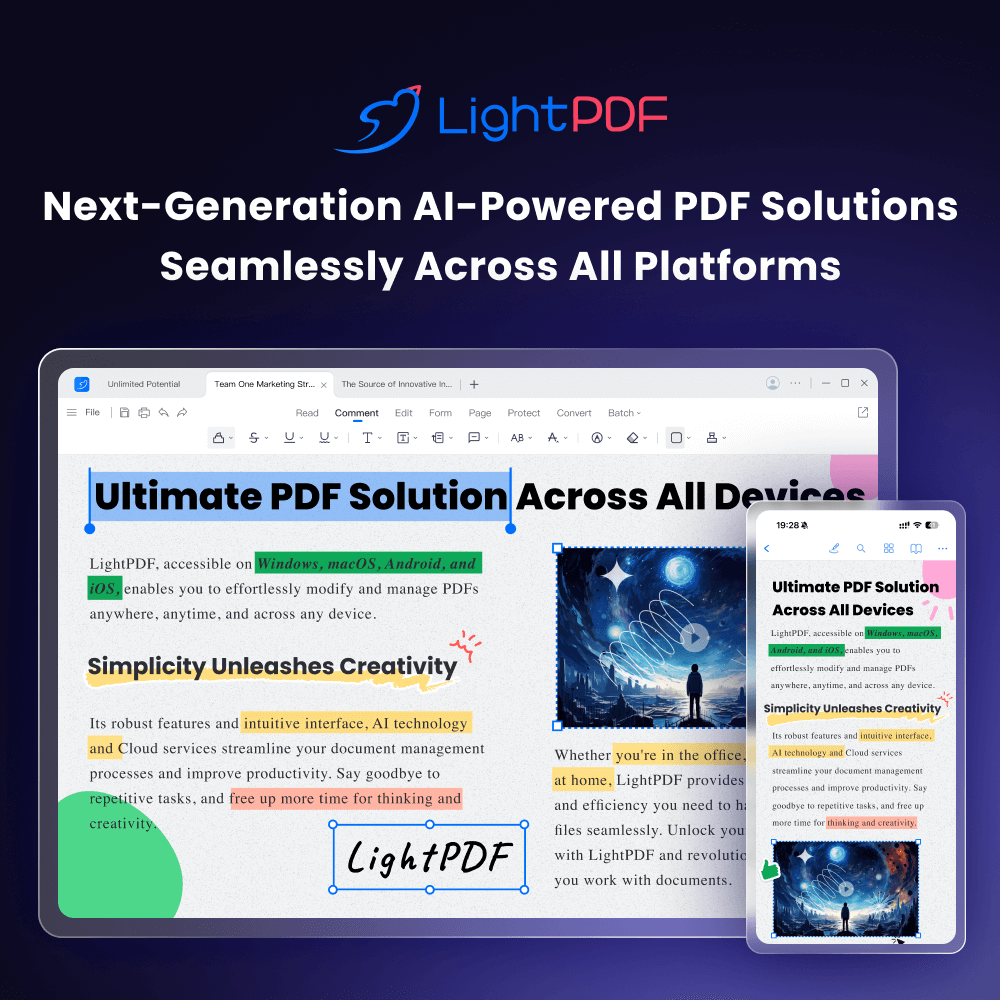 LightPDF
Verified
Productivity Tools
LightPDF
Verified
Productivity Tools
AI-powered online PDF editor — edit, convert, OCR, sign, and chat with your documents across all devices.
 BooBar
Verified
Productivity Tools
BooBar
Verified
Productivity Tools
A menu bar AI assistant for Mac that organizes files, tracks downloads, and manages AI tasks without interrupting your workflow.
 Voiset
Verified
Productivity Tools
Voiset
Verified
Productivity Tools
AI day planner that turns voice notes into tasks, syncs calendars, and schedules your day automatically
 InboxAgents
Verified
Productivity Tools
InboxAgents
Verified
Productivity Tools
AI-powered unified inbox that consolidates messages from email, LinkedIn, Slack, and more to surface only the important ones.
 Zovia Studio
Verified
Productivity Tools
Zovia Studio
Verified
Productivity Tools
A mobile app studio creating calm, AI-powered apps for family organization, inventory, and personal productivity.
 AI Toolbar
Verified
Productivity Tools
AI Toolbar
Verified
Productivity Tools
Chrome extension that adds an AI assistant to any webpage for summarizing, translating, and generating text.
 viaNotion
Verified
Productivity Tools
viaNotion
Verified
Productivity Tools
Browser extension that adds a ChatGPT sidebar to any webpage for instant summarizing, chatting, and text processing.
 Sum Buddy
Verified
Productivity Tools
Sum Buddy
Verified
Productivity Tools
AI-powered spreadsheet assistant that helps you create templates, write formulas, and analyze data through natural language
Similar tools
 PDFChat
Documents
PDFChat
Documents
AI-powered PDF assistant — chat with your documents, analyze tables and figures, get instant answers
 Chat PDF AI
Verified
Knowledge Management
Chat PDF AI
Verified
Knowledge Management
AI-powered PDF assistant — chat with documents, get summaries, and translate content instantly
 aiPDF
Verified
Research Tool
aiPDF
Verified
Research Tool
Chat with any PDF — upload documents, ask questions, and get AI-powered summaries with source references.
 AI PDF Summarizer by PDF Guru
Verified
Knowledge Management
AI PDF Summarizer by PDF Guru
Verified
Knowledge Management
Upload a PDF and get an AI-generated summary plus interactive chat to ask questions about your document.
 PrivacyDoc
Verified
Knowledge
PrivacyDoc
Verified
Knowledge
AI-powered PDF analyzer — upload documents and ask questions to get instant answers and summaries.
 DeepPDF
Verified
Research Tool
DeepPDF
Verified
Research Tool
AI tool to chat with PDFs, translate, summarize, and analyze images and formulas within documents.
 ChatPdf.so
Verified
Assistant
ChatPdf.so
Verified
Assistant
Ask questions, summarize, and generate content from any PDF using AI — like having a conversation with your documents.